

What’s better than using Call Screen Themes Color Phone by VAVA Music Player – MP3 Player, Volume Booster? Well, try it on a big screen, on your PC or Mac, with BlueStacks to see the difference.
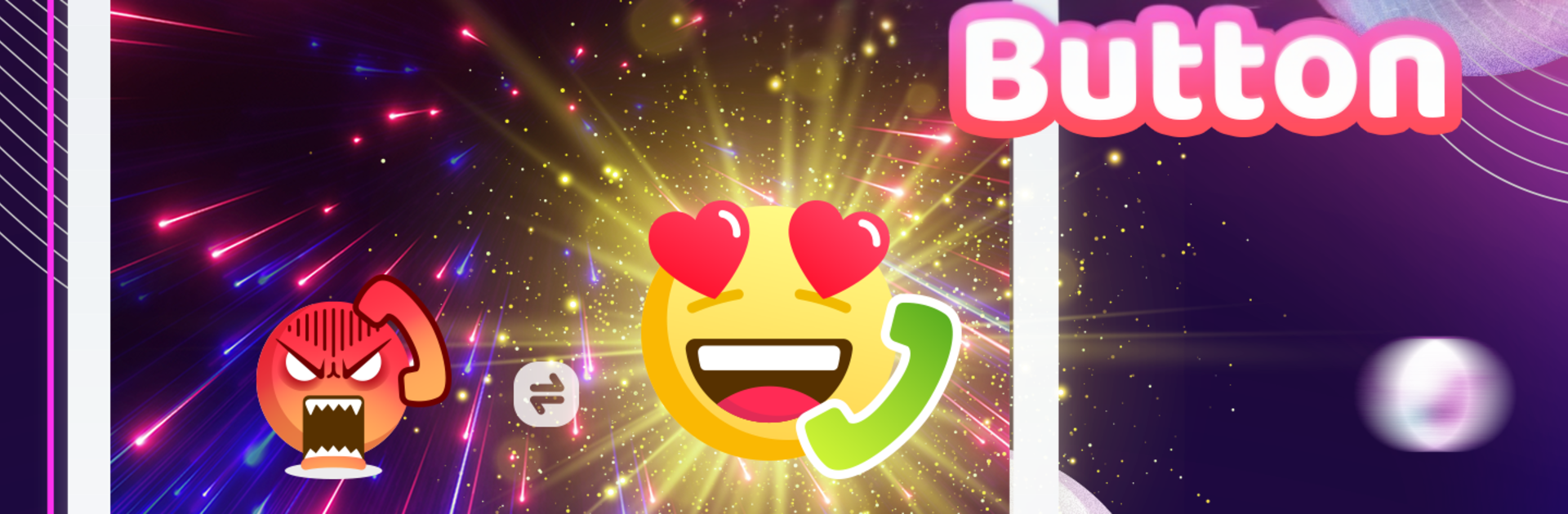
This one is all about making incoming calls look fun instead of boring. It swaps the default call screen with big, animated wallpapers and bright colors, so the whole phone lights up when someone rings. There are tons of styles to scroll through, from glossy neon to softer gradients, and each theme has its own moving answer button with little effects that feel playful without being hard to use. On PC with BlueStacks it is easy to preview everything on a big screen, flip through the designs fast, and see how the animations actually move before setting one. It feels more like picking a lockscreen theme than messing with phone settings.
There is a built in caller ID that shows the name and number clearly, and a color flashlight alert for calls, which helps when sound is off or the device is across the room. New themes drop often, so the gallery keeps changing and it does not feel stale after a week. Setup is simple, basically pick a look and go, no heavy menus or confusing toggles. It suits anyone who wants a loud, visible call screen or just a quick visual alert, and less so for someone who prefers everything minimal and quiet. Runs fine through BlueStacks, smooth scrolling, animations look clean, and switching themes is quick even after trying a bunch back to back.
BlueStacks brings your apps to life on a bigger screen—seamless and straightforward.