
Color Therapy for Adults

Color Therapy for Adults

Entertainment

| Colority

Play on PC with BlueStacks or from our cloud

  • Overview
  • How to Download

Page Modified On: June 03, 2025

Run Color Therapy for Adults on PC or Mac

Why limit yourself to your small screen on the phone? Run Color Therapy for Adults, an app by Colority, best experienced on your PC or Mac with BlueStacks, the world’s #1 Android emulator.

About the App

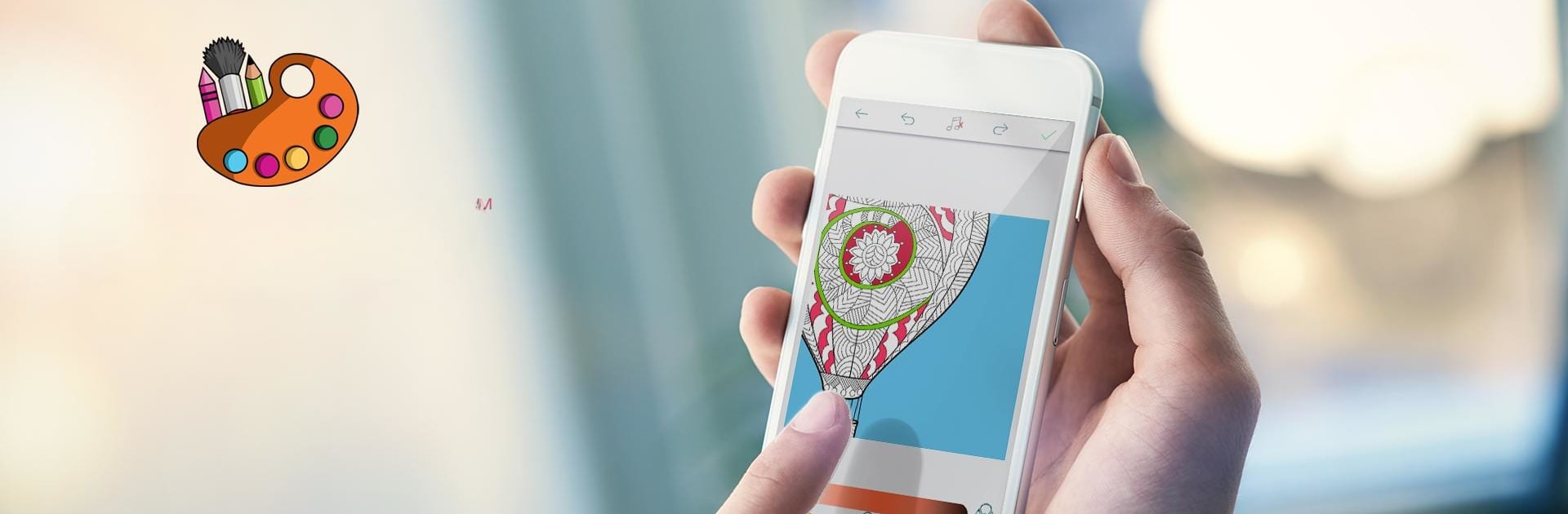
Ever feel like your mind’s racing and you could use a little peace? Color Therapy for Adults by Colority is here to help you wind down, clear your head, and find a pocket of calm right in your day. It’s all about simple, relaxing entertainment, where you get to bring beautiful, detailed images to life, one color at a time—whether you’re on the go or parked on the couch.

App Features

  • Plenty of Images to Choose From
    Jump in with a collection of fifty hand-picked illustrations just waiting for your personal touch. There’s something for every mood, whether you’re into abstract designs or soothing landscapes.

  • Custom Color Palettes
    Pick from ready-made color combinations or craft your own from scratch. It’s easy to find that perfect shade to match your vibe—maybe today you’re feeling all pastels, or you want to go bold.

  • Creative Tools and Extras
    Go beyond plain coloring with fun textures, creative filters, and cute stickers. Your artwork doesn’t have to look like anyone else’s.

  • Easy Controls
    No fiddling around—everything is straightforward, so you can jump right into coloring without a learning curve.

  • Personal Gallery
    Keep your creations organized in your own private collection, and revisit them anytime you need a dose of your own creativity.

  • Night Mode & Power Saver
    Prefer coloring at night? Dim things down and save your device’s battery at the same time.

  • Share with Friends
    When you’re ready, show off what you’ve made. Share your favorite pieces on your socials, straight from the app.

  • Works Great on BlueStacks
    If you want to color on a bigger screen, the app runs smoothly using BlueStacks.

Whether you’re looking to unwind, get creative, or just pass the time, Color Therapy for Adults offers a chill, customizable coloring experience that goes wherever you do.

BlueStacks gives you the much-needed freedom to experience your favorite apps on a bigger screen. Get it now.


How to Download and Run Color Therapy for Adults on PC or Mac

  • Download and install BlueStacks on your PC or Mac

  • Complete Google sign-in to access the Play Store, or do it later

  • Look for Color Therapy for Adults in the search bar at the top right corner

  • Click to install Color Therapy for Adults from the search results

  • Complete Google sign-in (if you skipped step 2) to install Color Therapy for Adults

  • Click the Color Therapy for Adults icon on the home screen to start playing

video
Watch Video

Minimum System Requirements

With BlueStacks 5, you can get started on a PC that fulfills the following requirements.

  • Operating System

    Microsoft Windows 7 or above, macOS 11 (Big Sur) or above

  • Processor

    Intel, AMD or Apple Silicon Processor

  • RAM

    at least 4GB

  • HDD

    10GB Free Disk Space

Note:

* You must be an Administrator on your PC. Up to date graphics drivers from Microsoft or the chipset vendor.

Color Therapy for Adults - FAQs

  • How to Run Color Therapy for Adults on Windows PC & Mac?

    Run Color Therapy for Adults on your PC or Mac by following these simple steps.

    • Click on ‘Download Color Therapy for Adults on PC’ to download BlueStacks
    • Install it and log-in to Google Play Store
    • Launch and run the app.
  • Why is BlueStacks the fastest and safest platform to play games on PC?

    BlueStacks respects your privacy and is always safe and secure to use. It does not carry any malware, spyware, or any sort of additional software that could harm your PC.

    It is engineered to optimize speed and performance for a seamless gaming experience.

  • What are Color Therapy for Adults PC requirements?

    Minimum requirement to run Color Therapy for Adults on your PC

    • OS: Microsoft Windows 7 and above:
    • Processor: Intel or AMD Processor:
    • RAM: Your PC must have at least 2GB of RAM. (Note that having 2GB or more disk space is not a substitute for RAM):
    • HDD: 5GB Free Disk Space.
    • You must be an Administrator on your PC.



