Discovery en Español GO

Discovery en Español GO

Entertainment

| Discovery Communications LLC

Play on PC with BlueStacks or from our cloud

  • Overview
  • How to Download

Page Modified On: August 18, 2026

Run Discovery en Español GO on PC or Mac

Why limit yourself to your small screen on the phone? Run Discovery en Español GO, an app by Discovery Communications LLC, best experienced on your PC or Mac with BlueStacks, the world’s #1 Android emulator.

About the App

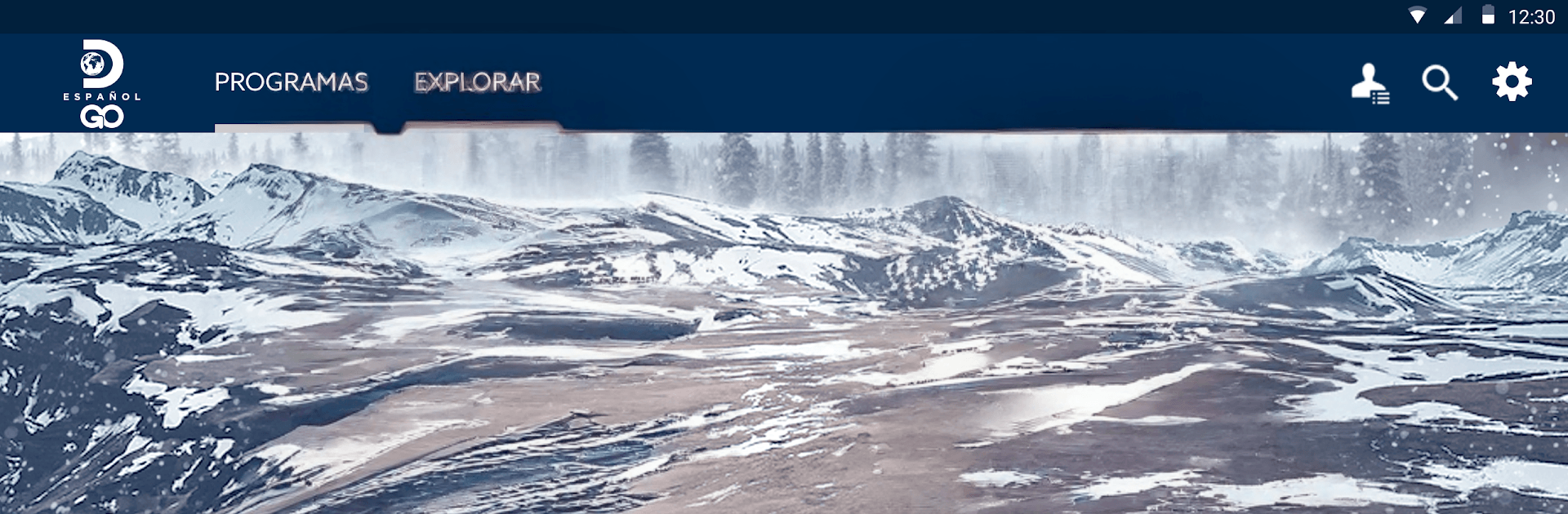
Discovery en Español GO puts real-life stories, bold adventures, and must-see documentaries in Spanish right at your fingertips. It’s all about streaming the shows you love—true crime, survival, nature, cars, and more—on your schedule. This Entertainment app makes it easy to keep up with new episodes and live programming in one clean, easy-to-use place.

App Features

  • Same‑day episodes: Catch new episodes right when they air on TV, so you don’t fall behind.
  • Complete seasons: Settle in and watch full seasons back-to-back whenever the mood hits.
  • Live channel: Stream live programming to see what’s happening on Discovery en Español right now.
  • Big Spanish‑language lineup: From Shark Week and Gold Rush to survival sagas and true-crime favorites, there are thousands of hours to explore in Spanish.
  • Originals and documentaries: Find GO exclusives and award-winning documentaries made for fans who want the real story.
  • Quick search: Look up shows by genre or type in a title—find what you want fast without digging.
  • Subtitles available: Turn on subtitles when you need them for a more comfortable watch.
  • Chromecast support: Cast episodes and live TV to your big screen in just a few taps.
  • TV provider login: Sign in with your participating TV provider to unlock the complete catalog.
  • BlueStacks ready: Prefer a larger display? Run Discovery en Español GO on your computer with BlueStacks for a comfy couch session.

Switch to BlueStacks and make the most of your apps on your PC or Mac.

How to Download and Run Discovery en Español GO on PC or Mac

  • Download and install BlueStacks on your PC or Mac

  • Complete Google sign-in to access the Play Store, or do it later

  • Look for Discovery en Español GO in the search bar at the top right corner

  • Click to install Discovery en Español GO from the search results

  • Complete Google sign-in (if you skipped step 2) to install Discovery en Español GO

  • Click the Discovery en Español GO icon on the home screen to start playing

video
Watch Video

Minimum System Requirements

With BlueStacks 5, you can get started on a PC that fulfills the following requirements.

  • Operating System

    Microsoft Windows 7 or above, macOS 11 (Big Sur) or above

  • Processor

    Intel, AMD or Apple Silicon Processor

  • RAM

    at least 4GB

  • HDD

    10GB Free Disk Space

Note:

* You must be an Administrator on your PC. Up to date graphics drivers from Microsoft or the chipset vendor.

Discovery en Español GO - FAQs

  • How to Run Discovery en Español GO on Windows PC & Mac?

    Run Discovery en Español GO on your PC or Mac by following these simple steps.

    • Click on ‘Download Discovery en Español GO on PC’ to download BlueStacks
    • Install it and log-in to Google Play Store
    • Launch and run the app.
  • Why is BlueStacks the fastest and safest platform to play games on PC?

    BlueStacks respects your privacy and is always safe and secure to use. It does not carry any malware, spyware, or any sort of additional software that could harm your PC.

    It is engineered to optimize speed and performance for a seamless gaming experience.

  • What are Discovery en Español GO PC requirements?

    Minimum requirement to run Discovery en Español GO on your PC

    • OS: Microsoft Windows 7 and above:
    • Processor: Intel or AMD Processor:
    • RAM: Your PC must have at least 2GB of RAM. (Note that having 2GB or more disk space is not a substitute for RAM):
    • HDD: 5GB Free Disk Space.
    • You must be an Administrator on your PC.