



Get freedom from your phone’s obvious limitations. Use ES Mod Installer, made by Alexander S. Salieff, a Entertainment app on your PC or Mac with BlueStacks, and level up your experience.
About the App
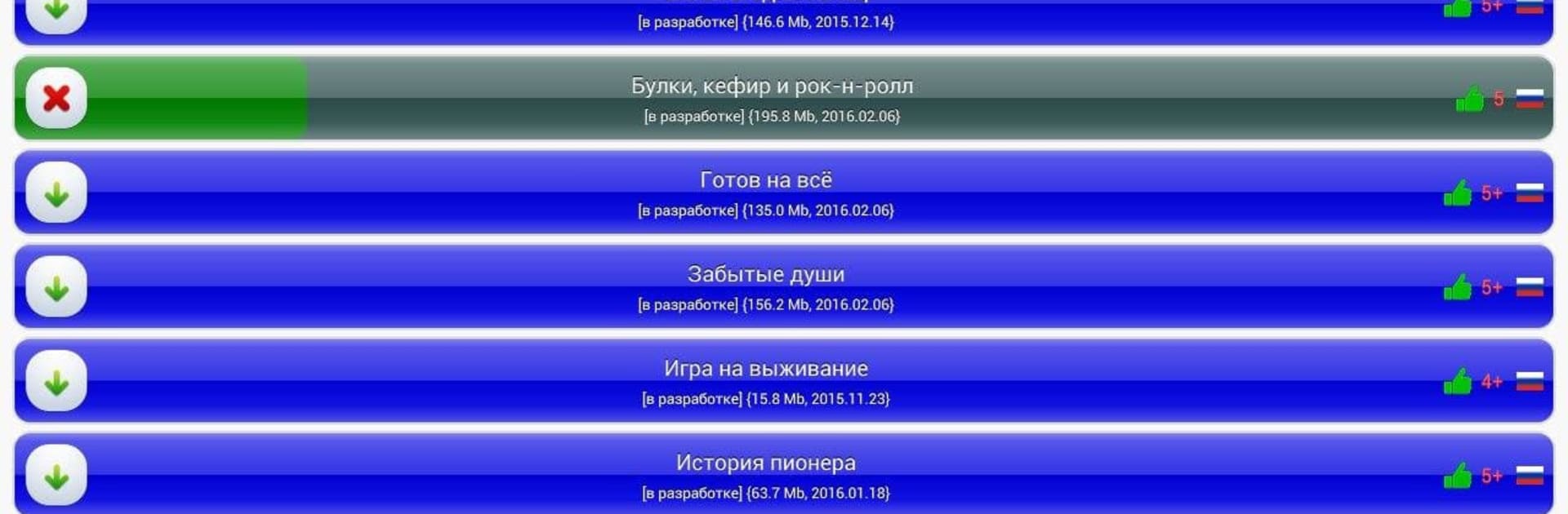
Looking for a smoother way to explore, add, and manage new content for the “Everlasting Summer” visual novel? ES Mod Installer by Alexander S. Salieff is here to help. With this straightforward app, you get an easy way to browse, install, and update your favorite mods and add-ons, all from one spot. No more digging around for files or wondering if an add-on will work—just open the app and enjoy a streamlined experience.
App Features
-
Easy Browsing
Jump right into a full catalog of mods and extra content made just for “Everlasting Summer.” Filters and sorting help you zero in on exactly what you’re looking for—no getting lost in a messy list. -
Fast Install & Updates
Installing a new mod or updating an old favorite is as simple as a tap. The app handles the details, and you’ll see exactly how much progress is being made while downloads are active. -
Handy Filtering and Sorting
Filter add-ons by what’s installed, what’s available, or what’s missing. Sort by rating, popularity, or lifetime stats so you always find the best content first. -
Add-on Management
Installed something you don’t love? It’s easy to remove, and keeping add-ons updated is hassle-free. You can even switch up where your mods are stored, giving you more control over your files (especially handy if you’re using BlueStacks on your computer). -
User Ratings and Feedback
Check out what other players think before downloading. Add your own rating for every add-on you try, and read real feedback right inside the app—no outside searching required. -
In-App Help and Guidance
Not sure how something works? A built-in help section pops up automatically after updates and is always there when you need it. You’ll get useful tips and answers to common questions right in the app. -
Smart Download Handling
Downloads can resume where they left off if interrupted—pretty helpful if your connection drops. The app keeps tabs on unfinished downloads so you don’t lose track. -
Detailed Info for Every Add-on
Tap on any listing to see all the important details: descriptions, current version, install stats, and more. -
Smooth Performance
Bug fixes, interface adjustments, and better compatibility ensure the app runs well on new and older devices alike.
With ES Mod Installer, it’s easier than ever to personalize your “Everlasting Summer” experience, whether you’re on your phone or making things simple on BlueStacks.
Eager to take your app experience to the next level? Start right away by downloading BlueStacks on your PC or Mac.





