
EVA CASH
EVA CASH

EVA CASH

Entertainment

| EvaCash LTD

Play on PC with BlueStacks or from our cloud

  • Overview
  • How to Download

Page Modified On: April 15, 2025

Run EVA CASH on PC or Mac

Get freedom from your phone’s obvious limitations. Use EVA CASH, made by EvaCash LTD, a Entertainment app on your PC or Mac with BlueStacks, and level up your experience.

About the App

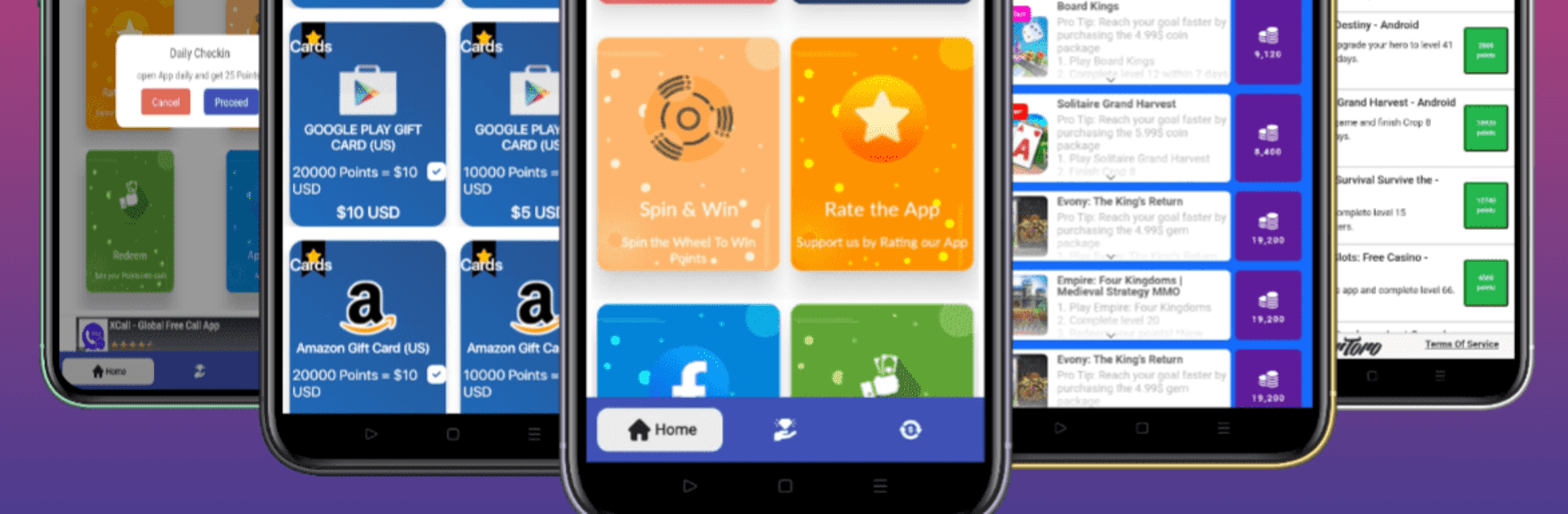
Got some free time? EVA CASH by EvaCash LTD is your fun companion to earn extra cash and gift vouchers. Dive into simple tasks like installing free apps, playing games, completing surveys, and watching videos. Each task rewards you with in-app Coins, which can be exchanged for PayPal Cash and various gift cards.

App Features

Easy Earning Opportunities
– Complete offers with just a few taps—simple tasks like trying out new apps, playing engaging games, or participating in surveys.

Wide Range of Prizes
– Choose from over 160 reward options available in more than 50 countries with leading brands like PayPal, Amazon, and Google Play gift cards.

User-Friendly Experience
– Intuitive design makes finding and completing offers a breeze. Got questions? We’re just a message away.

Secure and Fair
– Play by the rules! Follow our Terms of Service to keep your earnings secure. Avoid restricted activities, like using a VPN, for a fair shot at those rewards.

Enjoy EVA CASH even more on BlueStacks!

Big screen. Bigger performance. Use BlueStacks on your PC or Mac to run your favorite apps.

How to Download and Run EVA CASH on PC or Mac

  • Download and install BlueStacks on your PC or Mac

  • Complete Google sign-in to access the Play Store, or do it later

  • Look for EVA CASH in the search bar at the top right corner

  • Click to install EVA CASH from the search results

  • Complete Google sign-in (if you skipped step 2) to install EVA CASH

  • Click the EVA CASH icon on the home screen to start playing

video
Watch Video

Minimum System Requirements

With BlueStacks 5, you can get started on a PC that fulfills the following requirements.

  • Operating System

    Microsoft Windows 7 or above, macOS 11 (Big Sur) or above

  • Processor

    Intel, AMD or Apple Silicon Processor

  • RAM

    at least 4GB

  • HDD

    10GB Free Disk Space

Note:

* You must be an Administrator on your PC. Up to date graphics drivers from Microsoft or the chipset vendor.

EVA CASH - FAQs

  • How to Run EVA CASH on Windows PC & Mac?

    Run EVA CASH on your PC or Mac by following these simple steps.

    • Click on ‘Download EVA CASH on PC’ to download BlueStacks
    • Install it and log-in to Google Play Store
    • Launch and run the app.
  • Why is BlueStacks the fastest and safest platform to play games on PC?

    BlueStacks respects your privacy and is always safe and secure to use. It does not carry any malware, spyware, or any sort of additional software that could harm your PC.

    It is engineered to optimize speed and performance for a seamless gaming experience.

  • What are EVA CASH PC requirements?

    Minimum requirement to run EVA CASH on your PC

    • OS: Microsoft Windows 7 and above:
    • Processor: Intel or AMD Processor:
    • RAM: Your PC must have at least 2GB of RAM. (Note that having 2GB or more disk space is not a substitute for RAM):
    • HDD: 5GB Free Disk Space.
    • You must be an Administrator on your PC.




