
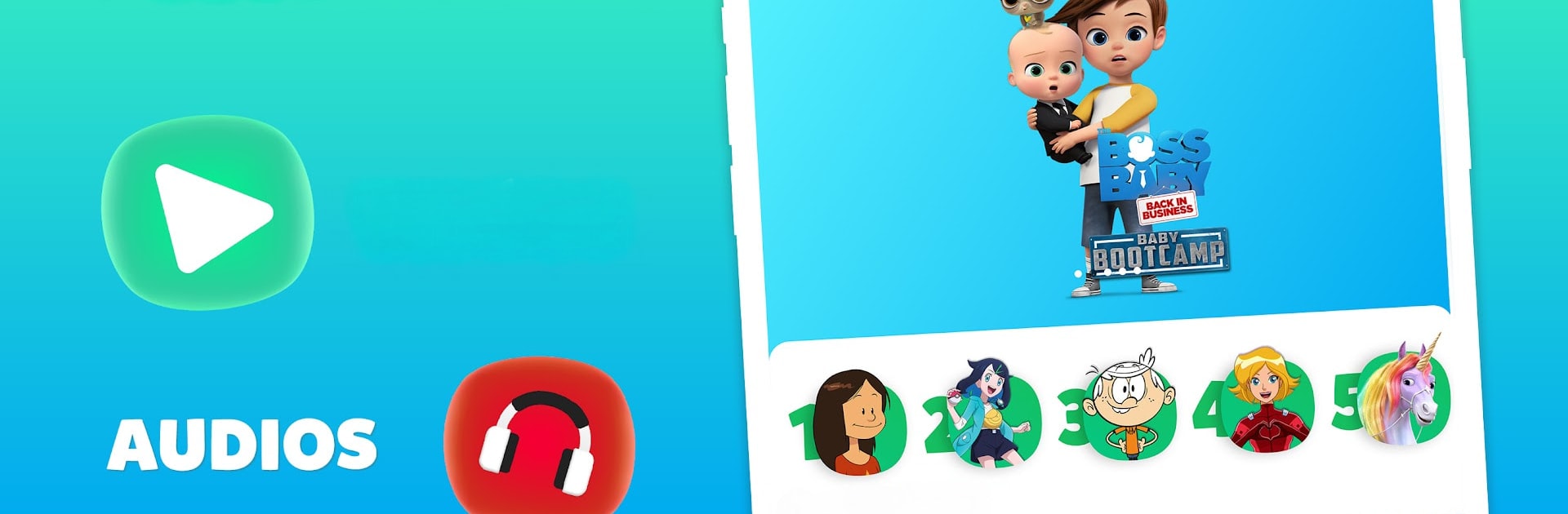
Gulli, Vidéos, Audios et Jeux

Gulli, Vidéos, Audios et Jeux

Entertainment

| Jeunesse TV

Play on PC with BlueStacks or from our cloud

  • Overview
  • How to Download

Page Modified On: September 02, 2025

Run Gulli, Vidéos, Audios et Jeux on PC or Mac

Multitask effortlessly on your PC or Mac as you try out Gulli, Vidéos, Audios et Jeux, a Entertainment app by Jeunesse TV on BlueStacks.

About the App

Gulli, Vidéos, Audios et Jeux brings shows, stories, and games together in one easy place for the whole family. It feels friendly from the start—simple to use, safe for kids, and fun to customize. It’s an Entertainment app from Jeunesse TV that lets you stream, listen, and play whenever you’ve got a few minutes to spare.

App Features

  • All-in-one fun — Stream cartoons, series, and shows from the Gulli universe with fresh drops every week, plus previews and special exclusives. Think Totally Spies, Pokémon, The Sisters, ALVINNN!!! and the Chipmunks, Quantum Heroes Dinoster, Kally’s Mashup, ALF, Franky, and more.

  • Screen-free listening — Explore a big library of podcasts: captivating stories, nursery rhymes, and gentle learning or relaxation sessions. You’ll find adventures with Marine and Wendy from The Sisters, The Bizarres Podcast with Mortelle Adèle, songs and rhymes with Titounis and CocoMelon, and plenty of new tales to discover.

  • Playable adventures — Dozens of quick, kid-friendly games starring favorite heroes. Train with Alvin, help Wendy chase cuddly toys in “Pestouille Power 3,” catch as many Pokémon as you can, or surf the waves with Zig and Sharko.

  • Kid-friendly profiles — Create up to 10 profiles and tailor the experience per child. Set viewing time, adjust age settings, and restrict specific videos if you need to.

  • Make it yours — Choose a hero avatar, pick favorite programs, switch up wallpapers, and enjoy themed looks inspired by what’s new on Gulli.

  • GulliMax membership — Unlock 4,000+ videos with monthly exclusives, watch with no ads, get early access to select content, and download episodes to enjoy offline on your phone or tablet.

  • Flexible access — Content and replay availability may vary by country. Prefer a bigger screen? You can also use BlueStacks to enjoy it on your PC.

BlueStacks brings your apps to life on a bigger screen—seamless and straightforward.

How to Download and Run Gulli, Vidéos, Audios et Jeux on PC or Mac

  • Download and install BlueStacks on your PC or Mac

  • Complete Google sign-in to access the Play Store, or do it later

  • Look for Gulli, Vidéos, Audios et Jeux in the search bar at the top right corner

  • Click to install Gulli, Vidéos, Audios et Jeux from the search results

  • Complete Google sign-in (if you skipped step 2) to install Gulli, Vidéos, Audios et Jeux

  • Click the Gulli, Vidéos, Audios et Jeux icon on the home screen to start playing

video
Watch Video

Minimum System Requirements

With BlueStacks 5, you can get started on a PC that fulfills the following requirements.

  • Operating System

    Microsoft Windows 7 or above, macOS 11 (Big Sur) or above

  • Processor

    Intel, AMD or Apple Silicon Processor

  • RAM

    at least 4GB

  • HDD

    10GB Free Disk Space

Note:

* You must be an Administrator on your PC. Up to date graphics drivers from Microsoft or the chipset vendor.

Gulli, Vidéos, Audios et Jeux - FAQs

  • How to Run Gulli, Vidéos, Audios et Jeux on Windows PC & Mac?

    Run Gulli, Vidéos, Audios et Jeux on your PC or Mac by following these simple steps.

    • Click on ‘Download Gulli, Vidéos, Audios et Jeux on PC’ to download BlueStacks
    • Install it and log-in to Google Play Store
    • Launch and run the app.
  • Why is BlueStacks the fastest and safest platform to play games on PC?

    BlueStacks respects your privacy and is always safe and secure to use. It does not carry any malware, spyware, or any sort of additional software that could harm your PC.

    It is engineered to optimize speed and performance for a seamless gaming experience.

  • What are Gulli, Vidéos, Audios et Jeux PC requirements?

    Minimum requirement to run Gulli, Vidéos, Audios et Jeux on your PC

    • OS: Microsoft Windows 7 and above:
    • Processor: Intel or AMD Processor:
    • RAM: Your PC must have at least 2GB of RAM. (Note that having 2GB or more disk space is not a substitute for RAM):
    • HDD: 5GB Free Disk Space.
    • You must be an Administrator on your PC.




