Horror Toilet Mods Minecraft

Horror Toilet Mods Minecraft

Entertainment

| ModsGuru

Play on PC with BlueStacks or from our cloud

  • Overview
  • How to Download

Page Modified On: October 10, 2025

Run Horror Toilet Mods Minecraft on PC or Mac

Let BlueStacks turn your PC, Mac, or laptop into the perfect home for Horror Toilet Mods Minecraft, a fun Entertainment app from ModsGuru.

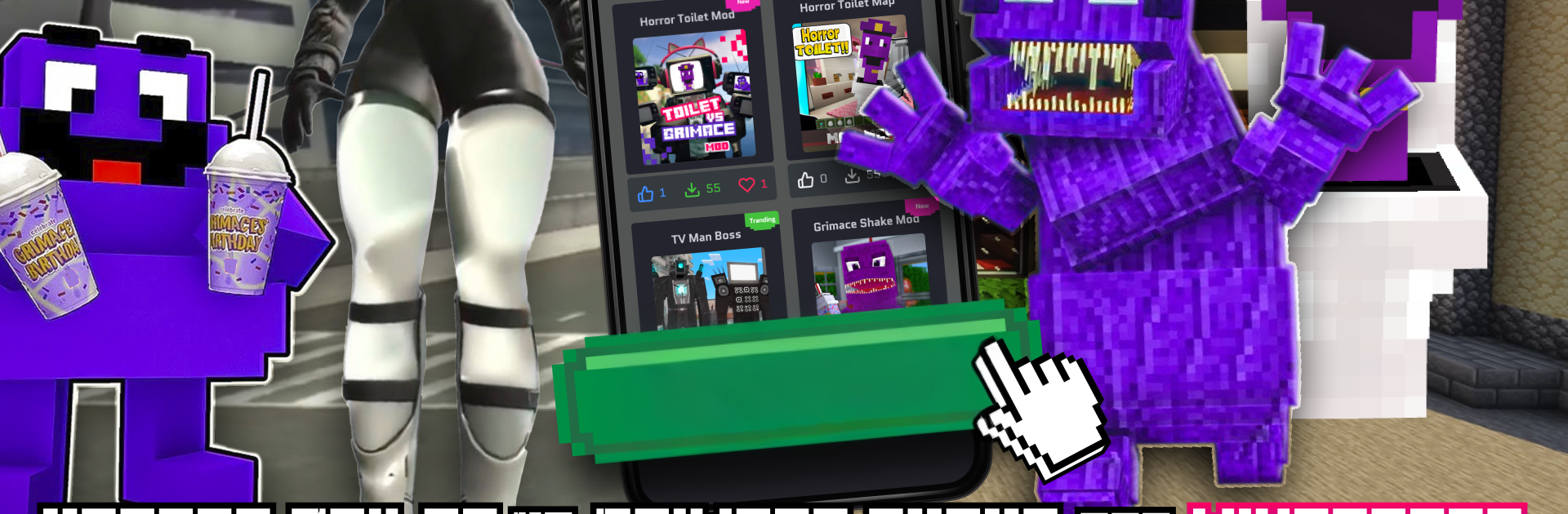
Horror Toilet Mods Minecraft is basically a big mod hub that turns Minecraft into a weird horror playground. Think goofy scares mixed with actual tense moments. One minute it is a toilet monster stomping around, the next it is that purple Grimace Shake showing up like a cursed item. The packs throw in new creatures, odd dimensions, and little reality-bending tricks that make familiar worlds feel off in a fun way. It is not a standalone game, it is a collection for people who already play Minecraft and want the scary-silly side of it, with skins and characters to match.

There is a lot to browse, with a large catalog of add-ons, maps, and skins that install with very little fuss. On PC with BlueStacks, scrolling through everything on a larger screen feels easier, and picking a few packs to test is straightforward. The tone of it all stays playful even when the monsters jump out, so it does not lean into gore, more cartoon-horror chaos. Updates show up often, so new packs keep popping in. There is a premium option that turns on unlimited downloads, removes ads, and says new content comes weekly. Heads up though, it runs as a subscription after a short trial and renews weekly, which is not cheap. It is an unofficial tool for Minecraft, so it needs the main game to actually use the stuff. If someone likes strange crossovers and quick-install mod packs, this hits that itch.

Switch to BlueStacks and make the most of your apps on your PC or Mac.

How to Download and Run Horror Toilet Mods Minecraft on PC or Mac

  • Download and install BlueStacks on your PC or Mac

  • Complete Google sign-in to access the Play Store, or do it later

  • Look for Horror Toilet Mods Minecraft in the search bar at the top right corner

  • Click to install Horror Toilet Mods Minecraft from the search results

  • Complete Google sign-in (if you skipped step 2) to install Horror Toilet Mods Minecraft

  • Click the Horror Toilet Mods Minecraft icon on the home screen to start playing

video
Watch Video

Minimum System Requirements

With BlueStacks 5, you can get started on a PC that fulfills the following requirements.

  • Operating System

    Microsoft Windows 7 or above, macOS 11 (Big Sur) or above

  • Processor

    Intel, AMD or Apple Silicon Processor

  • RAM

    at least 4GB

  • HDD

    10GB Free Disk Space

Note:

* You must be an Administrator on your PC. Up to date graphics drivers from Microsoft or the chipset vendor.

Horror Toilet Mods Minecraft - FAQs

  • How to Run Horror Toilet Mods Minecraft on Windows PC & Mac?

    Run Horror Toilet Mods Minecraft on your PC or Mac by following these simple steps.

    • Click on ‘Download Horror Toilet Mods Minecraft on PC’ to download BlueStacks
    • Install it and log-in to Google Play Store
    • Launch and run the app.
  • Why is BlueStacks the fastest and safest platform to play games on PC?

    BlueStacks respects your privacy and is always safe and secure to use. It does not carry any malware, spyware, or any sort of additional software that could harm your PC.

    It is engineered to optimize speed and performance for a seamless gaming experience.

  • What are Horror Toilet Mods Minecraft PC requirements?

    Minimum requirement to run Horror Toilet Mods Minecraft on your PC

    • OS: Microsoft Windows 7 and above:
    • Processor: Intel or AMD Processor:
    • RAM: Your PC must have at least 2GB of RAM. (Note that having 2GB or more disk space is not a substitute for RAM):
    • HDD: 5GB Free Disk Space.
    • You must be an Administrator on your PC.