

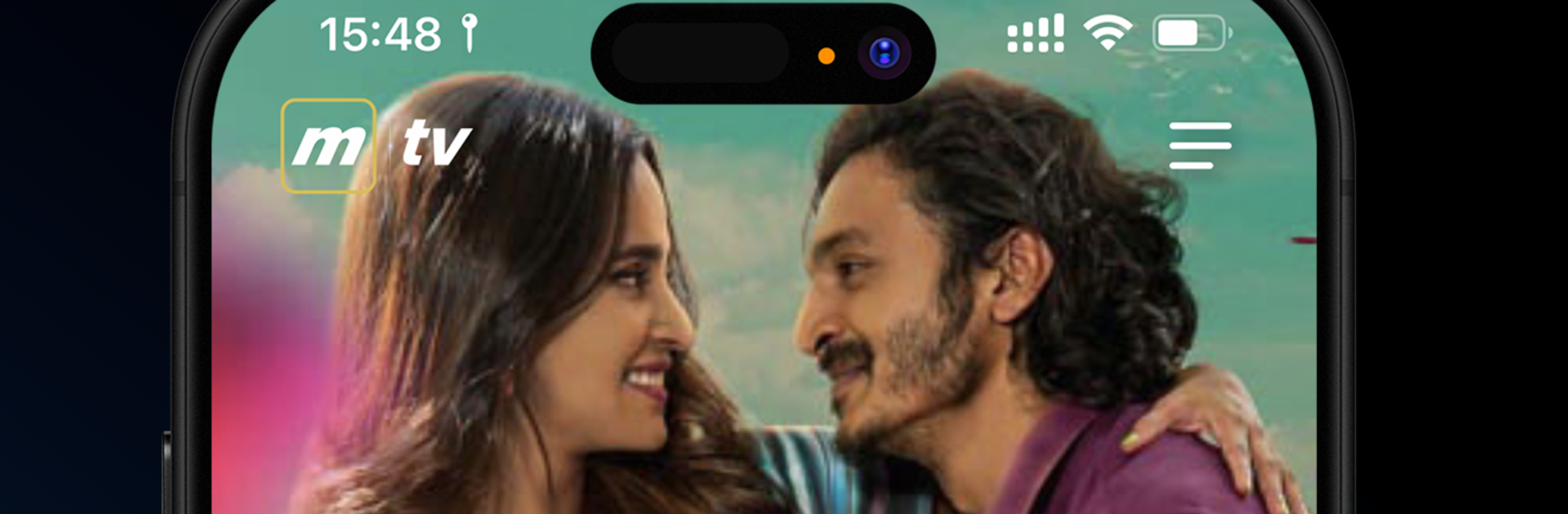


Why limit yourself to your small screen on the phone? Run Medianet TV, an app by Medianet Private Limited, best experienced on your PC or Mac with BlueStacks, the world’s #1 Android emulator.
Medianet TV feels like a simple, no-fuss way to watch Maldivian channels on a bigger screen. The focus is live TV, more than 30 channels that cover local news, sports, and the usual everyday shows. The neat part is CatchUp. The app lets viewers rewind the schedule by four days, pick an episode, and play it without dealing with recordings or setup. Missed a match or last night’s drama finale, it is right there in the timeline. The layout is clean and basic, a channel list and guide that makes sense, so there is not much learning curve.
Running it on a PC with BlueStacks makes the whole thing feel like a mini set-top box on the desk. Full screen looks good, and using a mouse to hop through the guide or switch channels is quick. It is clearly built for phones and tablets, so controls are big and easy, and that actually helps on a laptop too. It suits anyone who just wants local TV without extra features getting in the way. Content is centered on the Maldives, so that is the main draw. The app does what it says, live channels plus a four day buffer for catching up, and it keeps the rest out of the way so watching stays smooth.
Big screen. Bigger performance. Use BlueStacks on your PC or Mac to run your favorite apps.





