

Let BlueStacks turn your PC, Mac, or laptop into the perfect home for MY J:COM, a fun Entertainment app from JCOM株式会社.
About the App
MY J:COM is your all‑in‑one hub for J:COM services—TV, internet, mobile, electricity, support, perks, and more—wrapped in one easy app. It’s built to make everyday stuff simpler, whether you’re setting a recording on the train or checking your bill on the couch. Prefer a bigger screen? You can also use MY J:COM on your PC or Mac with BlueStacks.
App Features
- TV anywhere: Set recordings remotely and watch compatible channels or recordings at home or on the go. Some features may require specific J:COM equipment or apps.
- Smart program guide: Switch between list or grid views, filter by genre or time, and search by title or cast. There’s even a pro baseball calendar.
- Recommendations: See picks from J:COM for TV and on‑demand titles so you always have something to watch.
- Internet tools: Run a home speed check and get tips to improve it. View your plan details, Wi‑Fi SSID/password, plus security and email settings.
- Mobile service hub: Check remaining data, plan and device fees, buy extra data when you need it, and block nuisance calls or texts.
- Power usage tracker: Track electricity usage and charges with monthly, daily, and hourly graphs.
- Helpful support: Use guided troubleshooting, quick-start tutorials for new users, and chat support when you need a hand.
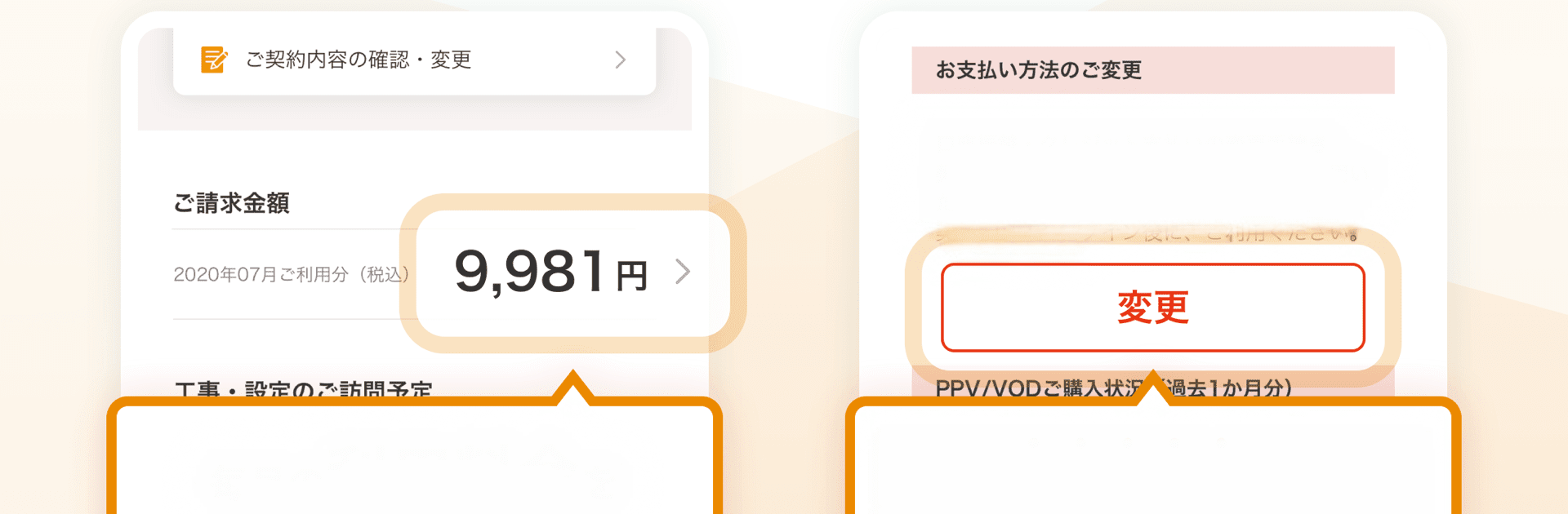
- My Page & payments: Handle moves, update payment methods, review contracts and billing, add or change services, and manage visit schedules.
- Online medical care: Book video visits with doctors and arrange medication pickup—all from home.
- Member perks: Enter J:COM events and giveaways and grab member‑only discount coupons.
- Columns to enjoy: Read heartful words and sermon videos from Jakucho Setouchi and a sports column by Kiyozumi Ninomiya.
- Local info: Watch local programs, set trash day reminders, check event and evacuation info, and see community notices and safety updates.
- J:COM shortcuts: Launch other J:COM apps right from MY J:COM.
- Notes & availability: Login with your J:COM Personal ID is required. Features can vary by area, plan, device, and Android version (6.0+). Data charges may apply; phones without calling functions may have limited features.
Eager to take your app experience to the next level? Start right away by downloading BlueStacks on your PC or Mac.