
Ocarina
Ocarina

Ocarina

Entertainment

| Leugim Starwind

Play on PC with BlueStacks or from our cloud

  • Overview
  • How to Download

Page Modified On: September 05, 2025

Run Ocarina on PC or Mac

Multitask effortlessly on your PC or Mac as you try out Ocarina, a Entertainment app by Leugim Starwind on BlueStacks.

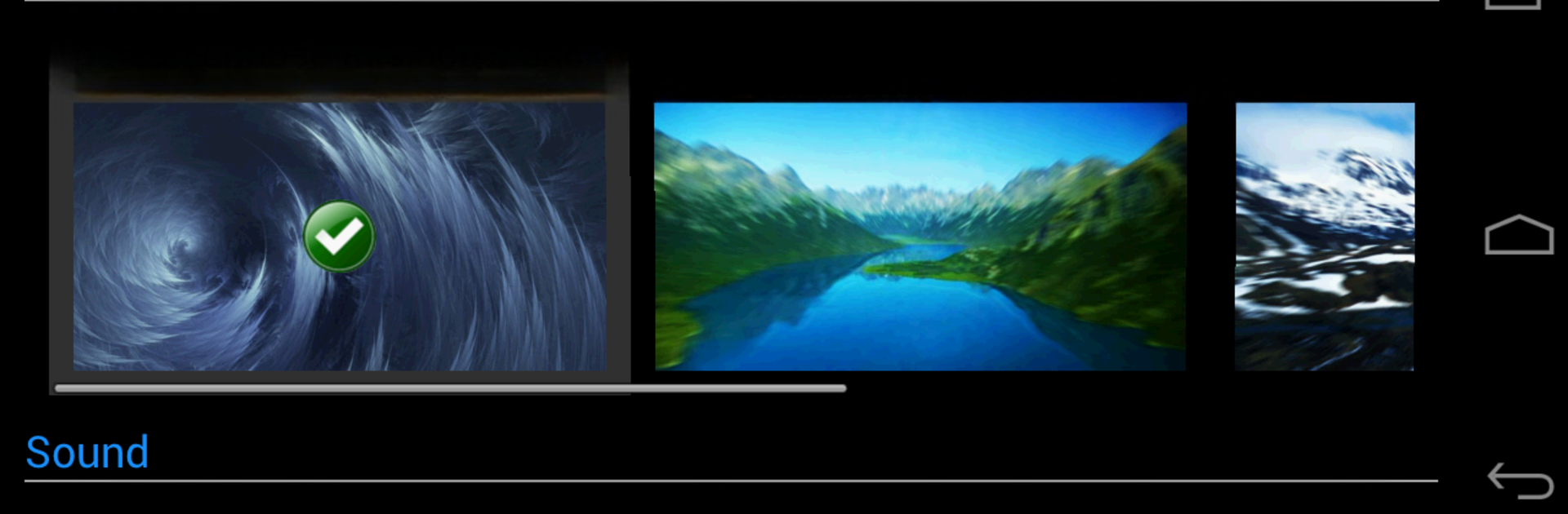
Ocarina feels like a tiny instrument table that lives on the screen. It is not only an ocarina. There are pipes that sound like trumpets, a simple drum pad, a guitar, and a harp that is still in beta with a few built in tunes. Notes last for about five seconds and fade out soft, which makes everything feel less harsh and more musical. The cool trick is pitch control. Hold a note and slide the pitch while it rings, or set how quickly sounds decay so hits are short or long. There is a toggle for song recognition too, so a person can let the app try to guess a tune or turn that off and just noodle around freely. The background can be swapped anytime, even a custom picture if someone wants the app to look more personal.

On a PC with BlueStacks, it works well because tapping with a mouse or mapping keys makes double inputs easier, so changing pitch while holding a note is not a fight. The bigger screen helps with hitting the right spots without crowding fingers together. It supports English, Spanish, French, Italian, and Japanese, which is handy for menus. Older Android versions may not handle the two button pitch stuff, and some devices with basic audio chips can pop or click if pushed too fast. Lowering volume helps. There is an immersive mode that hides the navigation bar on newer Androids, though on desktop that is not really a thing people need.

BlueStacks gives you the much-needed freedom to experience your favorite apps on a bigger screen. Get it now.


How to Download and Run Ocarina on PC or Mac

  • Download and install BlueStacks on your PC or Mac

  • Complete Google sign-in to access the Play Store, or do it later

  • Look for Ocarina in the search bar at the top right corner

  • Click to install Ocarina from the search results

  • Complete Google sign-in (if you skipped step 2) to install Ocarina

  • Click the Ocarina icon on the home screen to start playing

video
Watch Video

Minimum System Requirements

With BlueStacks 5, you can get started on a PC that fulfills the following requirements.

  • Operating System

    Microsoft Windows 7 or above, macOS 11 (Big Sur) or above

  • Processor

    Intel, AMD or Apple Silicon Processor

  • RAM

    at least 4GB

  • HDD

    10GB Free Disk Space

Note:

* You must be an Administrator on your PC. Up to date graphics drivers from Microsoft or the chipset vendor.

Ocarina - FAQs

  • How to Run Ocarina on Windows PC & Mac?

    Run Ocarina on your PC or Mac by following these simple steps.

    • Click on ‘Download Ocarina on PC’ to download BlueStacks
    • Install it and log-in to Google Play Store
    • Launch and run the app.
  • Why is BlueStacks the fastest and safest platform to play games on PC?

    BlueStacks respects your privacy and is always safe and secure to use. It does not carry any malware, spyware, or any sort of additional software that could harm your PC.

    It is engineered to optimize speed and performance for a seamless gaming experience.

  • What are Ocarina PC requirements?

    Minimum requirement to run Ocarina on your PC

    • OS: Microsoft Windows 7 and above:
    • Processor: Intel or AMD Processor:
    • RAM: Your PC must have at least 2GB of RAM. (Note that having 2GB or more disk space is not a substitute for RAM):
    • HDD: 5GB Free Disk Space.
    • You must be an Administrator on your PC.



