

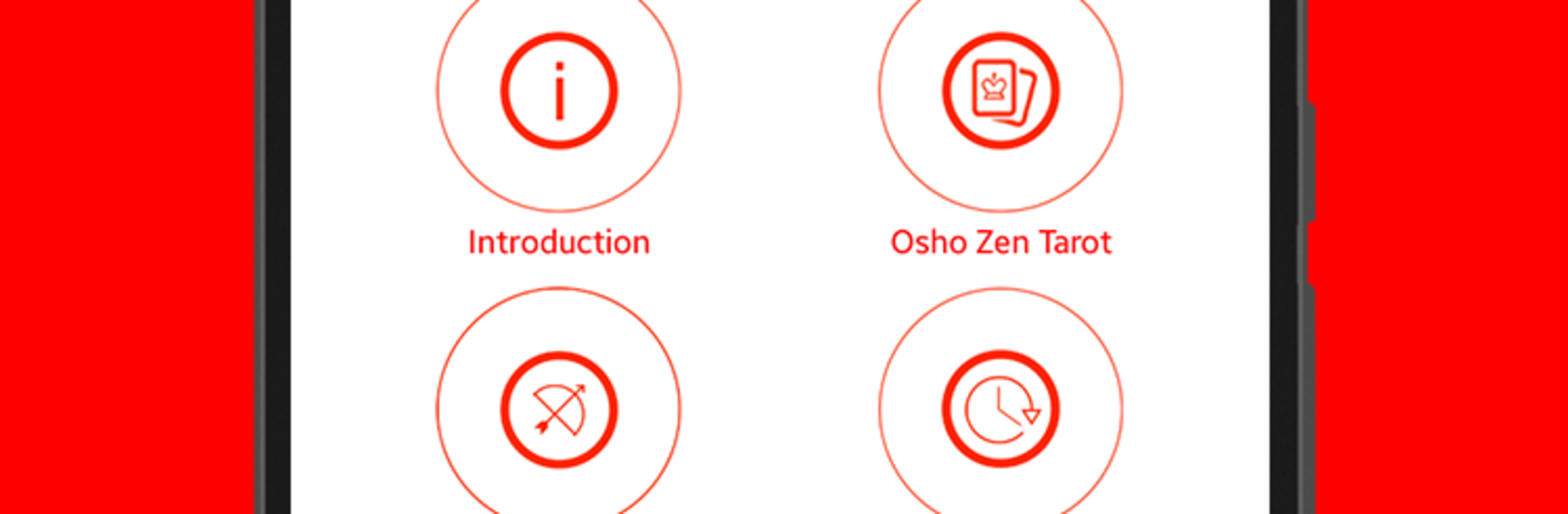


Why limit yourself to your small screen on the phone? Run Osho Zen Tarot, an app by Osho International, best experienced on your PC or Mac with BlueStacks, the world’s #1 Android emulator.
Osho Zen Tarot feels less like fortune telling and more like a calm check-in with the present moment. Instead of asking what will happen next, the app nudges a person to look at what is going on right now and what might be shifting inside. The deck has over 79 cards with bright, contemporary artwork that looks great on a bigger screen. Running it on a PC with BlueStacks makes the colors pop and the text easier to read, and tapping through spreads with a mouse feels simple. Each card comes with down to earth commentary, plus a guide for when someone wants a bit more context without digging through long explanations.
There are several ways to draw cards, from quick one-card pulls to fuller layouts when a longer sit-down feels right. Favorites can be saved, both cards and spreads, so a person can return to themes that keep showing up. It runs offline, which suits a quiet moment, and there are options to share a pull to social if that is a thing someone likes. The language support is wide, so non-English readers are not left out. The whole flow stays clean and unhurried. Open the app, pick a layout, flip a card, read a short commentary that speaks more to state of mind than external events, then go back to the day with something to reflect on.
Switch to BlueStacks and make the most of your apps on your PC or Mac.





