




What’s better than using Paint for kids by Mark Tushkevich? Well, try it on a big screen, on your PC or Mac, with BlueStacks to see the difference.
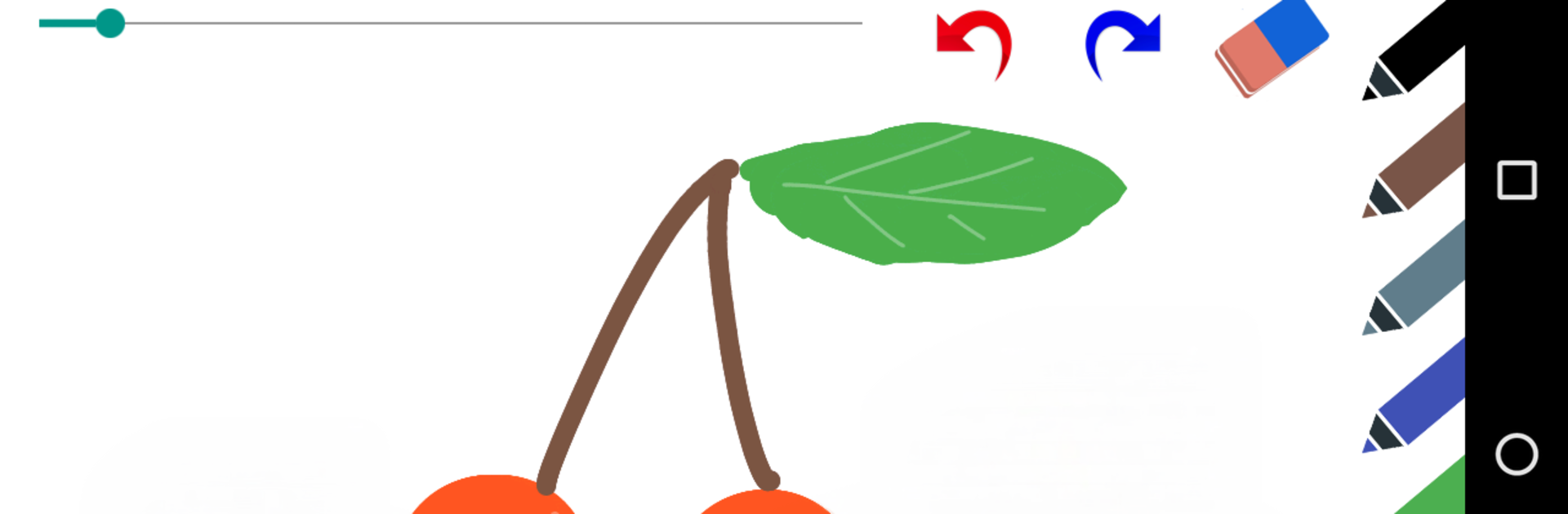
Paint for kids is exactly what it sounds like, a super simple art pad that kids can jump into without asking for help every minute. Big buttons, bright colors, and no clutter. On PC with BlueStacks it feels even easier, since the canvas is large and the mouse makes clean lines. The brush tool has a few sizes, so tiny details or chunky strokes are both fine, and the eraser behaves like a soft undo when someone colors outside the line. There is also proper Undo and Redo, which saves nerves when a perfect sun suddenly turns into a blob.
The color palette is straightforward, lots of solid picks right up front. Kids can open a photo and doodle on top of it, which is fun for birthday signs or goofy captions. When a masterpiece happens, saving is one tap and sharing is there too. The best bit is that there are no ads at all, so no weird popups or accidental trips out of the app, just drawing. It feels calm and focused. Tools are minimal but that is the point, nothing gets in the way of scribbling and practicing a steady hand. On BlueStacks the whole thing runs smooth in fullscreen, so the art space feels roomy and easy to control.
Switch to BlueStacks and make the most of your apps on your PC or Mac.





