
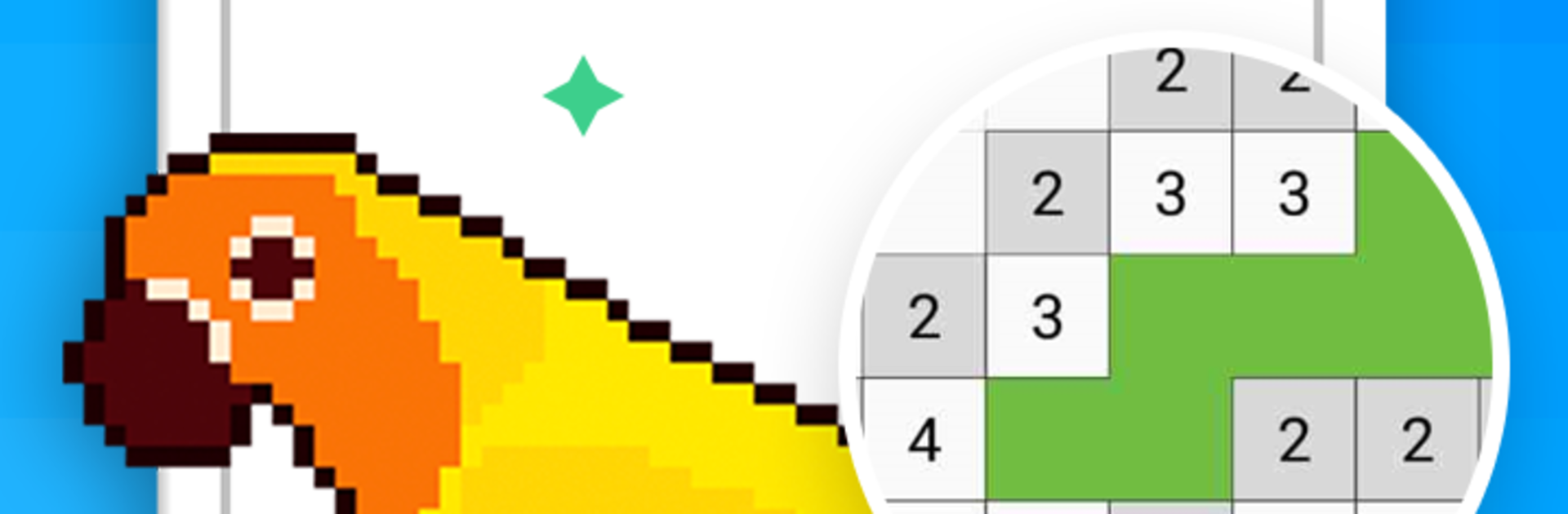
Pixel Art - Color by the Block

Pixel Art - Color by the Block

Entertainment

| Brainit Games

Play on PC with BlueStacks or from our cloud

  • Overview
  • How to Download

Page Modified On: January 08, 2026

Run Pixel Art - Color by the Block on PC or Mac

Multitask effortlessly on your PC or Mac as you try out Pixel Art – Color by the Block, a Entertainment app by Brainit Games on BlueStacks.

Pixel Art – Color by the Block is a chill paint by numbers app where the screen fills with tiny numbered squares and the player simply matches colors to numbers. After a few minutes the image starts taking shape and it becomes this steady, relaxing rhythm, almost like a fidget for the brain. No drawing skills required, no pressure. On PC with BlueStacks the grid feels easier to see, and clicking with a mouse makes those small blocks more precise, which is nice for the detailed pictures.

There is a big library here, over 800 pictures across animals, food, patterns, simple designs for kids, and more detailed scenes for anyone who wants something to sink into. Some pages are quick five minute breaks, others take longer in a good way. Finished art can be saved to the device and shared, and it is easy to jump back in and recolor something just for the fun of it. Parents might like that it nudges focus and number or color recognition, but it honestly fits all ages. The interface is simple and does not overcomplicate anything, which suits the whole anti stress angle. There are no timers or fail screens, just a calm sandbox that lets someone zone out and make a little masterpiece, even if it is just for the fridge or group chat. There is alot to pick from, so choice might be the only problem.

Eager to take your app experience to the next level? Start right away by downloading BlueStacks on your PC or Mac.


How to Download and Run Pixel Art - Color by the Block on PC or Mac

  • Download and install BlueStacks on your PC or Mac

  • Complete Google sign-in to access the Play Store, or do it later

  • Look for Pixel Art - Color by the Block in the search bar at the top right corner

  • Click to install Pixel Art - Color by the Block from the search results

  • Complete Google sign-in (if you skipped step 2) to install Pixel Art - Color by the Block

  • Click the Pixel Art - Color by the Block icon on the home screen to start playing

video
Watch Video

Minimum System Requirements

With BlueStacks 5, you can get started on a PC that fulfills the following requirements.

  • Operating System

    Microsoft Windows 7 or above, macOS 11 (Big Sur) or above

  • Processor

    Intel, AMD or Apple Silicon Processor

  • RAM

    at least 4GB

  • HDD

    10GB Free Disk Space

Note:

* You must be an Administrator on your PC. Up to date graphics drivers from Microsoft or the chipset vendor.

Pixel Art - Color by the Block - FAQs

  • How to Run Pixel Art - Color by the Block on Windows PC & Mac?

    Run Pixel Art - Color by the Block on your PC or Mac by following these simple steps.

    • Click on ‘Download Pixel Art - Color by the Block on PC’ to download BlueStacks
    • Install it and log-in to Google Play Store
    • Launch and run the app.
  • Why is BlueStacks the fastest and safest platform to play games on PC?

    BlueStacks respects your privacy and is always safe and secure to use. It does not carry any malware, spyware, or any sort of additional software that could harm your PC.

    It is engineered to optimize speed and performance for a seamless gaming experience.

  • What are Pixel Art - Color by the Block PC requirements?

    Minimum requirement to run Pixel Art - Color by the Block on your PC

    • OS: Microsoft Windows 7 and above:
    • Processor: Intel or AMD Processor:
    • RAM: Your PC must have at least 2GB of RAM. (Note that having 2GB or more disk space is not a substitute for RAM):
    • HDD: 5GB Free Disk Space.
    • You must be an Administrator on your PC.



