
попкорн.билайн
попкорн.билайн

попкорн.билайн

Entertainment

| ПАО "ВымпелКом"

Play on PC with BlueStacks or from our cloud

  • Overview
  • How to Download

Page Modified On: January 09, 2026

Run попкорн.билайн on PC or Mac

Multitask effortlessly on your PC or Mac as you try out попкорн.билайн, a Entertainment app by ПАО “ВымпелКом” on BlueStacks.

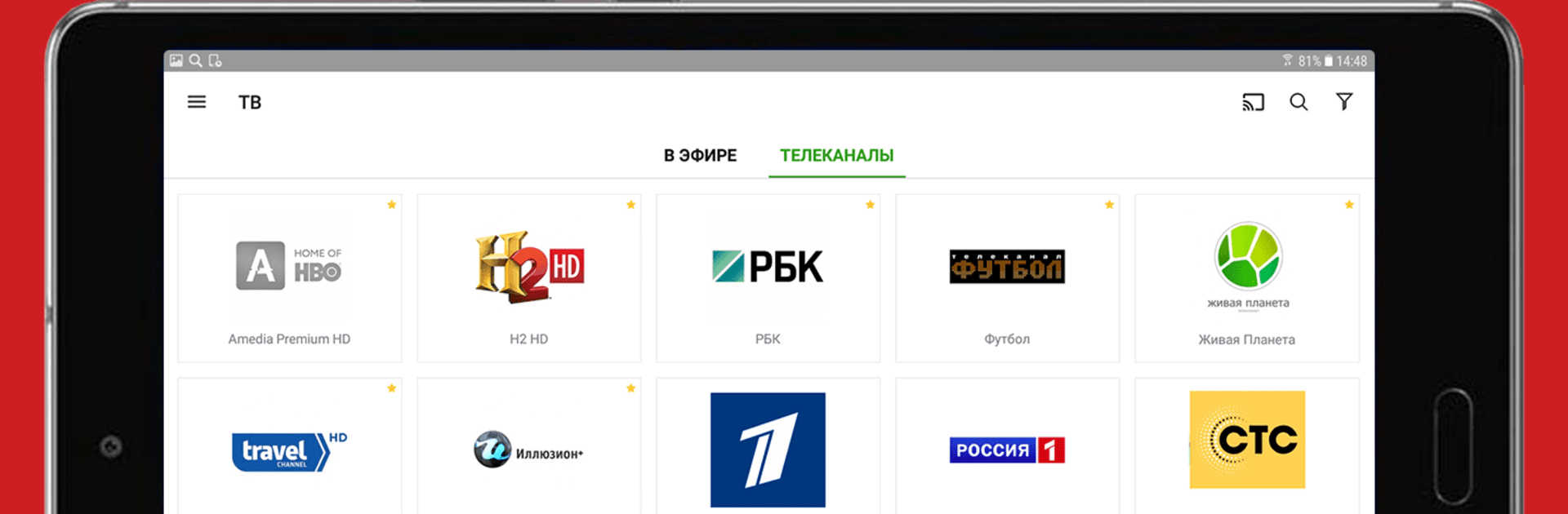
попкорн.билайн feels like a simple all‑in‑one place for watching stuff without juggling five different apps. It puts free TV channels, movies, series, and even karaoke in one screen, so someone can flip from a live channel to a film, then queue a song and sing along. The layout is straightforward, with clear tabs and big tiles, more like a living room TV menu than a fiddly phone app. Switching channels is quick, streams look clean if the connection is decent, and the player has the usual controls that make sense. Nothing confusing, no extra fluff getting in the way.

The mix of content is the hook here, especially the karaoke part. Lyrics pop up on screen, timing is easy to follow, and picking songs does not feel slow. On PC with BlueStacks, it actually works nicely, since a keyboard makes searching faster and a bigger display is better for reading lines while singing. It suits casual watching, like leaving a channel on while doing something else, then jumping into a series when there is time. It also helps that everything lives in one app, so there is less hunting around. Someone who wants a lightweight way to stream TV and movies, and also pull out karaoke for friends or family, would probably get what they want here.

Ready to experience попкорн.билайн on a bigger screen, in all its glory? Download BlueStacks now.


How to Download and Run попкорн.билайн on PC or Mac

  • Download and install BlueStacks on your PC or Mac

  • Complete Google sign-in to access the Play Store, or do it later

  • Look for попкорн.билайн in the search bar at the top right corner

  • Click to install попкорн.билайн from the search results

  • Complete Google sign-in (if you skipped step 2) to install попкорн.билайн

  • Click the попкорн.билайн icon on the home screen to start playing

video
Watch Video

Minimum System Requirements

With BlueStacks 5, you can get started on a PC that fulfills the following requirements.

  • Operating System

    Microsoft Windows 7 or above, macOS 11 (Big Sur) or above

  • Processor

    Intel, AMD or Apple Silicon Processor

  • RAM

    at least 4GB

  • HDD

    10GB Free Disk Space

Note:

* You must be an Administrator on your PC. Up to date graphics drivers from Microsoft or the chipset vendor.

попкорн.билайн - FAQs

  • How to Run попкорн.билайн on Windows PC & Mac?

    Run попкорн.билайн on your PC or Mac by following these simple steps.

    • Click on ‘Download попкорн.билайн on PC’ to download BlueStacks
    • Install it and log-in to Google Play Store
    • Launch and run the app.
  • Why is BlueStacks the fastest and safest platform to play games on PC?

    BlueStacks respects your privacy and is always safe and secure to use. It does not carry any malware, spyware, or any sort of additional software that could harm your PC.

    It is engineered to optimize speed and performance for a seamless gaming experience.

  • What are попкорн.билайн PC requirements?

    Minimum requirement to run попкорн.билайн on your PC

    • OS: Microsoft Windows 7 and above:
    • Processor: Intel or AMD Processor:
    • RAM: Your PC must have at least 2GB of RAM. (Note that having 2GB or more disk space is not a substitute for RAM):
    • HDD: 5GB Free Disk Space.
    • You must be an Administrator on your PC.



