

Let BlueStacks turn your PC, Mac, or laptop into the perfect home for Purple Launcher – IPTV Player, a fun Entertainment app from Purple Smart TV LLC.
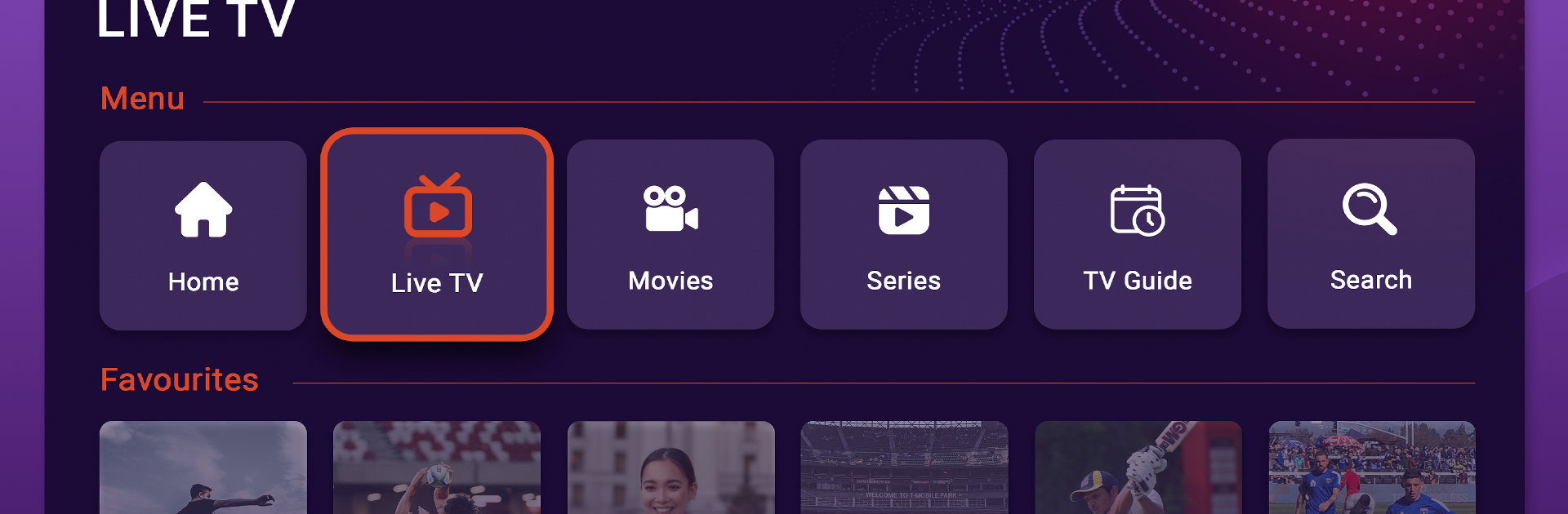
Purple Launcher – IPTV Player feels like a clean TV hub where someone brings their own streams and the app does the organizing. No content is included, so it depends on whatever playlist or IPTV login a person already has. Once that is set, the layout is simple and tidy, with sections for Live TV, Movies, and Series that look more like a set top box than a phone app. The live guide shows an EPG grid that is easy to scan, there is catch up for recent programs if the provider supports it, and Favorites keeps go to channels and shows in one place. Search is straightforward. Movies and series show posters and details, with artwork pulled from TMDB so browsing feels familiar.
There are practical touches that stand out. Parental Control to lock certain content, a built in VPN option for hopping to a different region when needed, and it works with big playlists without getting sluggish. Under the hood it uses known players like VLC and Exo, so playback formats are wide and scrubbing is smooth. Channel lists can include UK, US, Canada, Spain, Germany, and more, but availability fully depends on the chosen provider.
On a PC with BlueStacks, the guide is easier to navigate with a mouse, typing in searches is faster, and flipping through long channel lists feels less cramped. It behaves like a proper TV launcher, just running on a computer screen instead of a living room box.
BlueStacks brings your apps to life on a bigger screen—seamless and straightforward.