Russound
Russound

Russound

Entertainment

| Russound FMP

Play on PC with BlueStacks or from our cloud

  • Overview
  • How to Download

Page Modified On: October 13, 2025

Run Russound on PC or Mac

Let BlueStacks turn your PC, Mac, or laptop into the perfect home for Russound, a fun Entertainment app from Russound FMP.

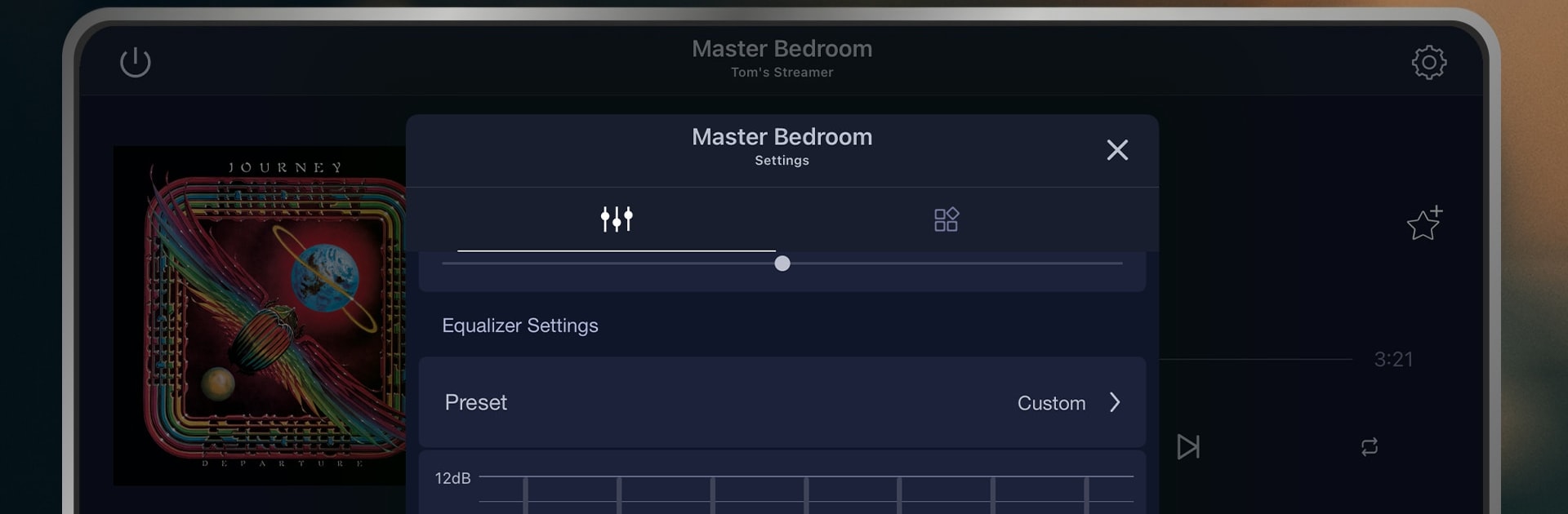
Russound feels like the remote the hardware always needed. It sits on the network and lets a user pick any room, choose a source, and get music going without walking around the house. Every zone shows what is playing with album art and track info, which makes it easy to see if the kitchen is on a podcast while the patio has a playlist. Favorites are the best part. Save what is currently playing, then drag to rearrange so the stuff used most sits at the top. For bigger homes, the room list can be reordered too, or a default room can be set so control opens right where it is needed.

Running it on a PC with BlueStacks gives a roomy layout that is nice for lots of zones and long favorite lists. The app talks to Russound gear like MCA series, MBX, XStream, and SMZ, and it can pull in services such as Spotify, Pandora, SiriusXM, TIDAL, Deezer, TuneIn, vTuner, or DLNA when the matching Russound streamer is in place. What shows up in the app really depends on the device on the rack and what services are configured, so results will vary. If there is a Russound system at home, this turns a phone, tablet, or even a laptop into a clear, simple controller. No fluff, just reliable control with quick access to the music that gets used every day.

Ready to experience Russound on a bigger screen, in all its glory? Download BlueStacks now.

How to Download and Run Russound on PC or Mac

  • Download and install BlueStacks on your PC or Mac

  • Complete Google sign-in to access the Play Store, or do it later

  • Look for Russound in the search bar at the top right corner

  • Click to install Russound from the search results

  • Complete Google sign-in (if you skipped step 2) to install Russound

  • Click the Russound icon on the home screen to start playing

video
Watch Video

Minimum System Requirements

With BlueStacks 5, you can get started on a PC that fulfills the following requirements.

  • Operating System

    Microsoft Windows 7 or above, macOS 11 (Big Sur) or above

  • Processor

    Intel, AMD or Apple Silicon Processor

  • RAM

    at least 4GB

  • HDD

    10GB Free Disk Space

Note:

* You must be an Administrator on your PC. Up to date graphics drivers from Microsoft or the chipset vendor.

Russound - FAQs

  • How to Run Russound on Windows PC & Mac?

    Run Russound on your PC or Mac by following these simple steps.

    • Click on ‘Download Russound on PC’ to download BlueStacks
    • Install it and log-in to Google Play Store
    • Launch and run the app.
  • Why is BlueStacks the fastest and safest platform to play games on PC?

    BlueStacks respects your privacy and is always safe and secure to use. It does not carry any malware, spyware, or any sort of additional software that could harm your PC.

    It is engineered to optimize speed and performance for a seamless gaming experience.

  • What are Russound PC requirements?

    Minimum requirement to run Russound on your PC

    • OS: Microsoft Windows 7 and above:
    • Processor: Intel or AMD Processor:
    • RAM: Your PC must have at least 2GB of RAM. (Note that having 2GB or more disk space is not a substitute for RAM):
    • HDD: 5GB Free Disk Space.
    • You must be an Administrator on your PC.