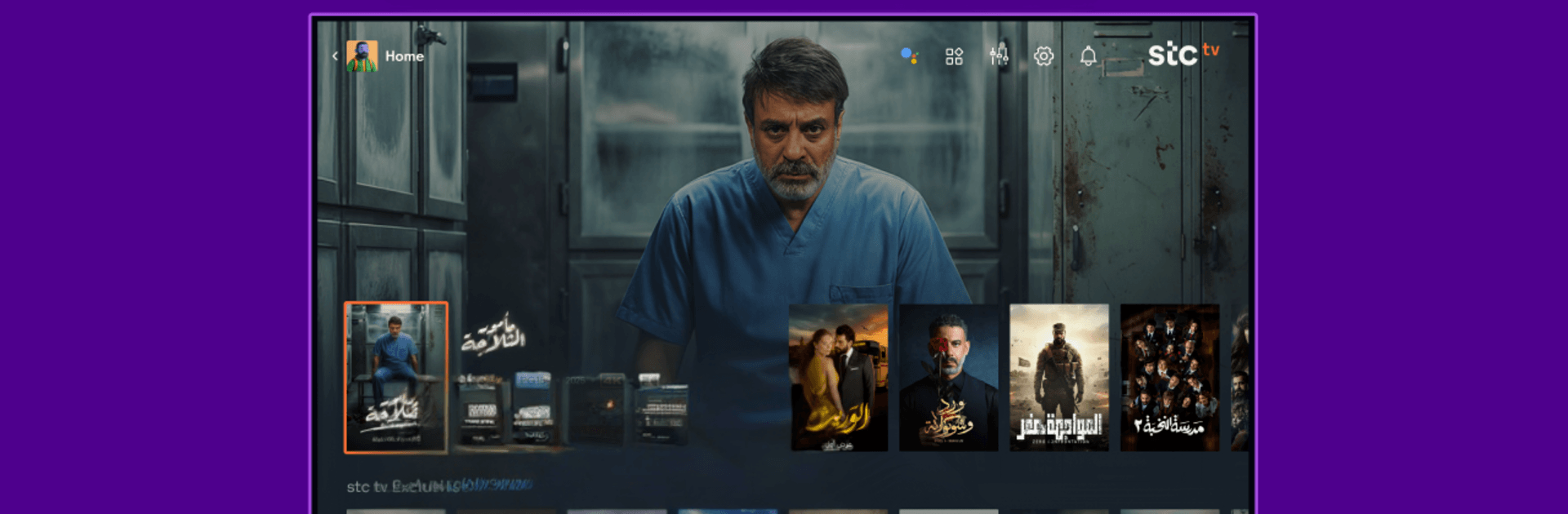
stc tv - Android TV
stc tv - Android TV

stc tv - Android TV

Entertainment

| Intigral International FZ LLC

Play on PC with BlueStacks or from our cloud

  • Overview
  • How to Download

Page Modified On: September 14, 2026

Run stc tv - Android TV on PC or Mac

Get freedom from your phone’s obvious limitations. Use stc tv – Android TV, made by Intigral International FZ LLC, a Entertainment app on your PC or Mac with BlueStacks, and level up your experience.

About the App

stc tv – Android TV brings a full streaming world to your living room—fresh movies, binge-worthy series, live channels, and a comfy corner for kids. It’s fast to set up, straightforward to use, and loaded with exclusives alongside big regional and international networks. This Entertainment app also works smoothly on PC with BlueStacks if that’s how you like to watch.

App Features

  • Latest movies and series: Catch new releases, fan favorites, and buzzy shows all in one place—no hunting around.
  • Exclusives and originals: Watch titles you won’t find elsewhere, including regional gems and platform-first premieres.
  • Live TV channels: Flip through a wide range of channels from regional and international networks anytime.
  • Catch-up and rewind: Missed something? Rewind and catch up on supported channels for up to 14 days.
  • Up to 4K quality: Enjoy crisp picture and rich detail on select titles when your setup supports it.
  • Ad-free option: Go Premium to watch without interruptions and keep the story rolling.
  • Multi-screen streaming: Share the stream with the household—watch on multiple devices, with up to four at the same time.
  • Offline downloads: Save movies and episodes to watch later, even when you’re away from Wi‑Fi.
  • Flexible plans: Sample the Basic plan for a quick peek, or switch to Premium for full access with an easy cancel-anytime setup.
  • Kids’ corner: Keep younger viewers happy with dedicated kids’ programs, including favorites from partners like Cartoon Network.
  • Big-name partners: Stream from well-known brands such as discovery+ and more, all under one roof.

Big screen. Bigger performance. Use BlueStacks on your PC or Mac to run your favorite apps.

How to Download and Run stc tv - Android TV on PC or Mac

  • Download and install BlueStacks on your PC or Mac

  • Complete Google sign-in to access the Play Store, or do it later

  • Look for stc tv - Android TV in the search bar at the top right corner

  • Click to install stc tv - Android TV from the search results

  • Complete Google sign-in (if you skipped step 2) to install stc tv - Android TV

  • Click the stc tv - Android TV icon on the home screen to start playing

video
Watch Video

Minimum System Requirements

With BlueStacks 5, you can get started on a PC that fulfills the following requirements.

  • Operating System

    Microsoft Windows 7 or above, macOS 11 (Big Sur) or above

  • Processor

    Intel, AMD or Apple Silicon Processor

  • RAM

    at least 4GB

  • HDD

    10GB Free Disk Space

Note:

* You must be an Administrator on your PC. Up to date graphics drivers from Microsoft or the chipset vendor.

stc tv - Android TV - FAQs

  • How to Run stc tv - Android TV on Windows PC & Mac?

    Run stc tv - Android TV on your PC or Mac by following these simple steps.

    • Click on ‘Download stc tv - Android TV on PC’ to download BlueStacks
    • Install it and log-in to Google Play Store
    • Launch and run the app.
  • Why is BlueStacks the fastest and safest platform to play games on PC?

    BlueStacks respects your privacy and is always safe and secure to use. It does not carry any malware, spyware, or any sort of additional software that could harm your PC.

    It is engineered to optimize speed and performance for a seamless gaming experience.

  • What are stc tv - Android TV PC requirements?

    Minimum requirement to run stc tv - Android TV on your PC

    • OS: Microsoft Windows 7 and above:
    • Processor: Intel or AMD Processor:
    • RAM: Your PC must have at least 2GB of RAM. (Note that having 2GB or more disk space is not a substitute for RAM):
    • HDD: 5GB Free Disk Space.
    • You must be an Administrator on your PC.