Strobe Light
Strobe Light

Strobe Light

Entertainment

| Brandon Stecklein

Play on PC with BlueStacks or from our cloud

  • Overview
  • How to Download

Page Modified On: October 24, 2025

Run Strobe Light on PC or Mac

Upgrade your experience. Try Strobe Light, the fantastic Entertainment app from Brandon Stecklein, from the comfort of your laptop, PC, or Mac, only on BlueStacks.

About the App

Strobe Light by Brandon Stecklein turns your phone into a pocket party starter. It pulses your camera’s LED like a real strobe, and if your device can’t use the flash, it’ll flip the screen between bright white and deep black for a similar vibe. It’s a simple Entertainment app built for those “let’s make this fun” moments—no fuss, just lights and beats. Curious on a laptop? You can poke around with the screen strobe and music using BlueStacks.

App Features

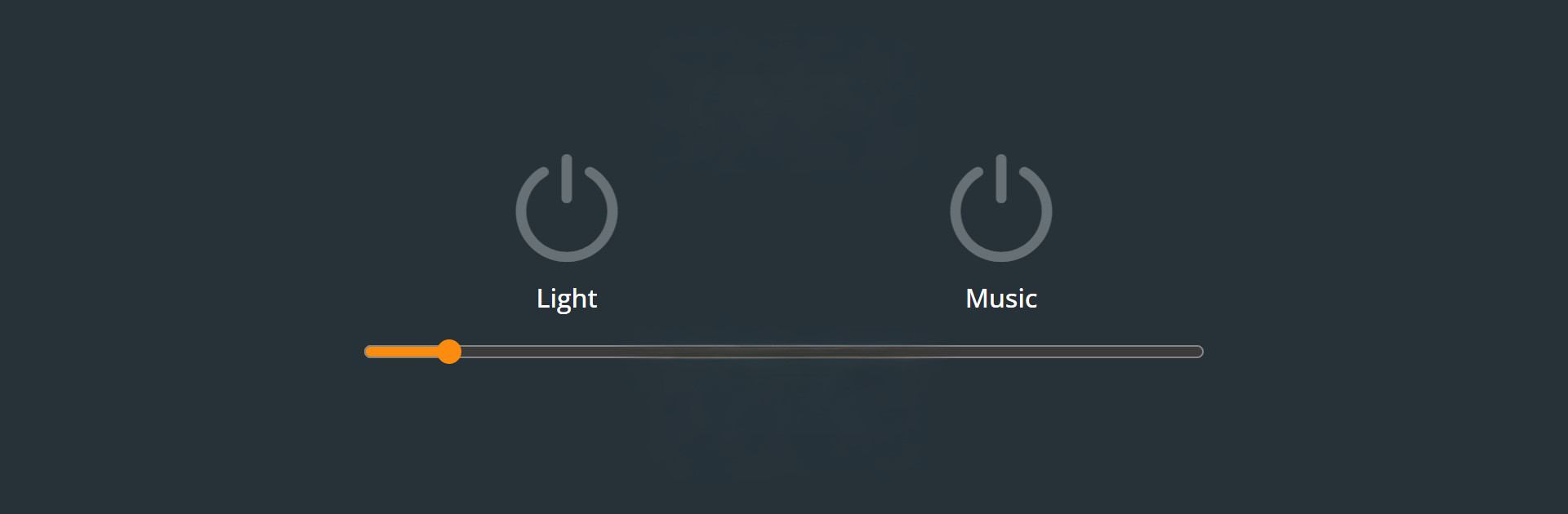
  • LED Strobe
    Fires the camera flash in rapid bursts to create that classic strobe effect and energize a room.

  • Screen Mode Backup
    No flash on your phone? The app quickly alternates screen colors to mimic a strobe, so you’re never stuck in the dark.

  • Quick, Friendly Controls
    Flip a single switch to start; no complicated setup or menus getting in the way.

  • Built-In Beat
    Tap the music button to spin up a steady techno-style rhythm that pairs perfectly with the lights.

  • Play Your Own Music
    Don’t want the default track? Tap the song name to pull tunes from your device. Works with MP3 and OGG files.

  • Party-Ready Simplicity
    Set your phone on a table and let it do its thing. Brightness and punch depend on your device’s flash, but it’s great for small rooms and hangouts.

  • Lightweight and Focused
    No extra fluff—just the essentials for turning a quiet moment into an impromptu dance break.

Big screen. Bigger performance. Use BlueStacks on your PC or Mac to run your favorite apps.

How to Download and Run Strobe Light on PC or Mac

  • Download and install BlueStacks on your PC or Mac

  • Complete Google sign-in to access the Play Store, or do it later

  • Look for Strobe Light in the search bar at the top right corner

  • Click to install Strobe Light from the search results

  • Complete Google sign-in (if you skipped step 2) to install Strobe Light

  • Click the Strobe Light icon on the home screen to start playing

video
Watch Video

Minimum System Requirements

With BlueStacks 5, you can get started on a PC that fulfills the following requirements.

  • Operating System

    Microsoft Windows 7 or above, macOS 11 (Big Sur) or above

  • Processor

    Intel, AMD or Apple Silicon Processor

  • RAM

    at least 4GB

  • HDD

    10GB Free Disk Space

Note:

* You must be an Administrator on your PC. Up to date graphics drivers from Microsoft or the chipset vendor.

Strobe Light - FAQs

  • How to Run Strobe Light on Windows PC & Mac?

    Run Strobe Light on your PC or Mac by following these simple steps.

    • Click on ‘Download Strobe Light on PC’ to download BlueStacks
    • Install it and log-in to Google Play Store
    • Launch and run the app.
  • Why is BlueStacks the fastest and safest platform to play games on PC?

    BlueStacks respects your privacy and is always safe and secure to use. It does not carry any malware, spyware, or any sort of additional software that could harm your PC.

    It is engineered to optimize speed and performance for a seamless gaming experience.

  • What are Strobe Light PC requirements?

    Minimum requirement to run Strobe Light on your PC

    • OS: Microsoft Windows 7 and above:
    • Processor: Intel or AMD Processor:
    • RAM: Your PC must have at least 2GB of RAM. (Note that having 2GB or more disk space is not a substitute for RAM):
    • HDD: 5GB Free Disk Space.
    • You must be an Administrator on your PC.