
Телепрограмма TVGuide

Телепрограмма TVGuide

Entertainment

| Molokov Dmitry

Play on PC with BlueStacks or from our cloud

  • Overview
  • How to Download

Page Modified On: January 06, 2026

Run Телепрограмма TVGuide on PC or Mac

Multitask effortlessly on your PC or Mac as you try out Телепрограмма TVGuide, a Entertainment app by Molokov Dmitry on BlueStacks.

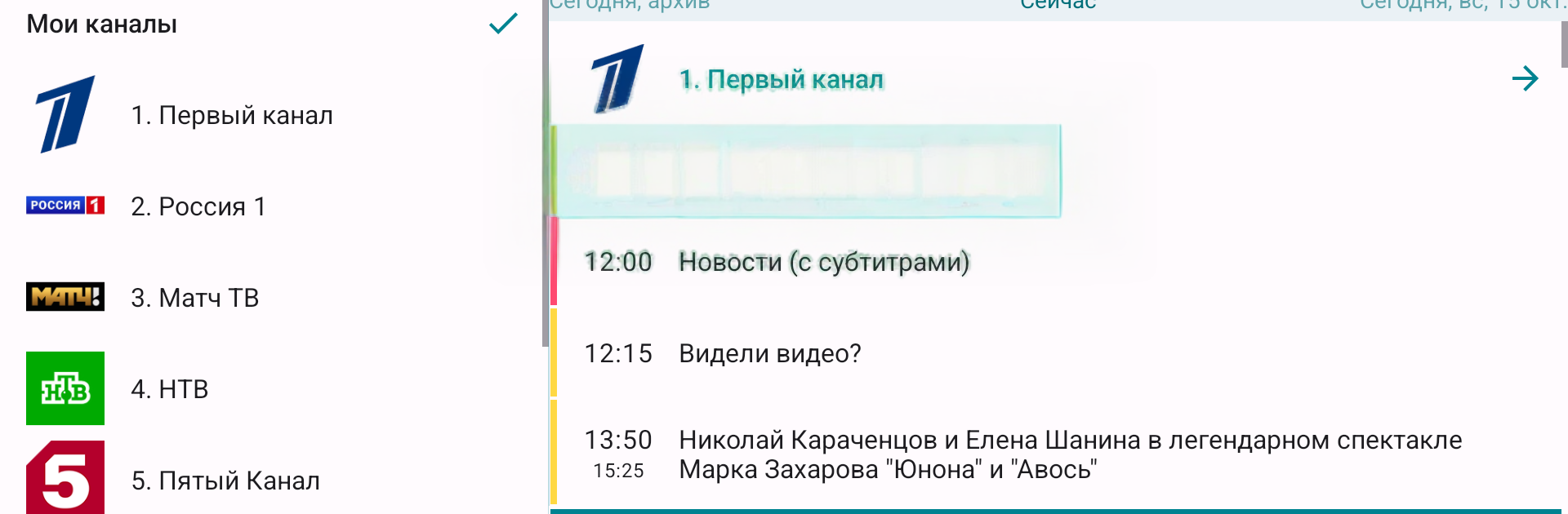
Телепрограмма TVGuide is basically a clean, no-fuss TV schedule app. It pulls fresh listings for over 900 channels and it sticks to being a guide, not a player, so there is no video inside. It supports separate channel lists and has ready-made bundles for popular providers, which makes setup fast when someone knows who they are subscribed to. Most channels include proper program descriptions with photos, so flipping through the grid does not feel dry or guessy.

On a PC with BlueStacks, the layout gets a lot more breathing room and scrolling across time slots with a mouse feels simple, like planning a week night on a calendar. There is a Favorites section for saving specific shows, then those saved titles are easy to search or keep an eye on. Filters narrow the schedule down to what actually matters, instead of wading through everything at once. Reminders can be set so the app pings when a program is about to start, which helps with those awkward start times. The archive view lets users check what aired on previous days, useful when someone wants to see what they missed and when it ran. There are two interface styles and a handful of appearance tweaks to make it look the way someone likes. One note, newer versions no longer support Smart TV, so anyone who needs that would have to use an older build. Reminders come through like normal Android alerts in BlueStacks, so they show up while doing other stuff on the desktop.

Big screen. Bigger performance. Use BlueStacks on your PC or Mac to run your favorite apps.

How to Download and Run Телепрограмма TVGuide on PC or Mac

  • Download and install BlueStacks on your PC or Mac

  • Complete Google sign-in to access the Play Store, or do it later

  • Look for Телепрограмма TVGuide in the search bar at the top right corner

  • Click to install Телепрограмма TVGuide from the search results

  • Complete Google sign-in (if you skipped step 2) to install Телепрограмма TVGuide

  • Click the Телепрограмма TVGuide icon on the home screen to start playing

video
Watch Video

Minimum System Requirements

With BlueStacks 5, you can get started on a PC that fulfills the following requirements.

  • Operating System

    Microsoft Windows 7 or above, macOS 11 (Big Sur) or above

  • Processor

    Intel, AMD or Apple Silicon Processor

  • RAM

    at least 4GB

  • HDD

    10GB Free Disk Space

Note:

* You must be an Administrator on your PC. Up to date graphics drivers from Microsoft or the chipset vendor.

Телепрограмма TVGuide - FAQs

  • How to Run Телепрограмма TVGuide on Windows PC & Mac?

    Run Телепрограмма TVGuide on your PC or Mac by following these simple steps.

    • Click on ‘Download Телепрограмма TVGuide on PC’ to download BlueStacks
    • Install it and log-in to Google Play Store
    • Launch and run the app.
  • Why is BlueStacks the fastest and safest platform to play games on PC?

    BlueStacks respects your privacy and is always safe and secure to use. It does not carry any malware, spyware, or any sort of additional software that could harm your PC.

    It is engineered to optimize speed and performance for a seamless gaming experience.

  • What are Телепрограмма TVGuide PC requirements?

    Minimum requirement to run Телепрограмма TVGuide on your PC

    • OS: Microsoft Windows 7 and above:
    • Processor: Intel or AMD Processor:
    • RAM: Your PC must have at least 2GB of RAM. (Note that having 2GB or more disk space is not a substitute for RAM):
    • HDD: 5GB Free Disk Space.
    • You must be an Administrator on your PC.




