Videos
Videos

Videos

Entertainment

| HeyTap

Play on PC with BlueStacks or from our cloud

  • Overview
  • How to Download

Page Modified On: August 18, 2026

Run Videos on PC or Mac

Let BlueStacks turn your PC, Mac, or laptop into the perfect home for Videos, a fun Entertainment app from HeyTap.

About the App

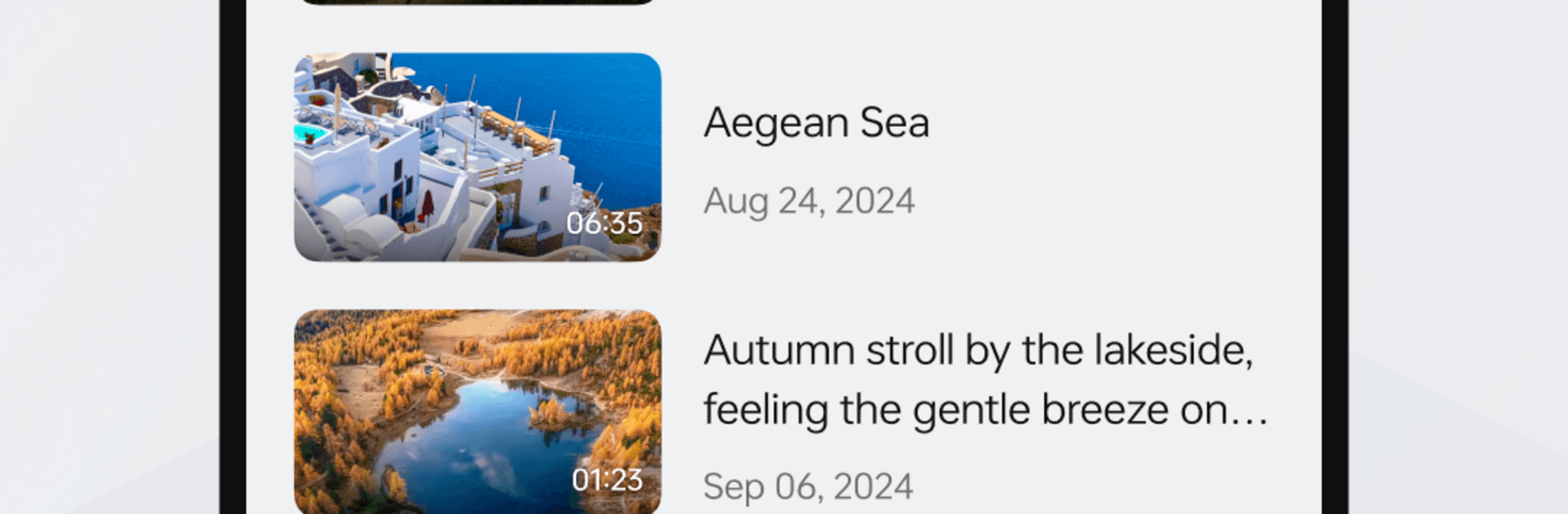
Videos is a clean, no-fuss media player that makes your local videos and music easy to enjoy. It keeps playback smooth, controls simple, and your library easy to find. It sits comfortably in the Entertainment genre but focuses on the practical stuff you actually use every day. Prefer watching on a bigger screen? It also plays nicely with BlueStacks.

App Features

  • Broad format support: Play MKV, MP4, AVI, MOV, TS, M2TS, Ogg, FLAC, Wv, AAC, and more with built-in codecs—no extra downloads or add-ons.
  • Organized media library: Build a tidy library for videos and songs, or browse by folders when you want to keep things exactly how you arranged them.
  • Multi-track audio and subtitles: Switch audio tracks, pick your subtitles, and tweak the setup to match how you like to watch.
  • Quick view adjustments: Use automatic rotation and easy aspect ratio options so everything fits your screen just right.
  • Gesture controls: Slide to adjust volume or brightness and scrub through progress with simple, intuitive gestures.
  • Headset and widget controls: Control playback with headphone buttons and use a handy volume control widget for fast access.
  • Rich audio experience: Enjoy a full-featured audio library with album cover downloads and smooth playback for your favorite tracks.
  • Practical permissions use: Storage and media access are used to read your local files, plus system controls for checking network status, adjusting volume, and setting ringtones.

BlueStacks gives you the much-needed freedom to experience your favorite apps on a bigger screen. Get it now.

How to Download and Run Videos on PC or Mac

  • Download and install BlueStacks on your PC or Mac

  • Complete Google sign-in to access the Play Store, or do it later

  • Look for Videos in the search bar at the top right corner

  • Click to install Videos from the search results

  • Complete Google sign-in (if you skipped step 2) to install Videos

  • Click the Videos icon on the home screen to start playing

video
Watch Video

Minimum System Requirements

With BlueStacks 5, you can get started on a PC that fulfills the following requirements.

  • Operating System

    Microsoft Windows 7 or above, macOS 11 (Big Sur) or above

  • Processor

    Intel, AMD or Apple Silicon Processor

  • RAM

    at least 4GB

  • HDD

    10GB Free Disk Space

Note:

* You must be an Administrator on your PC. Up to date graphics drivers from Microsoft or the chipset vendor.

Videos - FAQs

  • How to Run Videos on Windows PC & Mac?

    Run Videos on your PC or Mac by following these simple steps.

    • Click on ‘Download Videos on PC’ to download BlueStacks
    • Install it and log-in to Google Play Store
    • Launch and run the app.
  • Why is BlueStacks the fastest and safest platform to play games on PC?

    BlueStacks respects your privacy and is always safe and secure to use. It does not carry any malware, spyware, or any sort of additional software that could harm your PC.

    It is engineered to optimize speed and performance for a seamless gaming experience.

  • What are Videos PC requirements?

    Minimum requirement to run Videos on your PC

    • OS: Microsoft Windows 7 and above:
    • Processor: Intel or AMD Processor:
    • RAM: Your PC must have at least 2GB of RAM. (Note that having 2GB or more disk space is not a substitute for RAM):
    • HDD: 5GB Free Disk Space.
    • You must be an Administrator on your PC.