
Weyyak وياك
Weyyak وياك

Weyyak وياك

Entertainment

| Z5X Global FZ-LLC

Play on PC with BlueStacks or from our cloud

  • Overview
  • How to Download

Page Modified On: December 15, 2025

Run Weyyak وياك on PC or Mac

Multitask effortlessly on your PC or Mac as you try out Weyyak وياك, a Entertainment app by Z5X Global FZ-LLC on BlueStacks.

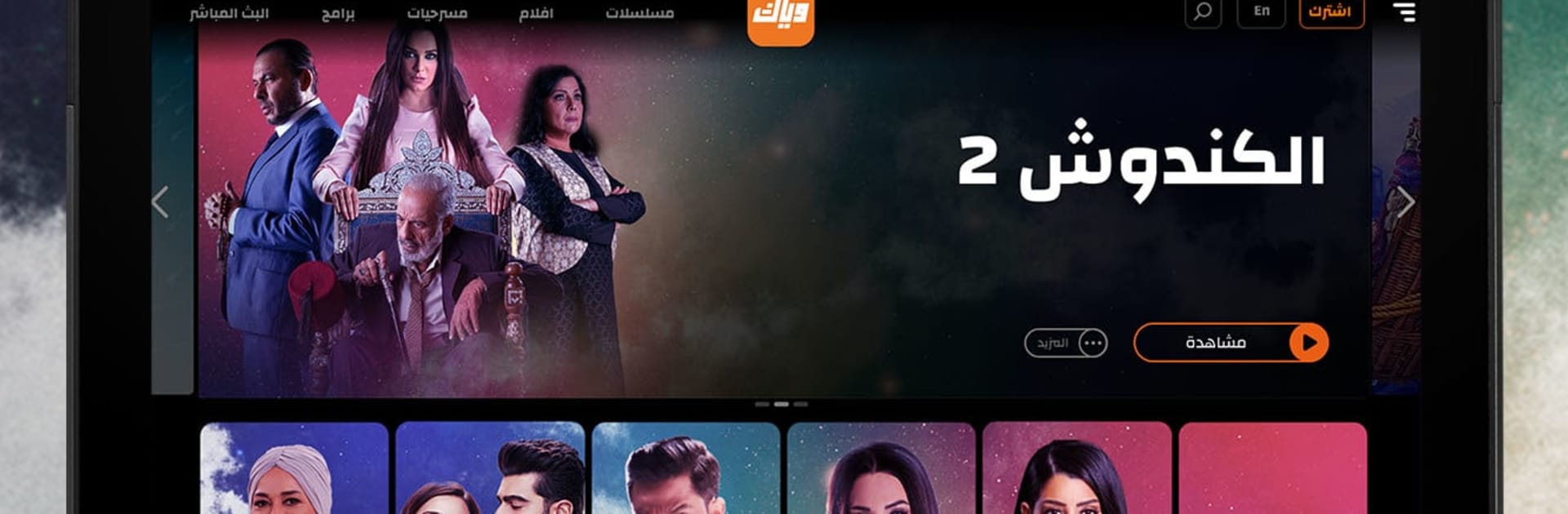
Weyyak feels like a big hub for Arabic entertainment that mixes a lot of regional series with a steady stream of Turkish dramas dubbed in Arabic and a surprising amount of Bollywood. The catalog is wide, so someone can bounce from an Egyptian classic to a new Khaleeji show, then a Hindi film that is fully dubbed, then back to a Syrian drama without hunting around. There are kids sections, cooking shows, lifestyle and talk programs, plus live Arabic TV channels in full HD if someone wants the background-on TV feel. On a PC with BlueStacks it runs smoothly and the bigger screen helps with long episodes, searching with a keyboard is quicker, and skipping around is easier with a mouse.

The app layout is straightforward. Search actually finds what a person typed, trailers help decide if a series is worth the time, and the Continue Watching row brings an episode back exactly where it was left. Episodes are complete and look crisp, and the skip-intro or outro button is there when the theme song gets old on episode 22. It works across phone, tablet, TV, or a laptop, so swapping devices is simple. Subscribing removes ads and unlocks more premium stuff, although there is plenty to sample before that. Fans who follow Arab, Turkish, or Bollywood stars will notice new releases show up in a timely way, and the Arabic dubbing on Hindi and Turkish titles is handled well. It is definetly more of a sit-back-and-browse app than a hunt-for-one-thing service, which suits long evenings.

Ready to experience Weyyak وياك on a bigger screen, in all its glory? Download BlueStacks now.

How to Download and Run Weyyak وياك on PC or Mac

  • Download and install BlueStacks on your PC or Mac

  • Complete Google sign-in to access the Play Store, or do it later

  • Look for Weyyak وياك in the search bar at the top right corner

  • Click to install Weyyak وياك from the search results

  • Complete Google sign-in (if you skipped step 2) to install Weyyak وياك

  • Click the Weyyak وياك icon on the home screen to start playing

video
Watch Video

Minimum System Requirements

With BlueStacks 5, you can get started on a PC that fulfills the following requirements.

  • Operating System

    Microsoft Windows 7 or above, macOS 11 (Big Sur) or above

  • Processor

    Intel, AMD or Apple Silicon Processor

  • RAM

    at least 4GB

  • HDD

    10GB Free Disk Space

Note:

* You must be an Administrator on your PC. Up to date graphics drivers from Microsoft or the chipset vendor.

Weyyak وياك - FAQs

  • How to Run Weyyak وياك on Windows PC & Mac?

    Run Weyyak وياك on your PC or Mac by following these simple steps.

    • Click on ‘Download Weyyak وياك on PC’ to download BlueStacks
    • Install it and log-in to Google Play Store
    • Launch and run the app.
  • Why is BlueStacks the fastest and safest platform to play games on PC?

    BlueStacks respects your privacy and is always safe and secure to use. It does not carry any malware, spyware, or any sort of additional software that could harm your PC.

    It is engineered to optimize speed and performance for a seamless gaming experience.

  • What are Weyyak وياك PC requirements?

    Minimum requirement to run Weyyak وياك on your PC

    • OS: Microsoft Windows 7 and above:
    • Processor: Intel or AMD Processor:
    • RAM: Your PC must have at least 2GB of RAM. (Note that having 2GB or more disk space is not a substitute for RAM):
    • HDD: 5GB Free Disk Space.
    • You must be an Administrator on your PC.




