




Let BlueStacks turn your PC, Mac, or laptop into the perfect home for AceZone, a fun Music & Audio app from AceZone Developers.
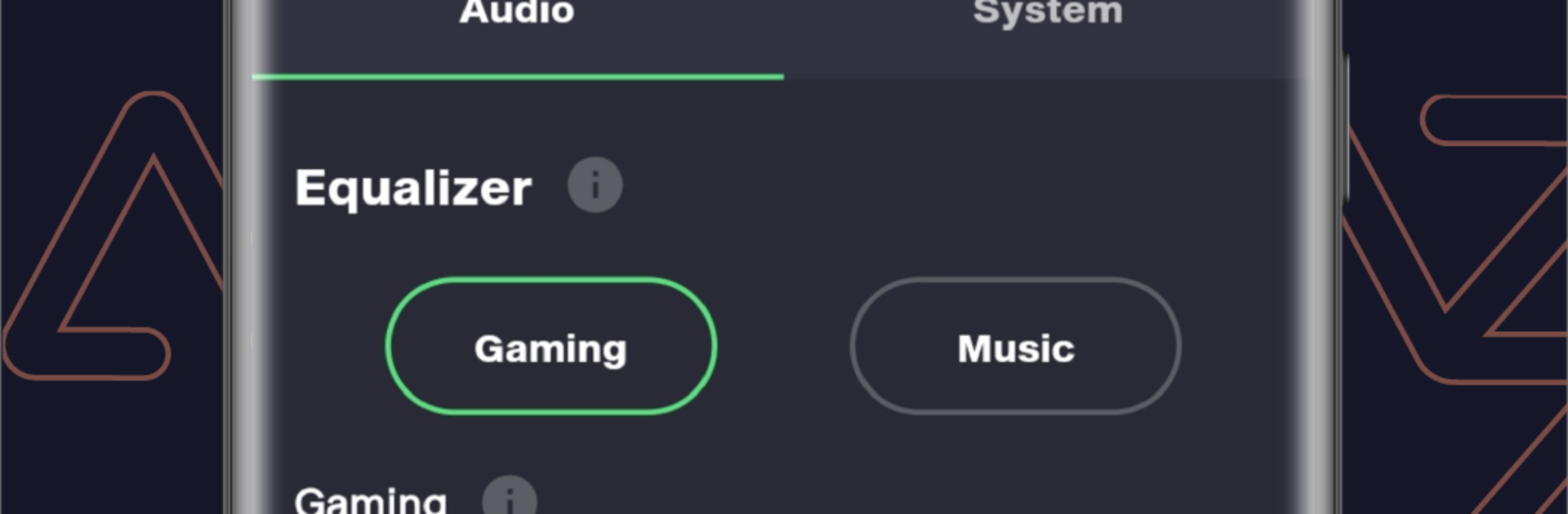
AceZone feels like the control room for their headsets. It is built for the AceZone A-Spire, A-Spire Wireless, and A-Rise, and it gives proper knobs for sound without getting fussy. There are game sound profiles that lean into details players actually care about, with specific tuning for Counter-Strike 2 and Apex Legends so footsteps, callouts, and guns separate cleanly. Swapping to a music EQ after is simple, so the headset does not stay locked in a harsh game curve. Noise control is flexible too. The app lets users adjust ANC to cut wind noise without turning the world into a vacuum, and there is a transparency slider for hearing the room when needed.
It also tidies up the small stuff. Change voice prompts, set a standby timer to save battery, remap buttons so they match habits, and run firmware updates over the air so the headset stays in shape. On PC with BlueStacks, the menus are quicker to click through, and switching profiles mid-match is easier than juggling a phone. The only real catch is compatibility. Without one of those AceZone headsets, there is nothing to do here. With one, it feels like the headset finally opens up, whether someone sets it once and forgets or keeps a few profiles ready for different games and playlists.
Eager to take your app experience to the next level? Start right away by downloading BlueStacks on your PC or Mac.





