
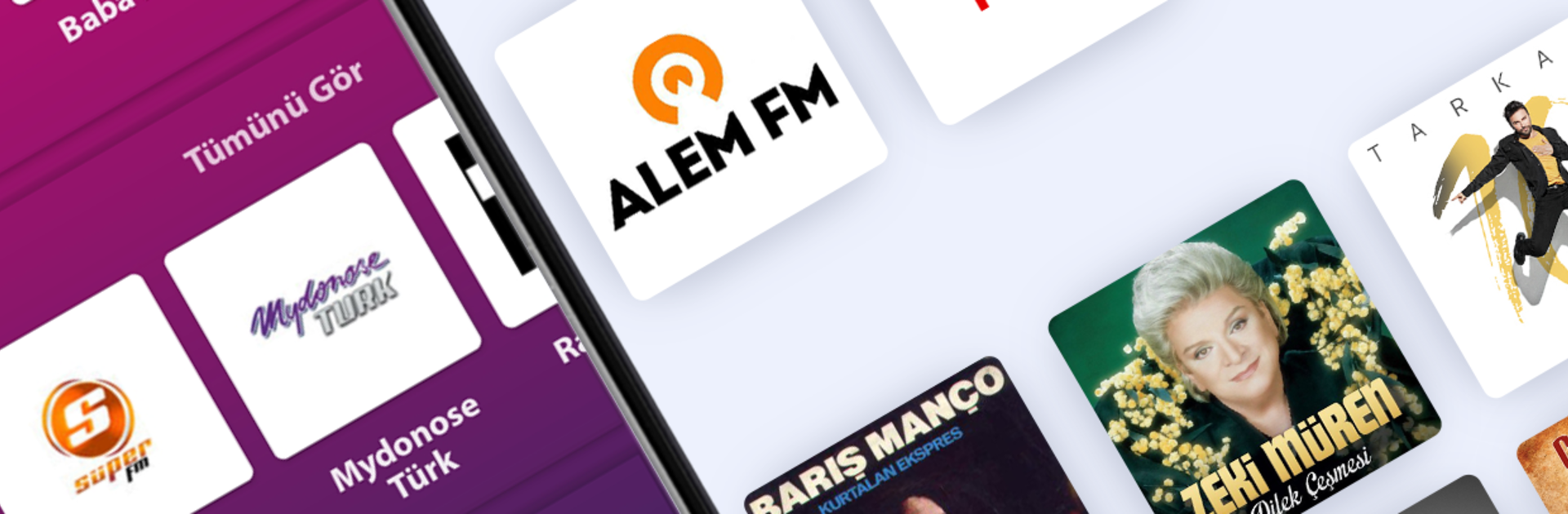
AndroTurk Radyo - Online Turkish Radios

AndroTurk Radyo - Online Turkish Radios

Music & Audio

| AndroTurk Radyo

Play on PC with BlueStacks or from our cloud

  • Overview
  • How to Download

Page Modified On: August 22, 2025

Run AndroTurk Radyo - Online Turkish Radios on PC or Mac

Why limit yourself to your small screen on the phone? Run AndroTurk Radyo – Online Turkish Radios, an app by AndroTurk Radyo, best experienced on your PC or Mac with BlueStacks, the world’s #1 Android emulator.

About the App

Love tuning into music from Turkey? With AndroTurk Radyo – Online Turkish Radios, you’ll have access to a huge selection of Turkish radio stations right from your phone. It’s built for those who miss their favorite stations or just want to explore something new. Whether you’re into classic Turkish pop or hunting for local gems, AndroTurk Radyo brings that radio vibe anywhere you go.

App Features

  • Huge Station Selection
    Flip through more than 1000 Turkish radio stations whenever you feel like it, all organized by genre or city.

  • Recording Made Simple
    Wanna save that song or program for later? Just hit record while you’re listening.

  • Personalized Look
    Pick from different themes to suit your style—make the app feel your own.

  • Song History & YouTube Replay
    Missed a song title? Check your listening history. Feel like hearing it again? There’s a handy button to find it on YouTube.

  • Local Radio Access
    Easily track down stations from your own city or region, no hassle.

  • Sleep Timer
    Set a timer to stop the music when you’re ready to doze off.

  • Background Play
    Keep the music going even if you’re using other apps or your screen is locked.

  • Talkback Support
    Accessibility is baked in—for users who need or want it.

  • Categorized Radios
    Genres and city-based lists make it easy to find what you’re in the mood for.

  • Notification Controls
    No need to open the app for basics—pause, play, or skip tracks right from your notifications.

  • Minimal Permissions
    You don’t have to worry about over-sharing personal data; the app keeps requests to a minimum.

You can check all these out using BlueStacks, too, if you prefer listening on a bigger screen.

BlueStacks gives you the much-needed freedom to experience your favorite apps on a bigger screen. Get it now.


How to Download and Run AndroTurk Radyo - Online Turkish Radios on PC or Mac

  • Download and install BlueStacks on your PC or Mac

  • Complete Google sign-in to access the Play Store, or do it later

  • Look for AndroTurk Radyo - Online Turkish Radios in the search bar at the top right corner

  • Click to install AndroTurk Radyo - Online Turkish Radios from the search results

  • Complete Google sign-in (if you skipped step 2) to install AndroTurk Radyo - Online Turkish Radios

  • Click the AndroTurk Radyo - Online Turkish Radios icon on the home screen to start playing

video
Watch Video

Minimum System Requirements

With BlueStacks 5, you can get started on a PC that fulfills the following requirements.

  • Operating System

    Microsoft Windows 7 or above, macOS 11 (Big Sur) or above

  • Processor

    Intel, AMD or Apple Silicon Processor

  • RAM

    at least 4GB

  • HDD

    10GB Free Disk Space

Note:

* You must be an Administrator on your PC. Up to date graphics drivers from Microsoft or the chipset vendor.

AndroTurk Radyo - Online Turkish Radios - FAQs

  • How to Run AndroTurk Radyo - Online Turkish Radios on Windows PC & Mac?

    Run AndroTurk Radyo - Online Turkish Radios on your PC or Mac by following these simple steps.

    • Click on ‘Download AndroTurk Radyo - Online Turkish Radios on PC’ to download BlueStacks
    • Install it and log-in to Google Play Store
    • Launch and run the app.
  • Why is BlueStacks the fastest and safest platform to play games on PC?

    BlueStacks respects your privacy and is always safe and secure to use. It does not carry any malware, spyware, or any sort of additional software that could harm your PC.

    It is engineered to optimize speed and performance for a seamless gaming experience.

  • What are AndroTurk Radyo - Online Turkish Radios PC requirements?

    Minimum requirement to run AndroTurk Radyo - Online Turkish Radios on your PC

    • OS: Microsoft Windows 7 and above:
    • Processor: Intel or AMD Processor:
    • RAM: Your PC must have at least 2GB of RAM. (Note that having 2GB or more disk space is not a substitute for RAM):
    • HDD: 5GB Free Disk Space.
    • You must be an Administrator on your PC.



