
Bass Tester
Bass Tester

Bass Tester

Music & Audio

| Single Minded Productions, LLC

Play on PC with BlueStacks or from our cloud

  • Overview
  • How to Download

Page Modified On: April 24, 2026

Run Bass Tester on PC or Mac

Let BlueStacks turn your PC, Mac, or laptop into the perfect home for Bass Tester, a fun Music & Audio app from Single Minded Productions, LLC.

About the App

Bass Tester is a straightforward way to find out how deep your speakers really go. Fire up a pure sine tone, pick the exact frequency you want, and put your sub to work—car, home, or anywhere you’ve got a solid setup. Created by Single Minded Productions, LLC in the Music & Audio genre, it’s best used with an external system over aux or Bluetooth; if you prefer using a computer, it also runs nicely with BlueStacks.

App Features

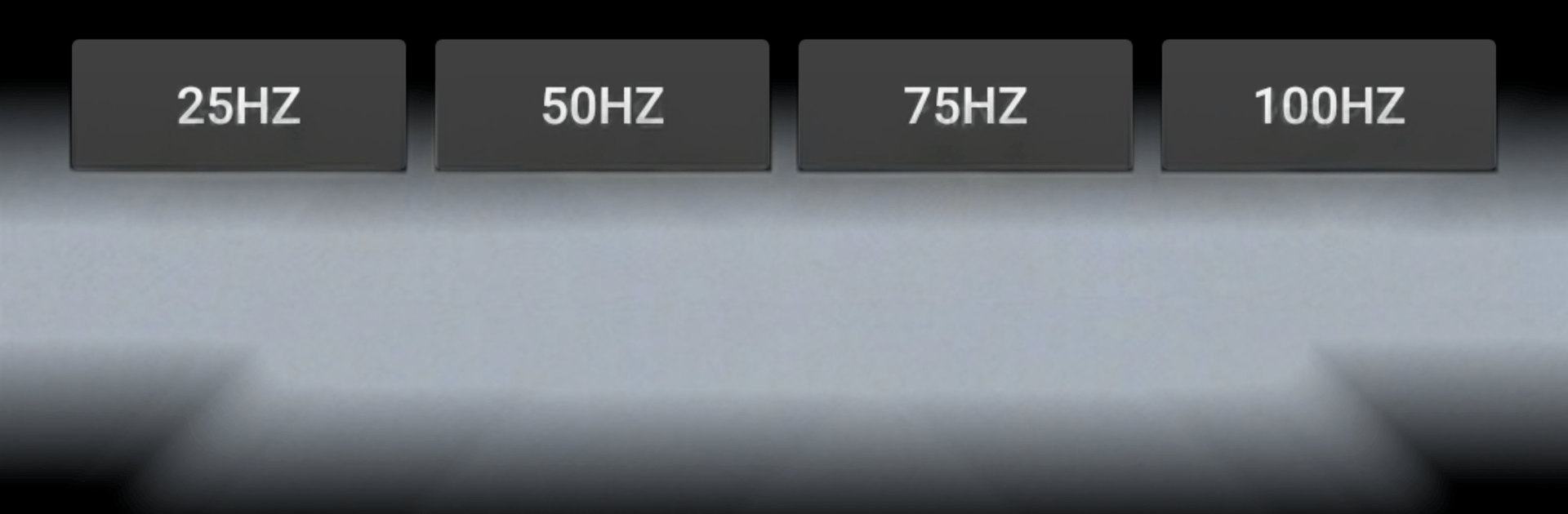
  • Pure sine tone control: Generate a clean, single-frequency signal and set the precise Hz you need to test your low end with confidence.

  • Go ultra-low: Push your system to the basement of the spectrum—20 Hz and even below—if your gear can reproduce it.

  • Works with your setup: Connect to a subwoofer, car audio, or home theater using a mini plug or Bluetooth for results you can actually feel.

  • Built-in low-bass clips: Try short music samples designed to trigger very deep tones, giving you a quick “does it rumble or not?” check.

  • Real-time tweaks: Adjust the frequency on the fly to hunt for peaks, rattles, or dead spots across your room or vehicle.

  • No fluff, just function: A simple, focused tool that gets out of the way so you can test, tune, and move on.

BlueStacks gives you the much-needed freedom to experience your favorite apps on a bigger screen. Get it now.


How to Download and Run Bass Tester on PC or Mac

  • Download and install BlueStacks on your PC or Mac

  • Complete Google sign-in to access the Play Store, or do it later

  • Look for Bass Tester in the search bar at the top right corner

  • Click to install Bass Tester from the search results

  • Complete Google sign-in (if you skipped step 2) to install Bass Tester

  • Click the Bass Tester icon on the home screen to start playing

video
Watch Video

Minimum System Requirements

With BlueStacks 5, you can get started on a PC that fulfills the following requirements.

  • Operating System

    Microsoft Windows 7 or above, macOS 11 (Big Sur) or above

  • Processor

    Intel, AMD or Apple Silicon Processor

  • RAM

    at least 4GB

  • HDD

    10GB Free Disk Space

Note:

* You must be an Administrator on your PC. Up to date graphics drivers from Microsoft or the chipset vendor.

Bass Tester - FAQs

  • How to Run Bass Tester on Windows PC & Mac?

    Run Bass Tester on your PC or Mac by following these simple steps.

    • Click on ‘Download Bass Tester on PC’ to download BlueStacks
    • Install it and log-in to Google Play Store
    • Launch and run the app.
  • Why is BlueStacks the fastest and safest platform to play games on PC?

    BlueStacks respects your privacy and is always safe and secure to use. It does not carry any malware, spyware, or any sort of additional software that could harm your PC.

    It is engineered to optimize speed and performance for a seamless gaming experience.

  • What are Bass Tester PC requirements?

    Minimum requirement to run Bass Tester on your PC

    • OS: Microsoft Windows 7 and above:
    • Processor: Intel or AMD Processor:
    • RAM: Your PC must have at least 2GB of RAM. (Note that having 2GB or more disk space is not a substitute for RAM):
    • HDD: 5GB Free Disk Space.
    • You must be an Administrator on your PC.



