Chord Chart
Chord Chart

Chord Chart

Music & Audio

| torrac

Play on PC with BlueStacks or from our cloud

  • Overview
  • How to Download

Page Modified On: October 05, 2026

Run Chord Chart on PC or Mac

What’s better than using Chord Chart by torrac? Well, try it on a big screen, on your PC or Mac, with BlueStacks to see the difference.

About the App

Chord Chart is a simple, no-fuss way to sketch, edit, and play chord progressions without getting lost in full notation. This Music & Audio tool helps you lay out clean charts, hear instant backing tracks, and keep every tune neatly organized. Prefer a bigger workspace? It runs comfortably on BlueStacks too.

App Features

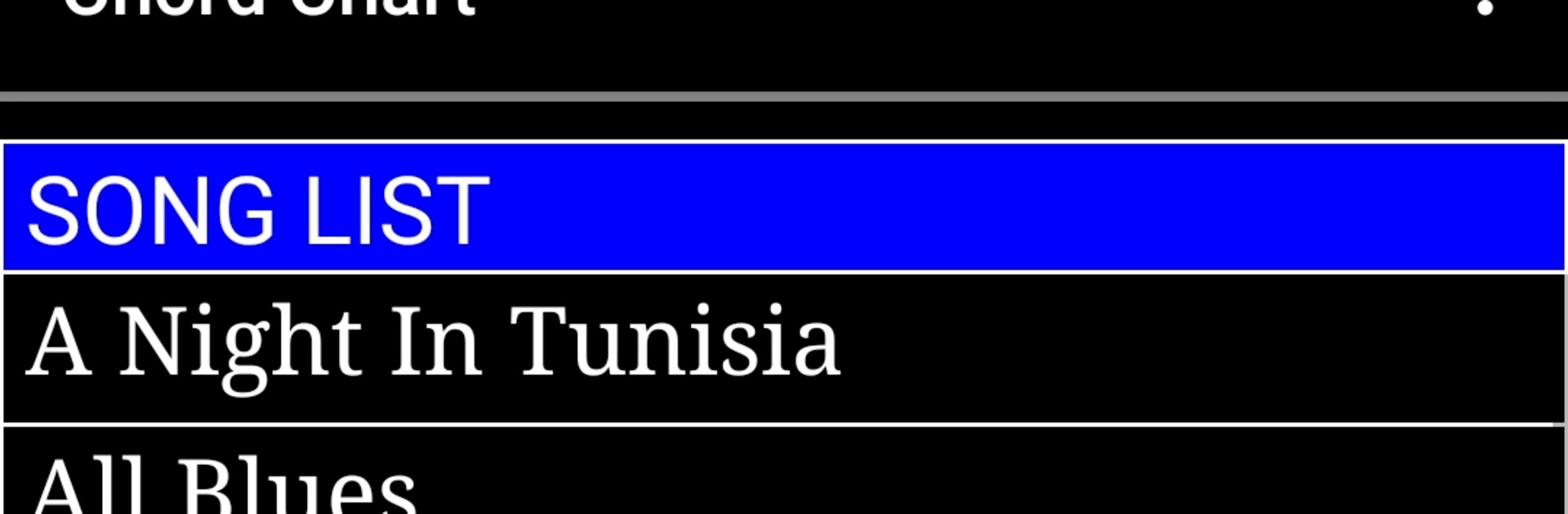
  • Song list manager: Browse all your saved songs, open any chart in a tap, and spin up a fresh, empty chart when inspiration hits.
  • Playable chord charts: View the whole progression at a glance and tap any chord to hear it, perfect for quick checks and ear training.
  • Backing accompaniment: Start or stop auto-accompaniment for the current chart, and pick styles like Bossa Nova or Swing when you’re working in 4/4.
  • Transpose and tempo: Change key on the fly and set the tempo shown on-screen so practice feels just right, slow or fast.
  • Flexible editor: Set a default key and time signature, add section markers, and build each measure with 1–6 chord slots (with sensible limits in 4/4) for precise control.
  • Save your way: Overwrite updates with Save, branch a new version with Save As, or clean house with Delete when a draft’s done.
  • Share and import data: Show any song—or your entire library—as plain text to copy, paste, or share to other apps and email, making it easy to trade charts with bandmates.
  • Sample data on hand: Load example charts from the all-data view to see how things are structured and get moving faster.
  • All-songs view: Open a single text screen with every registered song, then hop back to your list in a tap when you’re done.
  • Info at a glance: Check the app info screen whenever you need quick details about features and options.

BlueStacks brings your apps to life on a bigger screen—seamless and straightforward.

How to Download and Run Chord Chart on PC or Mac

  • Download and install BlueStacks on your PC or Mac

  • Complete Google sign-in to access the Play Store, or do it later

  • Look for Chord Chart in the search bar at the top right corner

  • Click to install Chord Chart from the search results

  • Complete Google sign-in (if you skipped step 2) to install Chord Chart

  • Click the Chord Chart icon on the home screen to start playing

video
Watch Video

Minimum System Requirements

With BlueStacks 5, you can get started on a PC that fulfills the following requirements.

  • Operating System

    Microsoft Windows 7 or above, macOS 11 (Big Sur) or above

  • Processor

    Intel, AMD or Apple Silicon Processor

  • RAM

    at least 4GB

  • HDD

    10GB Free Disk Space

Note:

* You must be an Administrator on your PC. Up to date graphics drivers from Microsoft or the chipset vendor.

Chord Chart - FAQs

  • How to Run Chord Chart on Windows PC & Mac?

    Run Chord Chart on your PC or Mac by following these simple steps.

    • Click on ‘Download Chord Chart on PC’ to download BlueStacks
    • Install it and log-in to Google Play Store
    • Launch and run the app.
  • Why is BlueStacks the fastest and safest platform to play games on PC?

    BlueStacks respects your privacy and is always safe and secure to use. It does not carry any malware, spyware, or any sort of additional software that could harm your PC.

    It is engineered to optimize speed and performance for a seamless gaming experience.

  • What are Chord Chart PC requirements?

    Minimum requirement to run Chord Chart on your PC

    • OS: Microsoft Windows 7 and above:
    • Processor: Intel or AMD Processor:
    • RAM: Your PC must have at least 2GB of RAM. (Note that having 2GB or more disk space is not a substitute for RAM):
    • HDD: 5GB Free Disk Space.
    • You must be an Administrator on your PC.