



Why limit yourself to your small screen on the phone? Run Drum School, an app by Ferenc Nemeth, best experienced on your PC or Mac with BlueStacks, the world’s #1 Android emulator.
About the App
Drum School is your go-to practice partner whether you’re picking up sticks for the first time or tightening up pro chops. Built by world-class drummer Ferenc Nemeth, this Music & Audio app gives you a clear path to learn grooves, build technique, and actually enjoy practice. It feels like having a patient teacher, a killer reference library, and a play-along station in your pocket.
App Features
- Huge Groove Library: Explore 260+ drum grooves spanning rock, metal, funk, hip hop, reggae, jazz, Latin styles, and more—great for inspiration and steady progress.
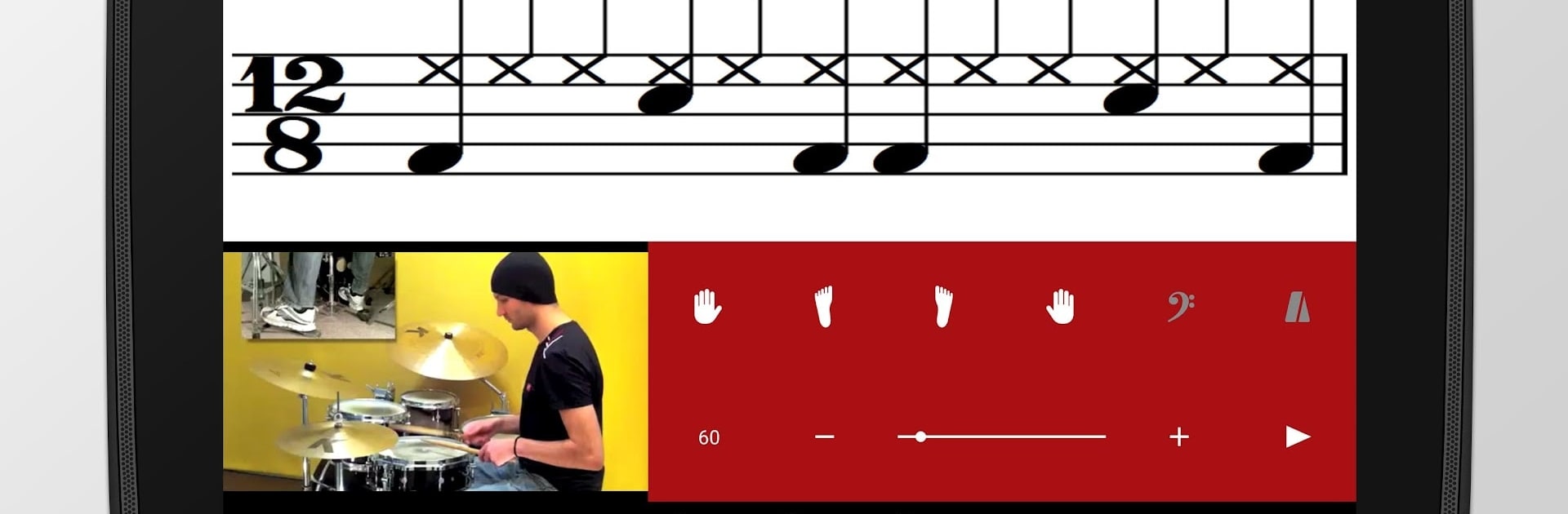
- Read, Hear, and Play: Clean drum notation in portrait or landscape pairs with high‑quality looped audio so you can follow along and practice without guesswork.
- Tempo Your Way: Dial tempos anywhere from 30 to 300 bpm with smooth audio—slow it way down or push the speed without losing quality.
- Isolate Parts: Solo what each limb plays to break a groove into pieces, learn them separately, then stitch it all back together; left/right hand isolation included in exercises.
- Bass Connection: Optional bass lines help you feel how drums lock with bass in each style, making your timing and pocket tighter.
- Fills on Demand: Practice multiple fills on their own or drop them into 2, 4, or 8‑bar phrases to hear how they actually flow.
- Smart Guidance: Detailed performance notes, learning tips, and short style history blurbs give context that sticks.
- Practice Toolbox: Tackle 133 exercises covering rudiments, rolls, flams, drags, and focused hand workouts—organized and ready to shed.
- Technique Videos: Watch 12 bite‑size demos for hands and feet, each with clear explanations so you can fix mechanics, not just memorize patterns.
- Favorites: Save grooves and exercises you’re working on for quick access during daily practice.
- Author & Cred: Performances by Ferenc Nemeth; highlighted in Modern Drummer and DownBeat.
- Learn Anywhere: Use it on your phone or run Drum School on BlueStacks if you prefer practicing on a bigger screen.
BlueStacks gives you the much-needed freedom to experience your favorite apps on a bigger screen. Get it now.





