




Get freedom from your phone’s obvious limitations. Use Equalizer – Music Bass Booster, made by Music Hero – MP3 Music Player, a Music & Audio app on your PC or Mac with BlueStacks, and level up your experience.
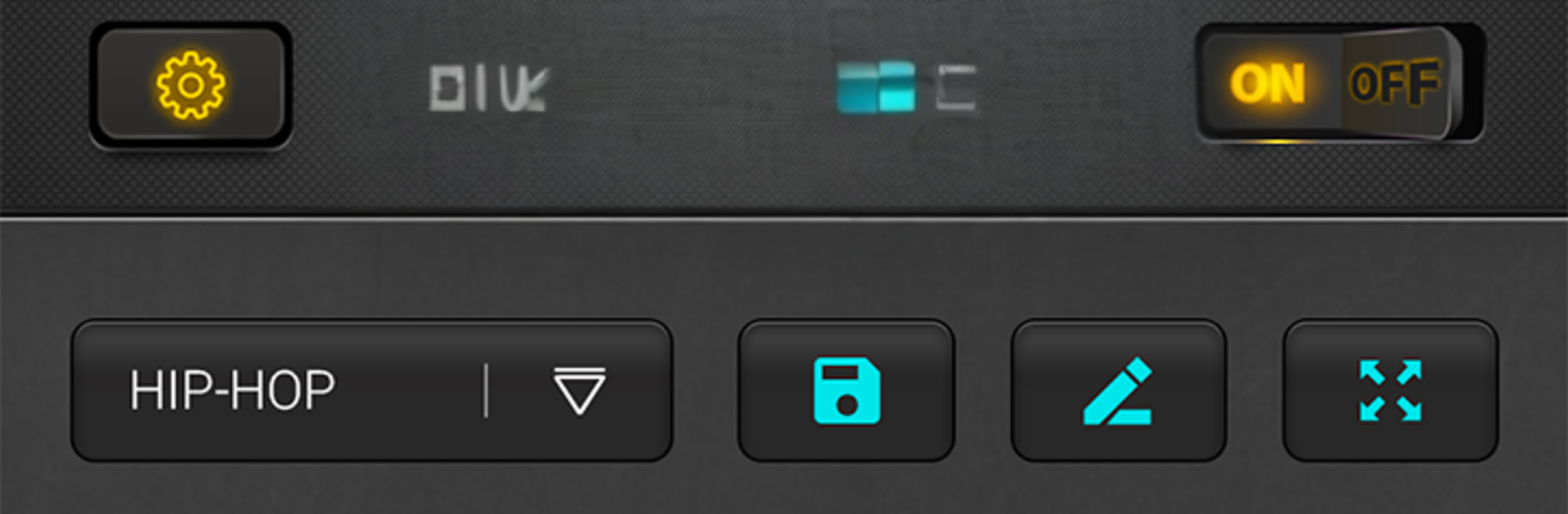
Equalizer – Music Bass Booster is basically a simple tool for tweaking how songs sound, and it feels straightforward on PC with BlueStacks. The layout is clean, five sliders for the equalizer, a separate bass boost, and a virtualizer that adds a bit of space around the audio. There are ready presets by genre like Hip-hop, Rock, Pop, Metal, Classical and a few others, and someone can save custom settings if they know exactly what they want. It plays nice with most music players, shows the track title and artist, and has quick buttons for pause, next, previous, so it does not get in the way.
The visual stuff is fun too. There is a stereo VU meter that bounces with the beat and a moving sound spectrum that looks better on a big monitor. With a mouse, nudging each band a tiny step is easier than on a phone, which helps dial in the bass without blowing out the rest. Headphones make a big difference here, since the bass boost can push small speakers too hard, and turning the volume booster up all the way may cause a bit of crackle if the source is already loud. It is not trying to be a full music player, more like a companion that makes old tracks hit harder or cleans up muddy mixes. Free to use, quick to set up, and it remembers custom presets for next time, which is great for those who bounce between different genres or speakers.
Switch to BlueStacks and make the most of your apps on your PC or Mac.





