




Why limit yourself to your small screen on the phone? Run EZ Folder Player, an app by EZWorks, best experienced on your PC or Mac with BlueStacks, the world’s #1 Android emulator.
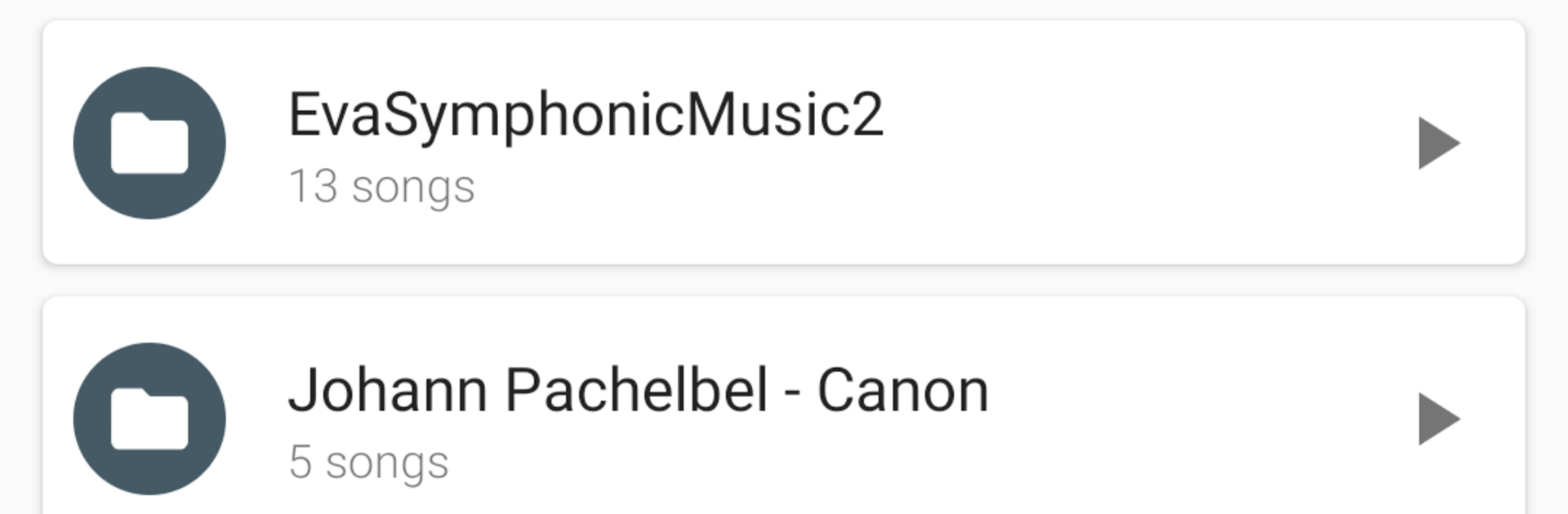
EZ Folder Player is one of those music apps that keeps things simple. It does not try to guess albums or fix tags. It just shows the folders on the device and lets a person play them as they are. If someone has a bunch of mixtapes, audiobooks, or old rips tucked into neat folders, this feels natural. Tap into a folder, hit play, and it runs through everything inside. The shuffle and repeat toggles are right there and do exactly what is expected. Long press opens multi select, so queuing a few folders or tracks is quick. There is a sleep timer for late night listening, some basic color themes so it does not look bland, and it hooks into third party equalizer apps if those are installed. Playback controls show up in notifications and on the lock screen too, which makes pausing or skipping easy.
On a PC with BlueStacks, it works like a tidy little file player. Import a music folder into BlueStacks, set the app’s start folder once, and it remembers it the next time. Using a mouse to jump between folders and queue tracks feels straightforward. The home screen widgets even work inside BlueStacks, so a small 4×1 or 4×2 control bar can sit on the Android desktop while doing other stuff. No clutter, no heavy artwork loading, just folders turning into playlists. There is an ad version to try first if someone wants to see how it fits their setup.
Big screen. Bigger performance. Use BlueStacks on your PC or Mac to run your favorite apps.





