

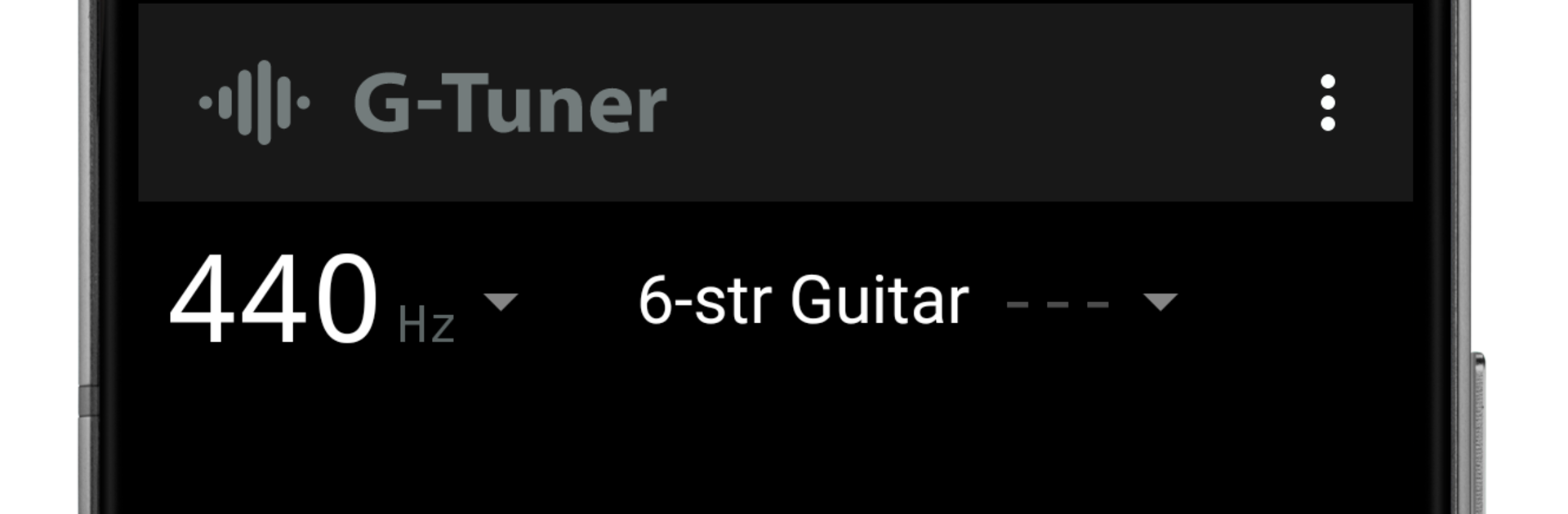


Get freedom from your phone’s obvious limitations. Use G-Tuner, made by nobapp, a Music & Audio app on your PC or Mac with BlueStacks, and level up your experience.
About the App
G-Tuner from nobapp is a clean, fast tuner made for real-world practice and performance across plucked strings. It locks onto pitch quickly and stays steady, even when the room isn’t quiet, so you spend less time fiddling and more time playing. It fits right in for beginners and feels precise enough for pros in the Music & Audio world. Want a bigger view while practicing at home? You can also run it on your PC or Mac with BlueStacks.
App Features
- Noise-smart detection: Purpose-built pitch tracking for microphone input cuts through background noise and keeps the meter stable.
- Pro accuracy: Measures to ±0.1 cents at A4=440 Hz with snappy response that works on stage or in the studio.
- Wide pitch range: Covers E0–E7, from deep bass notes to high guitar harmonics and beyond.
- Calibrate your reference: Set A anywhere from 390–490 Hz in 1 Hz steps to match your band or recording.
- Capo and downtune ready: Apply FLAT/CAPO shifts from -5 to +7 to match alternate setups fast.
- Two viewing styles: Use Strings mode for quick per-string checks; switch to Chromatic mode for anything you throw at it (advanced option).
- Choose your tolerance: MED at ±5.0 cents or HIGH at ±2.5 cents when you need tighter control (HIGH is an advanced option).
- Alternate tunings made easy: Presets for guitar, bass, banjo, mandolin, and ukulele, plus your own custom tunings (advanced option).
- Helpful feedback: Get clear in‑tune notifications, per‑string status, and detailed readouts with detected pitch, target pitch, and error (detailed view is an advanced option).
- Supported instruments: Works with guitar, bass guitar, banjo, and pretty much any plucked string instrument.
- Advanced tools trial: Chromatic mode, HIGH tolerance, altered tunings, and detailed pitch info are available with a 30‑day free trial.
Big screen. Bigger performance. Use BlueStacks on your PC or Mac to run your favorite apps.





