

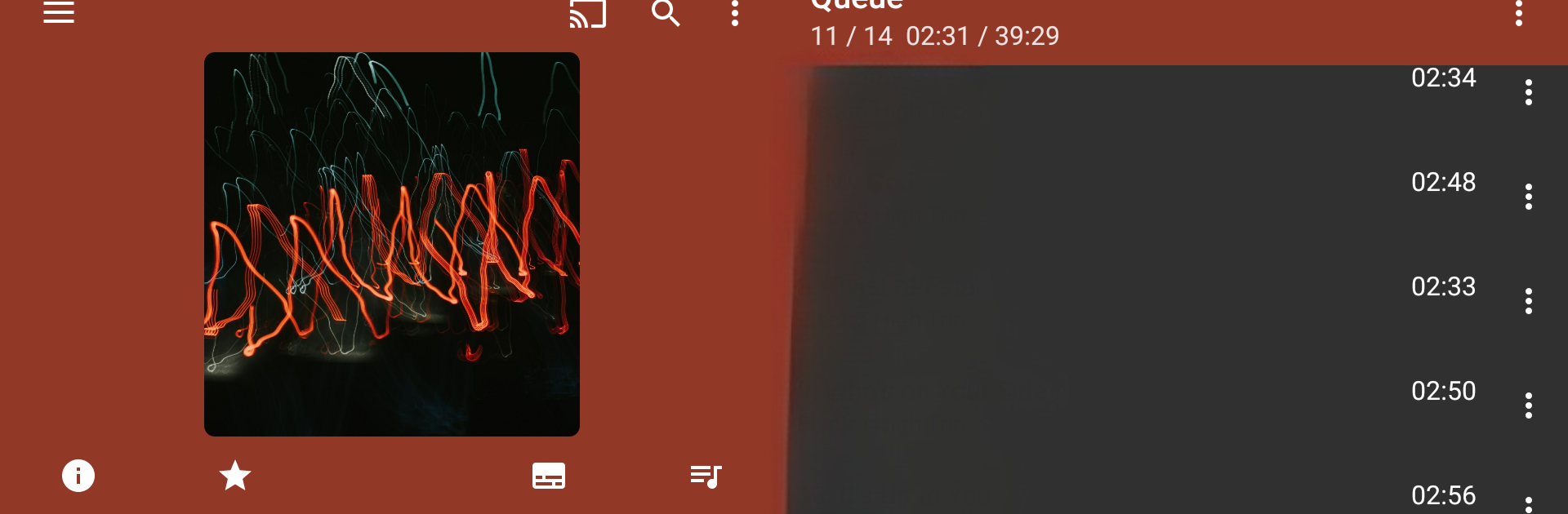


Get freedom from your phone’s obvious limitations. Use GoneMAD Music Player Unlocker, made by GoneMAD Software LLC, a Music & Audio app on your PC or Mac with BlueStacks, and level up your experience.
GoneMAD Music Player Unlocker is the key that turns the trial into the full version, not a separate player. Install the trial first, install this unlocker, run it once, then after a reboot the icon hides itself. In Settings > About it should show Full Version Unlocked, so there is no mystery about whether it worked. The trial runs for 14 days, and the unlocker is what keeps everything going after that.
What stands out is how tweakable the player feels. It has a custom audio engine, gapless playback that is actually seamless, ReplayGain, crossfade, cuesheet and lyric support, smart playlists, Auto DJ for endless play, and an album shuffle mode that does not repeat the same artist every five minutes. The equalizer is flexible, 2 to 10 bands with a preamp, balance, bass boost, speed control with auto pitch correction, a limiter to avoid clipping, even a mono force if needed. It handles alot of formats, from mp3 and aac to flac, alac, ape, opus, wav, and more, and it stays fast with very large libraries. Browsing by folder or by tags is solid, and there is a tag editor, scrobbling, bookmarks, ratings, and playlist files like m3u or wpl. The interface is extremely customizable with themes, color combos, widgets, gesture controls, headset and Bluetooth options, Android Auto and Chromecast support, and a sleep timer. On a PC through BlueStacks, it feels like a lightweight desktop player, and the bigger screen makes sorting, tagging, and building playlists a lot easier. If an update ever acts strange, a quick cache clear or fresh install usually sorts it out. There is also a Classic build for anyone who prefers the older style.
Big screen. Bigger performance. Use BlueStacks on your PC or Mac to run your favorite apps.





