
Guatemala radios
Guatemala radios

Guatemala radios

Music & Audio

| Viverit

Play on PC with BlueStacks or from our cloud

  • Overview
  • How to Download

Page Modified On: September 19, 2025

Run Guatemala radios on PC or Mac

Why limit yourself to your small screen on the phone? Run Guatemala radios, an app by Viverit, best experienced on your PC or Mac with BlueStacks, the world’s #1 Android emulator.

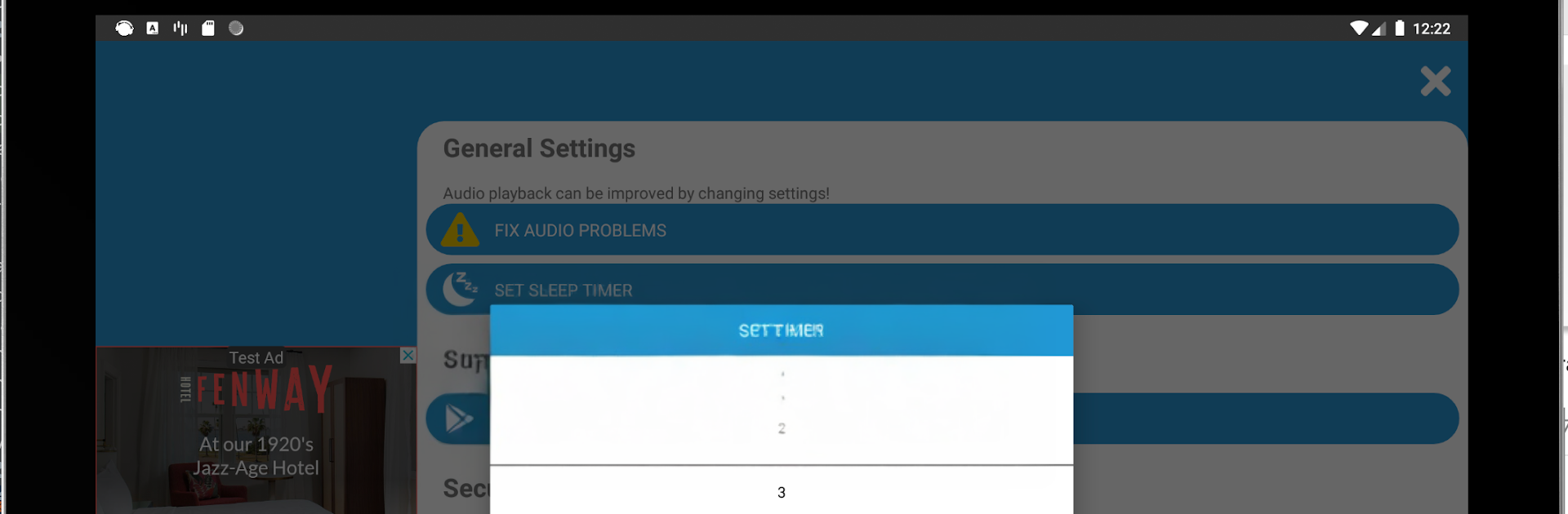
Guatemala radios feels like flipping through a big, easy dial of stations from all over Guatemala, all streaming over WiFi. It has both FM and AM options, so there is music, talk, and news in one place. The interface is straightforward. Open it, scroll the list, hit play, and it connects quickly if the connection is decent. On a PC with BlueStacks it sits off to the side while work happens, and clicking around with a mouse to change stations is nicer than pecking at a phone screen. It also works abroad, so keeping up with local shows when away from home is not a hassle.

Genres are all over the map, from Christian and pop to rock, dance music, ballads, metal, hard rock, hip hop, country, techno, reggae, punk, folklore, rock and roll, plus sports and news. A bunch of recognizable names show up, like Emisoras Unidas 89.7, Radio Sonora 96.9, Radio Disney 92.9, Yosi Sideral 90.1, Ke Buena 91.3, Exa 101.7, TGW 107.3, Radio María 103.3, and La Mega 107.7, along with regional stations such as Nawal Estéreo or La Chimalteca. Streams sound clean most of the time, and the only hiccups come from weak WiFi, then it buffers a bit. It is good for leaving on in the background while doing other stuff, jumping from upbeat stations to something calmer in a click, and using keyboard volume so there is less fiddling.

Big screen. Bigger performance. Use BlueStacks on your PC or Mac to run your favorite apps.

How to Download and Run Guatemala radios on PC or Mac

  • Download and install BlueStacks on your PC or Mac

  • Complete Google sign-in to access the Play Store, or do it later

  • Look for Guatemala radios in the search bar at the top right corner

  • Click to install Guatemala radios from the search results

  • Complete Google sign-in (if you skipped step 2) to install Guatemala radios

  • Click the Guatemala radios icon on the home screen to start playing

video
Watch Video

Minimum System Requirements

With BlueStacks 5, you can get started on a PC that fulfills the following requirements.

  • Operating System

    Microsoft Windows 7 or above, macOS 11 (Big Sur) or above

  • Processor

    Intel, AMD or Apple Silicon Processor

  • RAM

    at least 4GB

  • HDD

    10GB Free Disk Space

Note:

* You must be an Administrator on your PC. Up to date graphics drivers from Microsoft or the chipset vendor.

Guatemala radios - FAQs

  • How to Run Guatemala radios on Windows PC & Mac?

    Run Guatemala radios on your PC or Mac by following these simple steps.

    • Click on ‘Download Guatemala radios on PC’ to download BlueStacks
    • Install it and log-in to Google Play Store
    • Launch and run the app.
  • Why is BlueStacks the fastest and safest platform to play games on PC?

    BlueStacks respects your privacy and is always safe and secure to use. It does not carry any malware, spyware, or any sort of additional software that could harm your PC.

    It is engineered to optimize speed and performance for a seamless gaming experience.

  • What are Guatemala radios PC requirements?

    Minimum requirement to run Guatemala radios on your PC

    • OS: Microsoft Windows 7 and above:
    • Processor: Intel or AMD Processor:
    • RAM: Your PC must have at least 2GB of RAM. (Note that having 2GB or more disk space is not a substitute for RAM):
    • HDD: 5GB Free Disk Space.
    • You must be an Administrator on your PC.




