



What’s better than using Intonia by Jerry Agin? Well, try it on a big screen, on your PC or Mac, with BlueStacks to see the difference.
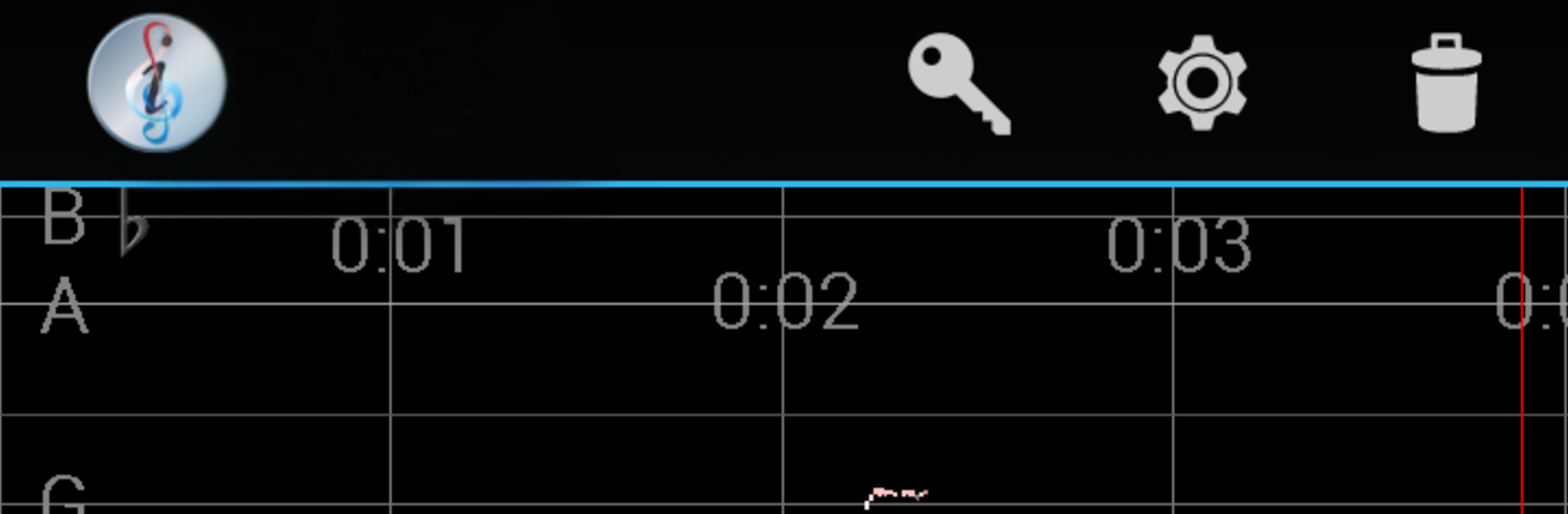
Intonia feels like a tuner and a simple recorder glued together, but with a clear visual twist. Notes show up as a scrolling line, higher on the screen for higher pitch, and the color tells the truth fast. White means in tune with the scale and temperament you chose, red means sharp, blue means flat. So when a fast passage goes by, the graph keeps a memory of it and you can see exactly which notes drifted. It shows slides, shifts, and vibrato in a way that actually makes sense, which is great for strings from cello to violin, and honestly it works fine for lots of other instruments too.
The default setup uses A=440 and equal temperament, with one minute of recording storage, and the app does not expire. The Pro upgrade opens things up: set A anywhere from 400 to 499 Hz, switch between Equal, Just, and Pythagorean, and save or load recordings as MP3 or WAV. Files can be renamed or deleted, the max file length can go up to 99 minutes, the screen can stay awake, rotation can be locked, and it can keep recording or playing while in the background.
On a PC with BlueStacks, the bigger screen makes the graph easier to read, especially for long takes. Plug in a decent mic or use a laptop mic and it becomes a very straightforward intonation coach and quick recorder without extra fuss.
Ready to experience Intonia on a bigger screen, in all its glory? Download BlueStacks now.





