
ListenBuddha
ListenBuddha

ListenBuddha

Music & Audio

| AnagyriStudio

Play on PC with BlueStacks or from our cloud

  • Overview
  • How to Download

Page Modified On: October 04, 2025

Run ListenBuddha on PC or Mac

Let BlueStacks turn your PC, Mac, or laptop into the perfect home for ListenBuddha, a fun Music & Audio app from AnagyriStudio.

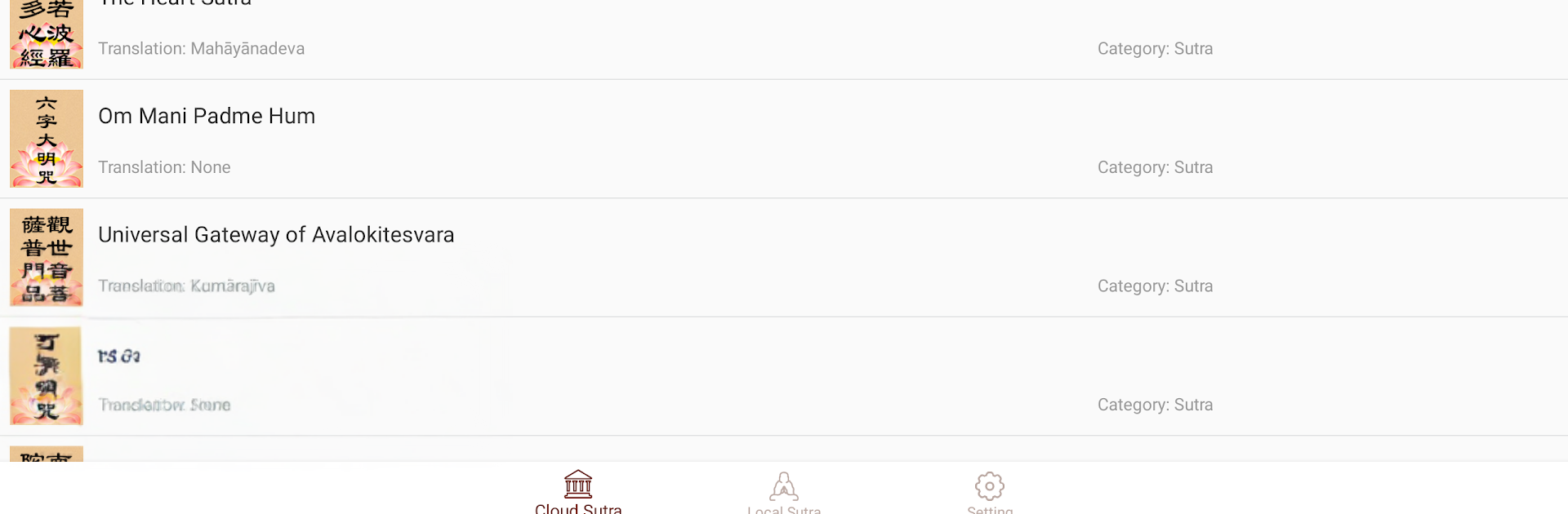
ListenBuddha is all about listening to Buddhist sutras in a calm, no fuss way. Open it, pick a sutra, press play, and it just goes. The recordings have a steady, soothing flow that makes the room feel quieter, like the app is gently telling everyone to take a breath. It is simple by design, which suits this kind of practice. Clear titles, straightforward controls, and it focuses on recitation rather than a bunch of extras. People can let it run during meditation, studying, or as a soft background while getting ready in the morning. It is also helpful for learning, because repeated listening makes the words and rhythm start to stick without effort.

On a PC with BlueStacks, it feels even more relaxed. Bigger speakers help the chant carry, and it is easy to leave playing while working or reading without touching the phone every few minutes. Media keys or quick clicks handle pause and skip so there is less fussing with tiny buttons. There is no social feed or busy visuals, so attention stays on the audio. Some tracks lean traditional, not flashy, which fits the purpose. It feels steady, warm, and a bit grounding. Anyone who wants a calm way to hear and learn sutras will likely enjoy how direct this is, with nothing noisy getting in the way.

BlueStacks brings your apps to life on a bigger screen—seamless and straightforward.

How to Download and Run ListenBuddha on PC or Mac

  • Download and install BlueStacks on your PC or Mac

  • Complete Google sign-in to access the Play Store, or do it later

  • Look for ListenBuddha in the search bar at the top right corner

  • Click to install ListenBuddha from the search results

  • Complete Google sign-in (if you skipped step 2) to install ListenBuddha

  • Click the ListenBuddha icon on the home screen to start playing

video
Watch Video

Minimum System Requirements

With BlueStacks 5, you can get started on a PC that fulfills the following requirements.

  • Operating System

    Microsoft Windows 7 or above, macOS 11 (Big Sur) or above

  • Processor

    Intel, AMD or Apple Silicon Processor

  • RAM

    at least 4GB

  • HDD

    10GB Free Disk Space

Note:

* You must be an Administrator on your PC. Up to date graphics drivers from Microsoft or the chipset vendor.

ListenBuddha - FAQs

  • How to Run ListenBuddha on Windows PC & Mac?

    Run ListenBuddha on your PC or Mac by following these simple steps.

    • Click on ‘Download ListenBuddha on PC’ to download BlueStacks
    • Install it and log-in to Google Play Store
    • Launch and run the app.
  • Why is BlueStacks the fastest and safest platform to play games on PC?

    BlueStacks respects your privacy and is always safe and secure to use. It does not carry any malware, spyware, or any sort of additional software that could harm your PC.

    It is engineered to optimize speed and performance for a seamless gaming experience.

  • What are ListenBuddha PC requirements?

    Minimum requirement to run ListenBuddha on your PC

    • OS: Microsoft Windows 7 and above:
    • Processor: Intel or AMD Processor:
    • RAM: Your PC must have at least 2GB of RAM. (Note that having 2GB or more disk space is not a substitute for RAM):
    • HDD: 5GB Free Disk Space.
    • You must be an Administrator on your PC.




