




Get freedom from your phone’s obvious limitations. Use Music Player, made by ScieNext, a Music & Audio app on your PC or Mac with BlueStacks, and level up your experience.
About the App
Music Player by ScieNext is a clean, offline way to enjoy the songs you already own. This Music & Audio app organizes your library by albums, artists, and folders and gives you real control over how everything sounds. If you like listening at your desk, you can also use it on your computer through BlueStacks.
App Features
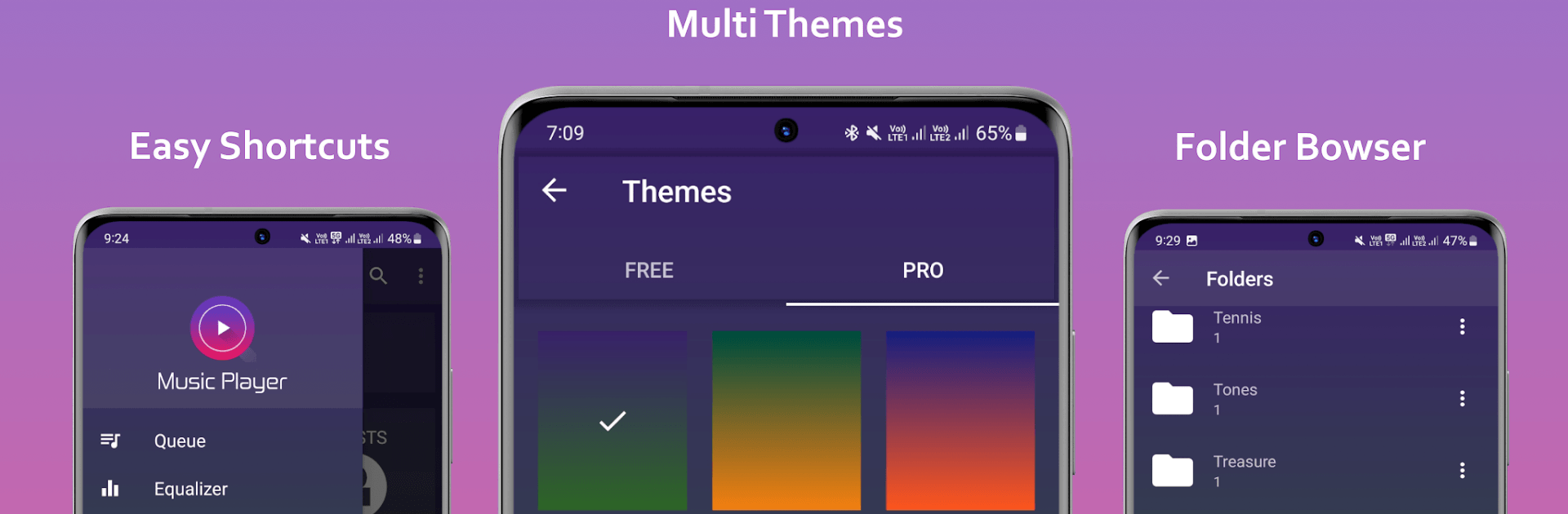
- Colorful themes — Pick a look that matches your vibe with a range of bright, stylish themes.
- Plays your files — Enjoy support for the most common audio formats without any extra steps.
- Smart library views — Browse by album, artist, track, or straight from your folders; find what you want fast.
- 5-band equalizer — Tweak the sound with a flexible EQ and 10 handy presets to fit any genre.
- Bass boost + virtualizer — Add punch and space to your music when you want a little extra oomph.
- Easy playlists — Create and manage playlists, add batches of songs at once, and rearrange tracks in any order.
- Queue and “Play next” — Line up what’s coming with quick add-to-queue and play-next options.
- Favorites — Mark go-to tracks and access them instantly in a built-in Favorites list.
- Tag and cover editor — Fix song titles, artists, and album art right inside the app.
- Powerful search — Find tracks by title, album, or artist in seconds.
- Sleep timer — Set it to stop after a set time so the music winds down when you do.
- Handy controls — Use notification controls, a lock screen widget, and a home screen widget for quick access.
- Headset support — Control playback with your headphone buttons on the go.
- Recently added + sorting — See new music at a glance and sort your library the way you like.
- Library refresh + file management — Update your library on demand and delete tracks you don’t need.
- Works offline — All features are designed for music stored on your device.
- Multilingual — Available in multiple languages, including English, Spanish, Portuguese, French, German, Italian, Russian, Turkish, Chinese, Japanese, and more.
Ready to experience Music Player on a bigger screen, in all its glory? Download BlueStacks now.





