OurSong
OurSong

OurSong

Music & Audio

| Innovtiv

Play on PC with BlueStacks or from our cloud

  • Overview
  • How to Download

Page Modified On: July 14, 2026

Run OurSong on PC or Mac

What’s better than using OurSong by Innovtiv? Well, try it on a big screen, on your PC or Mac, with BlueStacks to see the difference.

About the App

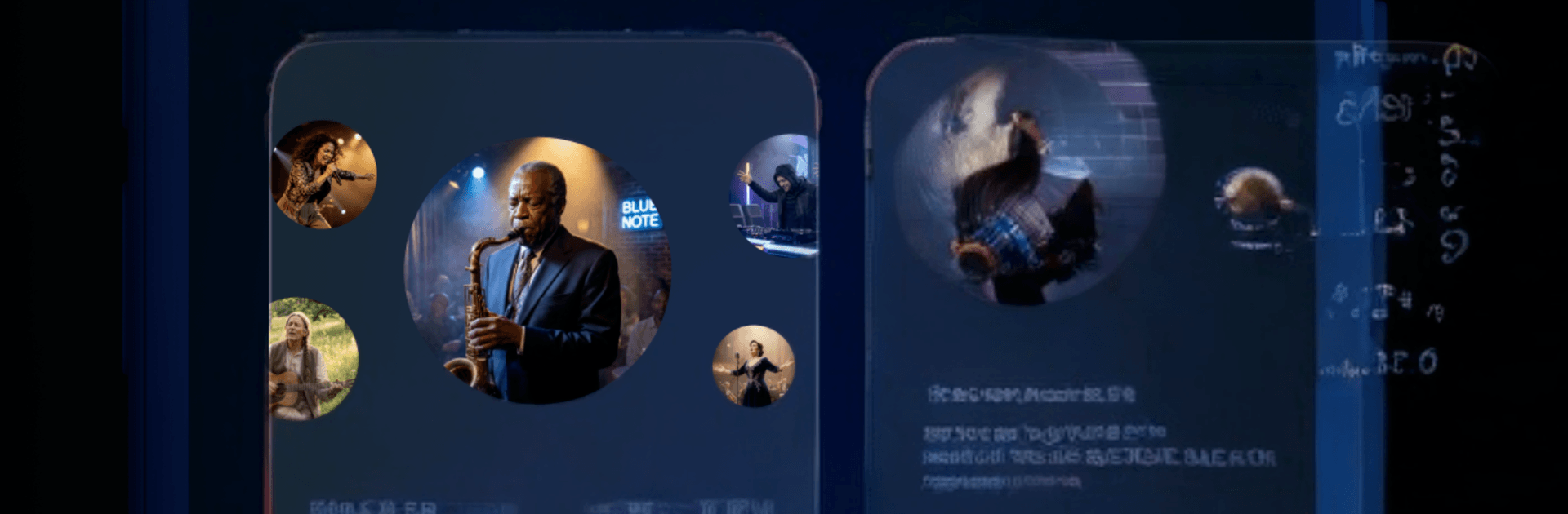
Some gifts fade fast; this one sticks. OurSong turns your memories into a one-of-a-kind track that sounds like it was made in a studio—because it is. This Music & Audio app takes the real details you share and shapes them into an original song you can play, save, and share.

App Features

  • Story-to-Song: Tell the app how your story began, the big moments, and the little things in between. OurSong weaves those details into lyrics that feel personal and real.
  • Mood and Genre Picker: Choose the vibe that fits—romantic, celebratory, tender, upbeat, or anything in between—so the final track matches the moment.
  • Personal Touches: Add the inside jokes, nicknames, favorite spots, and dates that only you two know. These details make the song unmistakably yours.
  • Fully Produced Sound: Get a polished, original track built around your words, with professional production quality from start to finish.
  • Easy to Share and Save: Receive your song as a ready-to-download file you can send to friends, play at events, or keep forever.
  • No Music Skills Needed: No instruments, no training—just your memories and a few prompts to guide you.
  • Perfect for Big Moments: Anniversaries, birthdays, weddings, proposals, Valentine’s Day, Mother’s Day, Father’s Day, graduations—any time a gift should actually mean something.
  • Always Improving: Fresh tweaks and options roll out regularly to keep the creative process smooth.
  • Comfortable on Any Screen: Typing out longer stories feels effortless on a keyboard, and OurSong runs great on BlueStacks if you like working from your PC or Mac.

Switch to BlueStacks and make the most of your apps on your PC or Mac.

How to Download and Run OurSong on PC or Mac

  • Download and install BlueStacks on your PC or Mac

  • Complete Google sign-in to access the Play Store, or do it later

  • Look for OurSong in the search bar at the top right corner

  • Click to install OurSong from the search results

  • Complete Google sign-in (if you skipped step 2) to install OurSong

  • Click the OurSong icon on the home screen to start playing

video
Watch Video

Minimum System Requirements

With BlueStacks 5, you can get started on a PC that fulfills the following requirements.

  • Operating System

    Microsoft Windows 7 or above, macOS 11 (Big Sur) or above

  • Processor

    Intel, AMD or Apple Silicon Processor

  • RAM

    at least 4GB

  • HDD

    10GB Free Disk Space

Note:

* You must be an Administrator on your PC. Up to date graphics drivers from Microsoft or the chipset vendor.

OurSong - FAQs

  • How to Run OurSong on Windows PC & Mac?

    Run OurSong on your PC or Mac by following these simple steps.

    • Click on ‘Download OurSong on PC’ to download BlueStacks
    • Install it and log-in to Google Play Store
    • Launch and run the app.
  • Why is BlueStacks the fastest and safest platform to play games on PC?

    BlueStacks respects your privacy and is always safe and secure to use. It does not carry any malware, spyware, or any sort of additional software that could harm your PC.

    It is engineered to optimize speed and performance for a seamless gaming experience.

  • What are OurSong PC requirements?

    Minimum requirement to run OurSong on your PC

    • OS: Microsoft Windows 7 and above:
    • Processor: Intel or AMD Processor:
    • RAM: Your PC must have at least 2GB of RAM. (Note that having 2GB or more disk space is not a substitute for RAM):
    • HDD: 5GB Free Disk Space.
    • You must be an Administrator on your PC.