
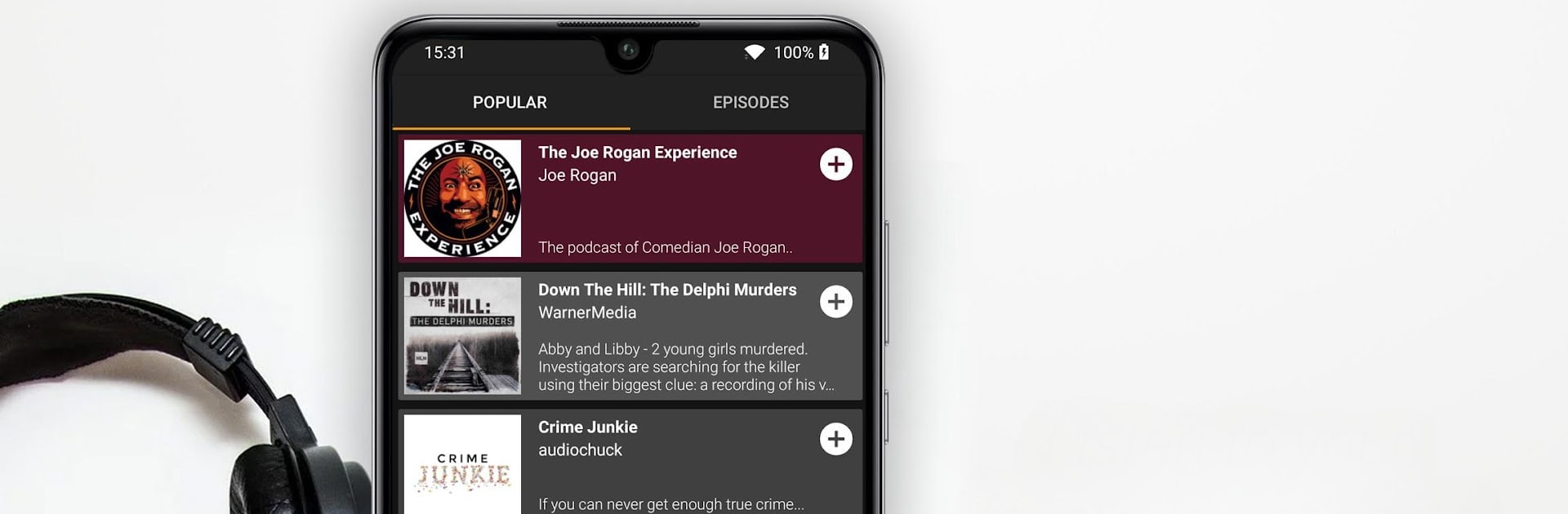
Podcast Go
Podcast Go

Podcast Go

Music & Audio

| Sanity Audio Apps

Play on PC with BlueStacks or from our cloud

  • Overview
  • How to Download

Page Modified On: July 25, 2025

Run Podcast Go on PC or Mac

Upgrade your experience. Try Podcast Go, the fantastic Music & Audio app from Sanity Audio Apps, from the comfort of your laptop, PC, or Mac, only on BlueStacks.

Podcast Go is sort of the go-to app for people who like having all their favorite podcasts in one spot, without a lot of fuss. It’s straightforward—just search for pretty much any show (comedy, news, tech, whatever), download or stream it, and you’re set. There are tons of categories to scroll through. Something that stands out is how you can easily make playlists with episodes you want to listen to later, so catching up on multiple shows isn’t a hassle. It’s got speed controls, too, which is handy for folks who like to race through episodes or slow things down to catch every word. There’s a sleep timer for those who listen before bed, so you don’t wake up with half a series gone.

What’s kind of neat is that you can mess with themes a bit, picking colors or dark mode, so the whole thing looks how you want it. Saving episodes straight to an SD card is an option, which is great if you’re running low on phone storage. If notifications are your thing, subscribing to shows means you’ll get a little nudge when something new drops. The Chromecast support is there too, so sending audio to other devices isn’t a problem. People use it on PC with BlueStacks, and it feels quick—even a bit easier to browse through a bunch of podcasts on a bigger screen. All the basic podcast stuff is here, but the layout is clean and not confusing, and it’s reliable for downloading or streaming, even offline.

Big screen. Bigger performance. Use BlueStacks on your PC or Mac to run your favorite apps.

How to Download and Run Podcast Go on PC or Mac

  • Download and install BlueStacks on your PC or Mac

  • Complete Google sign-in to access the Play Store, or do it later

  • Look for Podcast Go in the search bar at the top right corner

  • Click to install Podcast Go from the search results

  • Complete Google sign-in (if you skipped step 2) to install Podcast Go

  • Click the Podcast Go icon on the home screen to start playing

video
Watch Video

Minimum System Requirements

With BlueStacks 5, you can get started on a PC that fulfills the following requirements.

  • Operating System

    Microsoft Windows 7 or above, macOS 11 (Big Sur) or above

  • Processor

    Intel, AMD or Apple Silicon Processor

  • RAM

    at least 4GB

  • HDD

    10GB Free Disk Space

Note:

* You must be an Administrator on your PC. Up to date graphics drivers from Microsoft or the chipset vendor.

Podcast Go - FAQs

  • How to Run Podcast Go on Windows PC & Mac?

    Run Podcast Go on your PC or Mac by following these simple steps.

    • Click on ‘Download Podcast Go on PC’ to download BlueStacks
    • Install it and log-in to Google Play Store
    • Launch and run the app.
  • Why is BlueStacks the fastest and safest platform to play games on PC?

    BlueStacks respects your privacy and is always safe and secure to use. It does not carry any malware, spyware, or any sort of additional software that could harm your PC.

    It is engineered to optimize speed and performance for a seamless gaming experience.

  • What are Podcast Go PC requirements?

    Minimum requirement to run Podcast Go on your PC

    • OS: Microsoft Windows 7 and above:
    • Processor: Intel or AMD Processor:
    • RAM: Your PC must have at least 2GB of RAM. (Note that having 2GB or more disk space is not a substitute for RAM):
    • HDD: 5GB Free Disk Space.
    • You must be an Administrator on your PC.




