


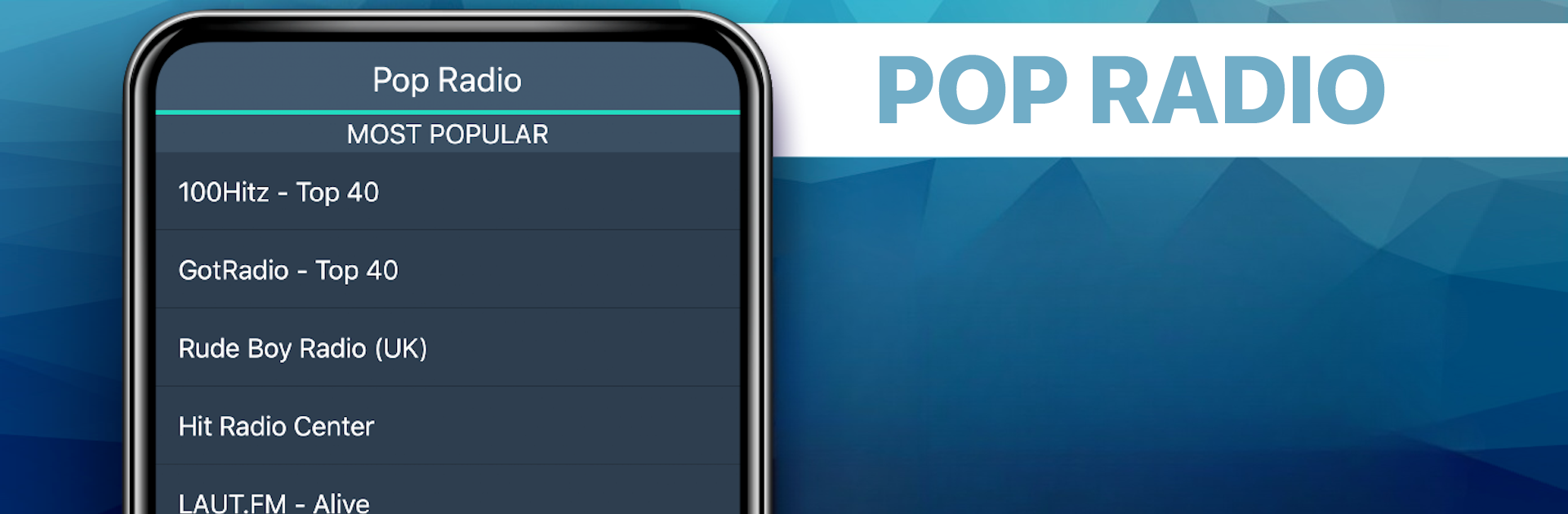


Let BlueStacks turn your PC, Mac, or laptop into the perfect home for Pop Radio Favorites, a fun Music & Audio app from MyIndieApp.com.
About the App
Love flipping through radio stations to find your favorite tunes? Pop Radio Favorites is all about bringing a huge mix of popular hits, throwback tracks, and even offbeat gems straight to your phone—no matter where you are. Created by MyIndieApp.com, this Music & Audio app keeps things simple: just open, pick a station, and start listening. Whether you’re into chart-toppers, 80s nostalgia, or want something a little less mainstream, there’s a channel waiting for you. Got some work to do? You can still browse or chat while the music plays in the background. There’s no need to fumble with complicated menus—just hit play and let the music keep you company.
App Features
- Tons of Popular Stations: From Top 40 hits to classic rock and ‘80s pop, you’ll find stations specializing in every kind of pop genre, including international favorites and indie surprises.
- Background Listening: Keep the music going even while you check your email, scroll social media, or search the web.
- Oldies to Now: Whether you’re in the mood for some retro ‘70s tracks, 90s pop anthems, or today’s chart leaders, switching eras is as easy as switching stations.
- Mixes for Any Mood: Jump into a party mix, smooth sounds, pop punk energy, or even themed playlists like “Glee Radio”—there’s a perfect mood booster any time of day.
- Simple, No-Fuss Controls: Just pick a station and the music streams instantly. No complicated sign-ups or endless settings to tweak.
- Works Across devices: Enjoy Pop Radio Favorites not just on your phone, but wherever you use BlueStacks for a bigger sound experience.
- Loads of International Choices: Dig into stations from the UK, Europe, and different corners of the globe if you’re craving something new or just miss home.
Eager to take your app experience to the next level? Start right away by downloading BlueStacks on your PC or Mac.





