
Radio Bulgaria FM online

Radio Bulgaria FM online

Music & Audio

| Radioworld FM

Play on PC with BlueStacks or from our cloud

  • Overview
  • How to Download

Page Modified On: October 24, 2025

Run Radio Bulgaria FM online on PC or Mac

Let BlueStacks turn your PC, Mac, or laptop into the perfect home for Radio Bulgaria FM online, a fun Music & Audio app from Radioworld FM.

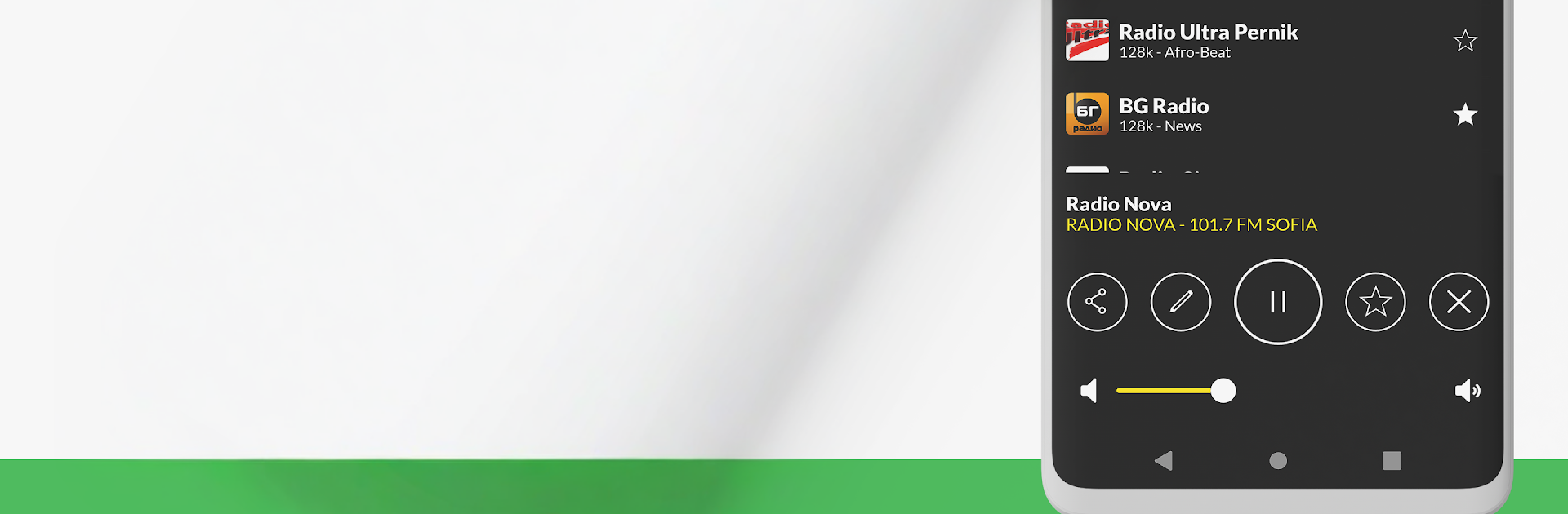
Radio Bulgaria FM online feels like a big, tidy shelf of Bulgarian stations that is easy to browse on a PC. Fire it up on BlueStacks and it loads quick, then it is just picking a station and letting it play while working or scrolling elsewhere. There are loads of options, from news and sports to folk and pop, with familiar names like NRJ, N-Joy, Veronika, Darik, BNR Horizont, Melody and more. The player keeps streaming in the background, so the music does not stop when switching apps, and the sleep timer is handy if someone likes falling asleep to radio. There is also an alarm if a gentle radio wake up is the goal, which is a cute touch even on desktop.

The interface is clean and simple. Favorites are one click, search actually finds what is needed, and it suggests new stations without getting in the way. It runs fine abroad too, so it is good for keeping up with shows from home when traveling. There are ads, nothing surprising, and there is a paid option inside the menu if someone wants to remove them. No subscription is required to listen. Bluetooth and casting support are there if speakers or a TV are nearby, and the small widget on mobile is useful, though on PC the main player window does the job. It just needs a decent internet connection and it plays without fuss.

BlueStacks gives you the much-needed freedom to experience your favorite apps on a bigger screen. Get it now.


How to Download and Run Radio Bulgaria FM online on PC or Mac

  • Download and install BlueStacks on your PC or Mac

  • Complete Google sign-in to access the Play Store, or do it later

  • Look for Radio Bulgaria FM online in the search bar at the top right corner

  • Click to install Radio Bulgaria FM online from the search results

  • Complete Google sign-in (if you skipped step 2) to install Radio Bulgaria FM online

  • Click the Radio Bulgaria FM online icon on the home screen to start playing

video
Watch Video

Minimum System Requirements

With BlueStacks 5, you can get started on a PC that fulfills the following requirements.

  • Operating System

    Microsoft Windows 7 or above, macOS 11 (Big Sur) or above

  • Processor

    Intel, AMD or Apple Silicon Processor

  • RAM

    at least 4GB

  • HDD

    10GB Free Disk Space

Note:

* You must be an Administrator on your PC. Up to date graphics drivers from Microsoft or the chipset vendor.

Radio Bulgaria FM online - FAQs

  • How to Run Radio Bulgaria FM online on Windows PC & Mac?

    Run Radio Bulgaria FM online on your PC or Mac by following these simple steps.

    • Click on ‘Download Radio Bulgaria FM online on PC’ to download BlueStacks
    • Install it and log-in to Google Play Store
    • Launch and run the app.
  • Why is BlueStacks the fastest and safest platform to play games on PC?

    BlueStacks respects your privacy and is always safe and secure to use. It does not carry any malware, spyware, or any sort of additional software that could harm your PC.

    It is engineered to optimize speed and performance for a seamless gaming experience.

  • What are Radio Bulgaria FM online PC requirements?

    Minimum requirement to run Radio Bulgaria FM online on your PC

    • OS: Microsoft Windows 7 and above:
    • Processor: Intel or AMD Processor:
    • RAM: Your PC must have at least 2GB of RAM. (Note that having 2GB or more disk space is not a substitute for RAM):
    • HDD: 5GB Free Disk Space.
    • You must be an Administrator on your PC.



