Radio Online Polska
Radio Online Polska

Radio Online Polska

Music & Audio

| Radio Expert - Online Radio

Play on PC with BlueStacks or from our cloud

  • Overview
  • How to Download

Page Modified On: December 22, 2025

Run Radio Online Polska on PC or Mac

Let BlueStacks turn your PC, Mac, or laptop into the perfect home for Radio Online Polska, a fun Music & Audio app from Radio Expert – Online Radio.

About the App

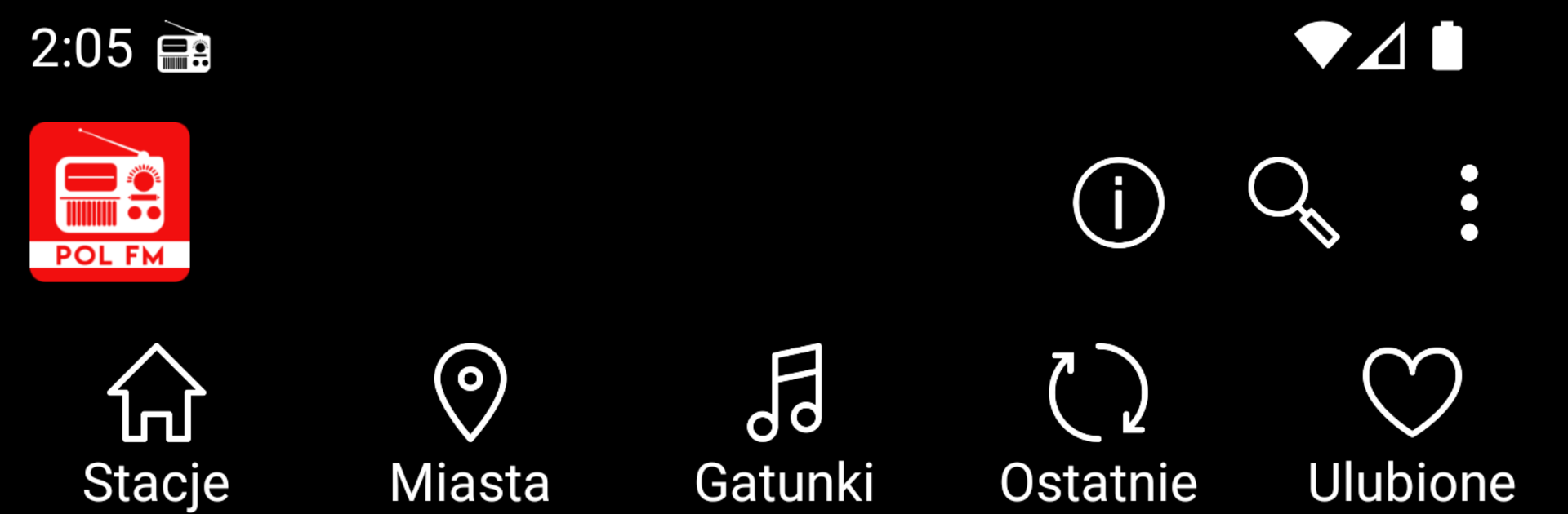
Radio Online Polska brings the sound of Poland to your pocket. Stream live stations from across the country—music, talk, news, and everything in between—right when you want it. It’s quick to use, easy to browse, and built for everyday listening by Radio Expert – Online Radio in the Music & Audio genre.

App Features

  • Live Polish stations, 24/7: Tune into real-time broadcasts from all over Poland. No schedules to memorize—just hit play and listen.
  • Search by genre or city: Find what fits your mood or hometown vibes. Browse rock, jazz, hip hop, electronic, decades playlists, and more, or pick stations from Krakow, Gdansk, Wroclaw, Poznan, Lublin, Katowice, Lodz, Szczecin, and other cities.
  • What’s popular, first: Stations are sorted by what listeners are loving right now, so discovering a great stream takes seconds.
  • Background playback: Keep the music going while you text, scroll, or check maps. The stream stays on, quietly doing its thing.
  • Favorites you’ll actually use: Save your go-to stations to a personal list and jump back in with one tap.
  • Recent history: Miss something? Your last 50 stations are saved so you can retrace your steps without digging.
  • Growing selection: New Polish stations are added regularly, expanding your choices over time.
  • Notes and requirements: Streaming requires a stable internet connection. A few stations may have listener limits or may not show live track info—if one doesn’t load, try again in a bit.
  • Optional desktop listening: Prefer a bigger screen? You can also listen on your computer with BlueStacks.

Big screen. Bigger performance. Use BlueStacks on your PC or Mac to run your favorite apps.

How to Download and Run Radio Online Polska on PC or Mac

  • Download and install BlueStacks on your PC or Mac

  • Complete Google sign-in to access the Play Store, or do it later

  • Look for Radio Online Polska in the search bar at the top right corner

  • Click to install Radio Online Polska from the search results

  • Complete Google sign-in (if you skipped step 2) to install Radio Online Polska

  • Click the Radio Online Polska icon on the home screen to start playing

video
Watch Video

Minimum System Requirements

With BlueStacks 5, you can get started on a PC that fulfills the following requirements.

  • Operating System

    Microsoft Windows 7 or above, macOS 11 (Big Sur) or above

  • Processor

    Intel, AMD or Apple Silicon Processor

  • RAM

    at least 4GB

  • HDD

    10GB Free Disk Space

Note:

* You must be an Administrator on your PC. Up to date graphics drivers from Microsoft or the chipset vendor.

Radio Online Polska - FAQs

  • How to Run Radio Online Polska on Windows PC & Mac?

    Run Radio Online Polska on your PC or Mac by following these simple steps.

    • Click on ‘Download Radio Online Polska on PC’ to download BlueStacks
    • Install it and log-in to Google Play Store
    • Launch and run the app.
  • Why is BlueStacks the fastest and safest platform to play games on PC?

    BlueStacks respects your privacy and is always safe and secure to use. It does not carry any malware, spyware, or any sort of additional software that could harm your PC.

    It is engineered to optimize speed and performance for a seamless gaming experience.

  • What are Radio Online Polska PC requirements?

    Minimum requirement to run Radio Online Polska on your PC

    • OS: Microsoft Windows 7 and above:
    • Processor: Intel or AMD Processor:
    • RAM: Your PC must have at least 2GB of RAM. (Note that having 2GB or more disk space is not a substitute for RAM):
    • HDD: 5GB Free Disk Space.
    • You must be an Administrator on your PC.