
Radio Peru Free: Online and Live Radio

Radio Peru Free: Online and Live Radio

Music & Audio

| Radioworld FM

Play on PC with BlueStacks or from our cloud

  • Overview
  • How to Download

Page Modified On: January 02, 2026

Run Radio Peru Free: Online and Live Radio on PC or Mac

Let BlueStacks turn your PC, Mac, or laptop into the perfect home for Radio Peru Free: Online and Live Radio, a fun Music & Audio app from Radioworld FM.

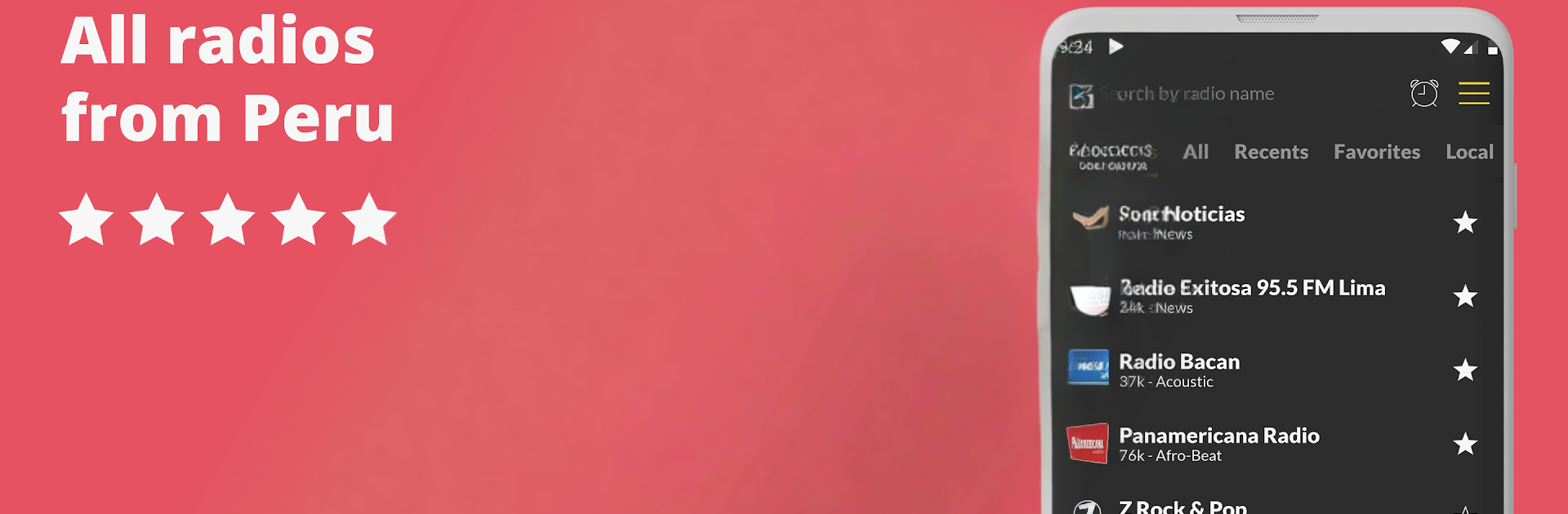
Radio Peru Free is basically a big doorway to Peruvian radio, all in one place, and it feels very straightforward to use. The home screen is clean and fast, so a person can jump into live stations without digging through menus. There is a huge mix here: news like RPP Noticias, hits from Studio92 and Radio Planeta, classics on Radio Magica, salsa and cumbia on Radiomar and La Kalle, rock on Doble Nueve, plus folk, boleros, jazz, even some k‑pop and 80s throwbacks. Someone can search by name with the little magnifying glass, save favorites, or just scroll until something catches the ear. It plays in the background while other apps are open, and there is a sleep timer for falling asleep to a station and an alarm that can wake with a favorite show. Chromecast support is handy for sending audio to a speaker, and Android Auto is there for car use. Calls do not break the app, it just pauses nicely.

On a PC with BlueStacks, browsing the long station list on a big screen feels easier, and it keeps streaming while working in other windows, so it acts like a desktop radio. The app covers FM, AM, and online stations, so it is not just the big Lima names. Sharing a station link with friends is quick, and it all works as long as there is Wi‑Fi or mobile data. It is simple radio done right, nothing too fancy, but it gets people listening fast.

Big screen. Bigger performance. Use BlueStacks on your PC or Mac to run your favorite apps.

How to Download and Run Radio Peru Free: Online and Live Radio on PC or Mac

  • Download and install BlueStacks on your PC or Mac

  • Complete Google sign-in to access the Play Store, or do it later

  • Look for Radio Peru Free: Online and Live Radio in the search bar at the top right corner

  • Click to install Radio Peru Free: Online and Live Radio from the search results

  • Complete Google sign-in (if you skipped step 2) to install Radio Peru Free: Online and Live Radio

  • Click the Radio Peru Free: Online and Live Radio icon on the home screen to start playing

video
Watch Video

Minimum System Requirements

With BlueStacks 5, you can get started on a PC that fulfills the following requirements.

  • Operating System

    Microsoft Windows 7 or above, macOS 11 (Big Sur) or above

  • Processor

    Intel, AMD or Apple Silicon Processor

  • RAM

    at least 4GB

  • HDD

    10GB Free Disk Space

Note:

* You must be an Administrator on your PC. Up to date graphics drivers from Microsoft or the chipset vendor.

Radio Peru Free: Online and Live Radio - FAQs

  • How to Run Radio Peru Free: Online and Live Radio on Windows PC & Mac?

    Run Radio Peru Free: Online and Live Radio on your PC or Mac by following these simple steps.

    • Click on ‘Download Radio Peru Free: Online and Live Radio on PC’ to download BlueStacks
    • Install it and log-in to Google Play Store
    • Launch and run the app.
  • Why is BlueStacks the fastest and safest platform to play games on PC?

    BlueStacks respects your privacy and is always safe and secure to use. It does not carry any malware, spyware, or any sort of additional software that could harm your PC.

    It is engineered to optimize speed and performance for a seamless gaming experience.

  • What are Radio Peru Free: Online and Live Radio PC requirements?

    Minimum requirement to run Radio Peru Free: Online and Live Radio on your PC

    • OS: Microsoft Windows 7 and above:
    • Processor: Intel or AMD Processor:
    • RAM: Your PC must have at least 2GB of RAM. (Note that having 2GB or more disk space is not a substitute for RAM):
    • HDD: 5GB Free Disk Space.
    • You must be an Administrator on your PC.




