
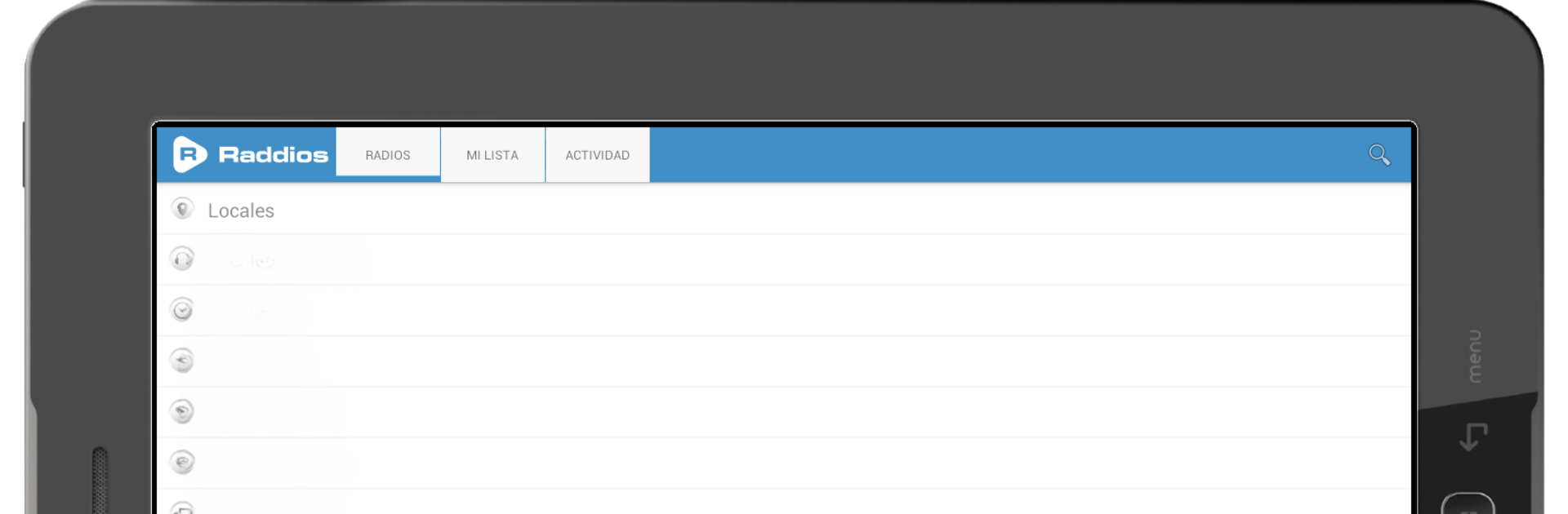
Radios Online by Raddios -  FM y AM

Radios Online by Raddios - FM y AM

Music & Audio

| Raddios

Play on PC with BlueStacks or from our cloud

  • Overview
  • How to Download

Page Modified On: August 19, 2025

Run Radios Online by Raddios - FM y AM on PC or Mac

Upgrade your experience. Try Radios Online by Raddios – FM y AM, the fantastic Music & Audio app from Raddios, from the comfort of your laptop, PC, or Mac, only on BlueStacks.

About the App

Radios Online by Raddios – FM y AM brings the entire world of radio right to your fingertips. If you love tuning in to music and talk shows from all over the globe (or just want your local station on quick dial), this app keeps things simple and lets you discover thousands of stations without any fuss. Whether you’re trying to set the vibe with your morning cup of coffee or relax at night with sounds from across the ocean, you’ll find plenty to listen to—any time, anywhere.

App Features

  • Instant Global Access
    Browse and play radio stations from every corner of the world with just a tap. It’s like having an international dial at your service—music, news, sports, you name it.

  • Handy Playback Navigation
    Didn’t catch the last song? Want to revisit another station? Easily switch back and forth between recently played radios for a smoother listening experience.

  • Track Name Display
    Curious about that catchy tune playing? If your station shares it, you’ll see what’s currently playing in real time.

  • Favorites List
    Save all your personal go-to stations in one custom list, so you’re always just seconds away from your favorite broadcasts.

  • Record Live Audio
    Found something worth saving? Hit record on any station and listen to those segments later, even offline.

  • Custom Streaming Addition
    Got a specific station’s stream? Add it in yourself and keep your lineup truly personal.

  • Sleep Timer
    Set a timer to automatically stop the radio. Perfect for drifting off to music or talk shows, and letting the app handle the rest.

  • Wake-Up Alarm
    Wake up with whatever radio station you love most. Start your mornings to news, jazz, pop, or anything else that gets you going.

  • Trending Radios Ranking
    Check out what’s popular—not just in your country, but all over the world. See stations ranked by votes, comments, and listens.

  • Community Perks
    Drop a comment, follow radio stations, and become part of a global radio-loving crowd.

You can enjoy all these features on your phone, though using BlueStacks gives you a smooth way to tune in from your PC, too. Forget complicated steps—just explore, customize, and create your own radio routine whenever the mood strikes.

Ready to experience Radios Online by Raddios – FM y AM on a bigger screen, in all its glory? Download BlueStacks now.


How to Download and Run Radios Online by Raddios - FM y AM on PC or Mac

  • Download and install BlueStacks on your PC or Mac

  • Complete Google sign-in to access the Play Store, or do it later

  • Look for Radios Online by Raddios - FM y AM in the search bar at the top right corner

  • Click to install Radios Online by Raddios - FM y AM from the search results

  • Complete Google sign-in (if you skipped step 2) to install Radios Online by Raddios - FM y AM

  • Click the Radios Online by Raddios - FM y AM icon on the home screen to start playing

video
Watch Video

Minimum System Requirements

With BlueStacks 5, you can get started on a PC that fulfills the following requirements.

  • Operating System

    Microsoft Windows 7 or above, macOS 11 (Big Sur) or above

  • Processor

    Intel, AMD or Apple Silicon Processor

  • RAM

    at least 4GB

  • HDD

    10GB Free Disk Space

Note:

* You must be an Administrator on your PC. Up to date graphics drivers from Microsoft or the chipset vendor.

Radios Online by Raddios - FM y AM - FAQs

  • How to Run Radios Online by Raddios - FM y AM on Windows PC & Mac?

    Run Radios Online by Raddios - FM y AM on your PC or Mac by following these simple steps.

    • Click on ‘Download Radios Online by Raddios - FM y AM on PC’ to download BlueStacks
    • Install it and log-in to Google Play Store
    • Launch and run the app.
  • Why is BlueStacks the fastest and safest platform to play games on PC?

    BlueStacks respects your privacy and is always safe and secure to use. It does not carry any malware, spyware, or any sort of additional software that could harm your PC.

    It is engineered to optimize speed and performance for a seamless gaming experience.

  • What are Radios Online by Raddios - FM y AM PC requirements?

    Minimum requirement to run Radios Online by Raddios - FM y AM on your PC

    • OS: Microsoft Windows 7 and above:
    • Processor: Intel or AMD Processor:
    • RAM: Your PC must have at least 2GB of RAM. (Note that having 2GB or more disk space is not a substitute for RAM):
    • HDD: 5GB Free Disk Space.
    • You must be an Administrator on your PC.



