
Rude Practice Pad - Drum Rudiments and Exercises

Rude Practice Pad - Drum Rudiments and Exercises

Music & Audio

| Skrivarna Software

Play on PC with BlueStacks or from our cloud

  • Overview
  • How to Download

Page Modified On: September 12, 2025

Run Rude Practice Pad - Drum Rudiments and Exercises on PC or Mac

What’s better than using Rude Practice Pad – Drum Rudiments and Exercises by Skrivarna Software? Well, try it on a big screen, on your PC or Mac, with BlueStacks to see the difference.

About the App

Rude Practice Pad – Drum Rudiments and Exercises is your go-to practice buddy for sticks-only work, whether you’re on a pad, kit, or marching snare. Built by Skrivarna Software, this Music & Audio app focuses on clean notation, rock-solid timing tools, and a no-fuss layout so you can just tap, play, and improve. Prefer a bigger screen? It runs nicely on BlueStacks as well.

App Features

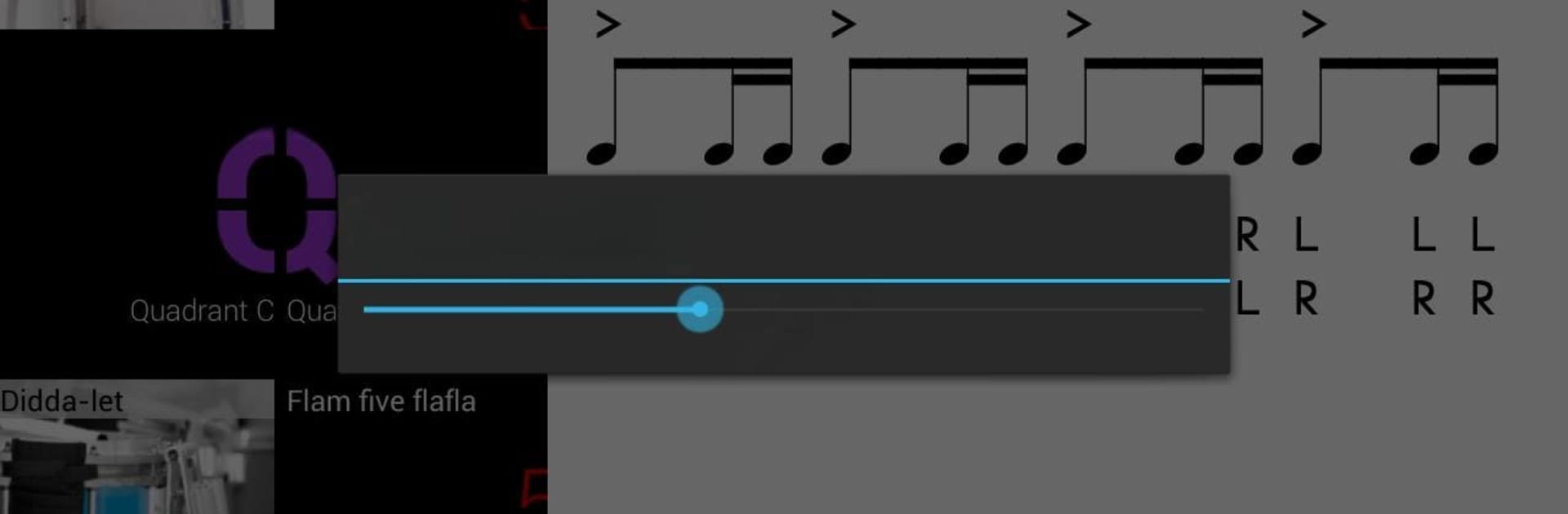
  • 40 PAS Rudiments: See and hear every official rudiment in PAS order, with clear notation and playback so you can check sticking and feel on the spot.
  • Hybrid Library: Explore 100 popular hybrid rudiments—great for drumline chops, creativity, and endurance.
  • Stick Control Classics: Work through 96 Stick Control exercises with audio guidance to tighten hands and symmetry.
  • Warm-Ups That Work: Tackle sequences like lifetime, pyramid, and stone killer to build speed, control, and consistency.
  • Real Drum Sound: Choose from different snare samples; the engine handles flams, diddles, and press rolls realistically.
  • Visual Play-Along: Follow a moving indicator synced to the built-in metronome to lock timing and subdivision.
  • Fast Navigation: Jump between rudiments, tempos, and lists quickly—no digging through menus when you’re mid-practice.
  • Smart Suggestions: Get ideas on what to practice next, including a handy Rudiment of the Day.
  • Flexible Sorting: Organize by essential, original, standard, quadrants, and more to structure your routine.
  • Accurate Metronome: Dial in tempos from 20–240 BPM with steady timing that doesn’t drift.
  • Share Your Material: Send patterns to yourself or bandmates and post to social apps straight from the app.
  • Learn as You Go: Access explanations and lesson videos for all 40 official rudiments when you want extra context.
  • Made for Mobile: Crisp, readable notation on phones and tablets, lightweight install, and works great offline.

Eager to take your app experience to the next level? Start right away by downloading BlueStacks on your PC or Mac.


How to Download and Run Rude Practice Pad - Drum Rudiments and Exercises on PC or Mac

  • Download and install BlueStacks on your PC or Mac

  • Complete Google sign-in to access the Play Store, or do it later

  • Look for Rude Practice Pad - Drum Rudiments and Exercises in the search bar at the top right corner

  • Click to install Rude Practice Pad - Drum Rudiments and Exercises from the search results

  • Complete Google sign-in (if you skipped step 2) to install Rude Practice Pad - Drum Rudiments and Exercises

  • Click the Rude Practice Pad - Drum Rudiments and Exercises icon on the home screen to start playing

video
Watch Video

Minimum System Requirements

With BlueStacks 5, you can get started on a PC that fulfills the following requirements.

  • Operating System

    Microsoft Windows 7 or above, macOS 11 (Big Sur) or above

  • Processor

    Intel, AMD or Apple Silicon Processor

  • RAM

    at least 4GB

  • HDD

    10GB Free Disk Space

Note:

* You must be an Administrator on your PC. Up to date graphics drivers from Microsoft or the chipset vendor.

Rude Practice Pad - Drum Rudiments and Exercises - FAQs

  • How to Run Rude Practice Pad - Drum Rudiments and Exercises on Windows PC & Mac?

    Run Rude Practice Pad - Drum Rudiments and Exercises on your PC or Mac by following these simple steps.

    • Click on ‘Download Rude Practice Pad - Drum Rudiments and Exercises on PC’ to download BlueStacks
    • Install it and log-in to Google Play Store
    • Launch and run the app.
  • Why is BlueStacks the fastest and safest platform to play games on PC?

    BlueStacks respects your privacy and is always safe and secure to use. It does not carry any malware, spyware, or any sort of additional software that could harm your PC.

    It is engineered to optimize speed and performance for a seamless gaming experience.

  • What are Rude Practice Pad - Drum Rudiments and Exercises PC requirements?

    Minimum requirement to run Rude Practice Pad - Drum Rudiments and Exercises on your PC

    • OS: Microsoft Windows 7 and above:
    • Processor: Intel or AMD Processor:
    • RAM: Your PC must have at least 2GB of RAM. (Note that having 2GB or more disk space is not a substitute for RAM):
    • HDD: 5GB Free Disk Space.
    • You must be an Administrator on your PC.



