

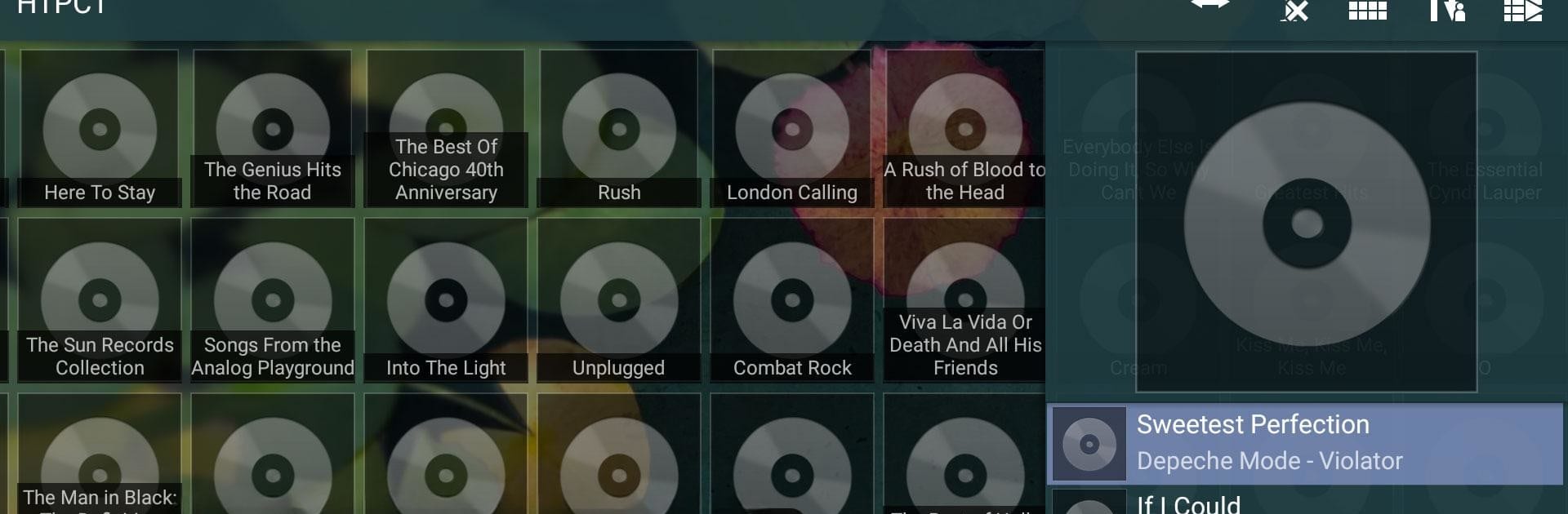


Get freedom from your phone’s obvious limitations. Use Squeeze Ctrl, made by angryGoat, a Music & Audio app on your PC or Mac with BlueStacks, and level up your experience.
About the App
Ever wish you could control your Squeezebox players from the comfort of your couch—without having to hunt down an elusive remote? Squeeze Ctrl lets you handle your whole Squeezebox system right from your Android device. Whether you’re juggling multiple servers or just want a quicker way to queue up your favorite album, this app’s designed to make it all fit right at your fingertips. Think of it as a slick Squeezebox Controller made for touch screens, with extra features sprinkled in for good measure.
App Features
-
Full Squeezebox Control
Manage nearly every feature you’d find on a regular Squeezebox Controller, including plugins and deep-dive context menus. Skipping songs, tweaking play queues, or exploring new music? Go for it—right from your phone or tablet. -
Quick List Loading
Hate waiting? The menus load incrementally, making it easy to speed through long lists of artists, albums, or whatever your library tosses at you. -
Flexible Server Options
Connects seamlessly with MySqueezebox.com or any Logitech Media Server, so it adapts to how you like to listen. -
Effortless Setup
The app automatically finds available servers—no need to tinker with settings just to get started. -
Personalized Touch
Want your living room player to have a different background than the one in your kitchen? Customize player backgrounds to reflect your style. -
Multi-Server Support
Got more than one server around the house? Squeeze Ctrl lets you flip between them, switching your players as needed. -
Notification Controls
Even if you’re busy in another app, mini controls in the notification area let you pause, skip, or play tracks in a snap. -
Direct Song Download
Want some tracks saved locally? Download songs from your server straight to your device with just a tap. -
Syncing Made Easy
Use the Player Manager to quickly sync or unsync your Squeezebox players—no extra steps needed. -
Custom Home Menu
Arrange your home menu however you like, so your favorite features are just a thumb away. -
Smartwatch and Wear Support
Control your tunes from your wrist with Pebble Smartwatch or Android Wear compatibility. -
Handy Widgets
Add widgets to your home or lock screen for instant access to playback controls. -
Tablet Mode
Got a larger screen, or prefer using BlueStacks? There’s a special tablet mode (available via a small in-app purchase) for an even better experience. -
Integrates with Tasker
Like to automate? You can trigger playback actions using Tasker for more hands-off control. -
Extra Features
Chromecast support (for Now Playing info), auto-pausing for incoming calls, support for docks—plus, it all comes in English or German.
With Squeeze Ctrl by angryGoat, handling your Music & Audio adventures just got way easier—wherever you listen.
Eager to take your app experience to the next level? Start right away by downloading BlueStacks on your PC or Mac.





