
Surah Rahman Audio
Surah Rahman Audio

Surah Rahman Audio

Music & Audio

| 123Muslim

Play on PC with BlueStacks or from our cloud

  • Overview
  • How to Download

Page Modified On: October 14, 2025

Run Surah Rahman Audio on PC or Mac

Why limit yourself to your small screen on the phone? Run Surah Rahman Audio, an app by 123Muslim, best experienced on your PC or Mac with BlueStacks, the world’s #1 Android emulator.

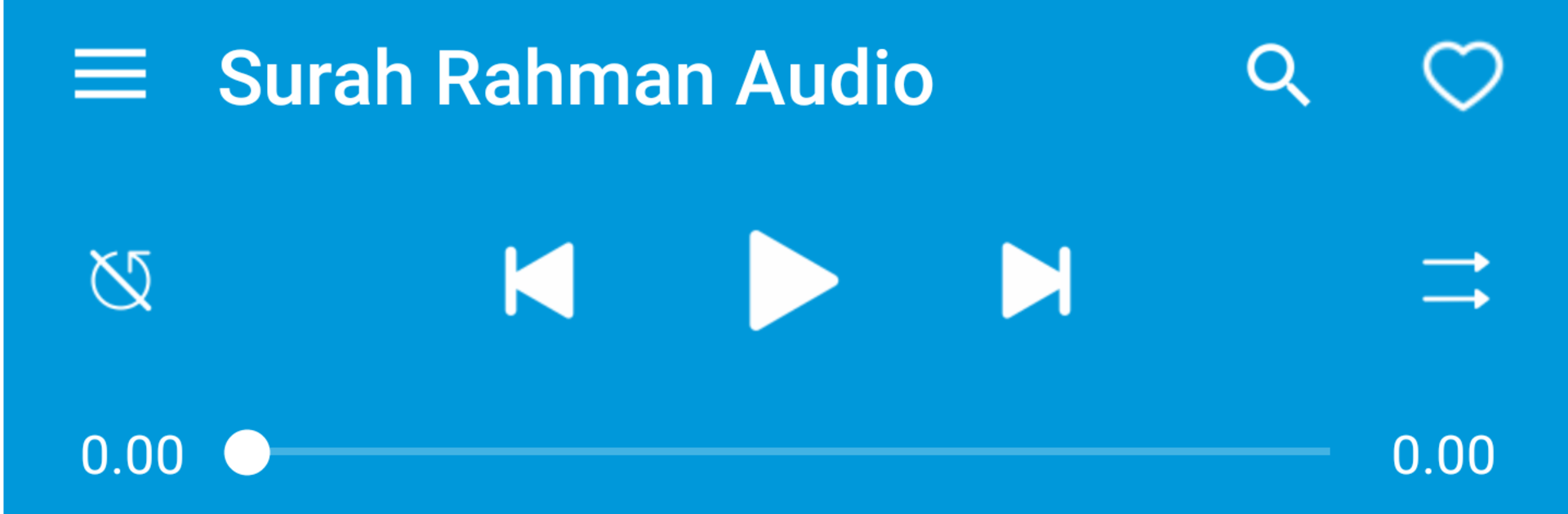
Surah Rahman Audio is very straightforward. It focuses on one thing, listening to Surah Ar Rahman, and does that cleanly without fuss. The app gives a few well known reciters to pick from, like Abdur Rahman as Sudays, Saad al Ghamidi, and Saud al Shuraim. There are also versions where the recitation comes together with English translation, or with Urdu or Hindi, so someone can follow the meaning while it plays. Everything is in simple mp3 audio, so it loads quick and sounds clear enough on regular speakers.

The layout feels like a tidy little player. Big play and pause, easy next and previous, and switching reciters is quick. No giant library to scroll through, because it is just Surah Rahman, which is kind of the point. That focus makes it calm to use, good for quiet listening, learning the verses, or just putting it on repeat during a study break. On a PC with BlueStacks, it runs like a light music app in a window, and the audio comes through desktop speakers nicely. It is easy to let it play while working or reading on the side. There is not much to tweak, no playlists or heavy settings, but someone who wants a clean recitation with optional translation will probably like that it stays out of the way.

Switch to BlueStacks and make the most of your apps on your PC or Mac.

How to Download and Run Surah Rahman Audio on PC or Mac

  • Download and install BlueStacks on your PC or Mac

  • Complete Google sign-in to access the Play Store, or do it later

  • Look for Surah Rahman Audio in the search bar at the top right corner

  • Click to install Surah Rahman Audio from the search results

  • Complete Google sign-in (if you skipped step 2) to install Surah Rahman Audio

  • Click the Surah Rahman Audio icon on the home screen to start playing

video
Watch Video

Minimum System Requirements

With BlueStacks 5, you can get started on a PC that fulfills the following requirements.

  • Operating System

    Microsoft Windows 7 or above, macOS 11 (Big Sur) or above

  • Processor

    Intel, AMD or Apple Silicon Processor

  • RAM

    at least 4GB

  • HDD

    10GB Free Disk Space

Note:

* You must be an Administrator on your PC. Up to date graphics drivers from Microsoft or the chipset vendor.

Surah Rahman Audio - FAQs

  • How to Run Surah Rahman Audio on Windows PC & Mac?

    Run Surah Rahman Audio on your PC or Mac by following these simple steps.

    • Click on ‘Download Surah Rahman Audio on PC’ to download BlueStacks
    • Install it and log-in to Google Play Store
    • Launch and run the app.
  • Why is BlueStacks the fastest and safest platform to play games on PC?

    BlueStacks respects your privacy and is always safe and secure to use. It does not carry any malware, spyware, or any sort of additional software that could harm your PC.

    It is engineered to optimize speed and performance for a seamless gaming experience.

  • What are Surah Rahman Audio PC requirements?

    Minimum requirement to run Surah Rahman Audio on your PC

    • OS: Microsoft Windows 7 and above:
    • Processor: Intel or AMD Processor:
    • RAM: Your PC must have at least 2GB of RAM. (Note that having 2GB or more disk space is not a substitute for RAM):
    • HDD: 5GB Free Disk Space.
    • You must be an Administrator on your PC.




