
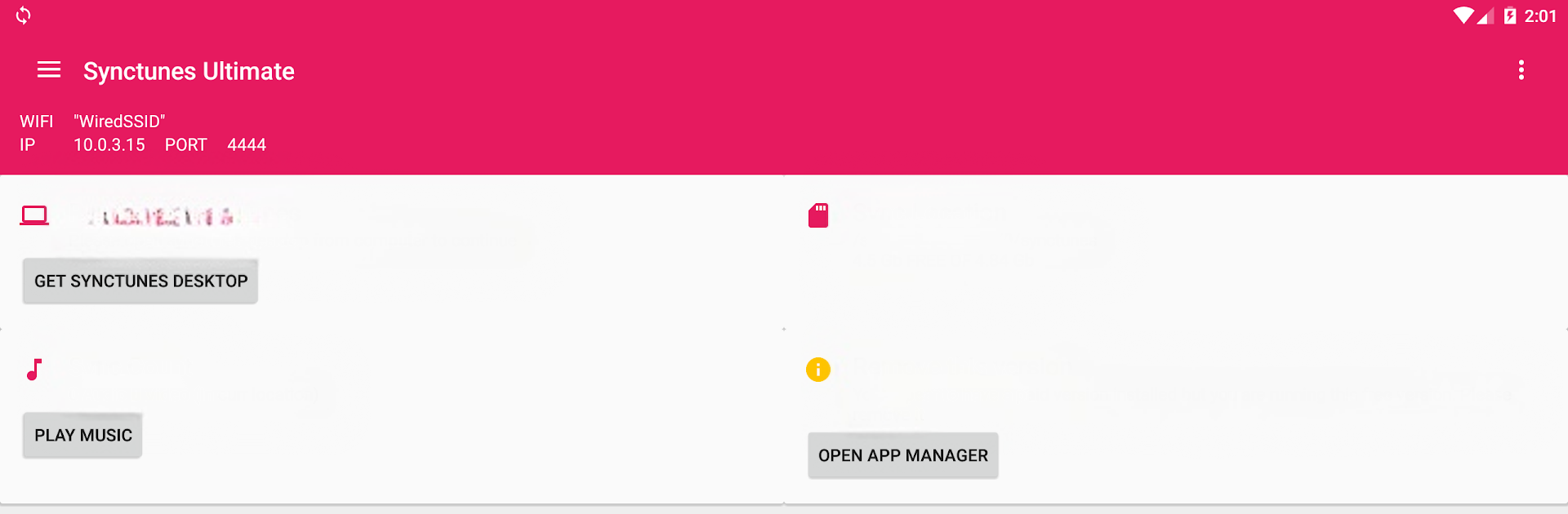
Sync iTunes to android Free

Sync iTunes to android Free

Music & Audio

| Heapsoft

Play on PC with BlueStacks or from our cloud

  • Overview
  • How to Download

Page Modified On: August 11, 2025

Run Sync iTunes to android Free on PC or Mac

Why limit yourself to your small screen on the phone? Run Sync iTunes to android Free, an app by Heapsoft, best experienced on your PC or Mac with BlueStacks, the world’s #1 Android emulator.

About the App

Ever wish your iTunes playlists could follow you onto your Android phone, without any headache? With Sync iTunes to android Free from Heapsoft, you can bring your entire music and podcast library over from your computer and keep it organized just how you like it. It keeps things simple—just sync and go, no fussing with cables or untangling tech jargon. Perfect if you’re looking for an easy way to keep your favorite tracks, podcasts, and videos handy wherever you are.

App Features

  • Wireless Transfers
    Ditch the cords! Move songs, playlists, podcasts, and videos (as long as they aren’t DRM-protected) straight from your iTunes library on your computer to your Android device using WiFi.

  • Playlist Perfection
    Not only can you bring over your playlists, but the app also keeps them in the same order you set up in iTunes—no need to reorganize.

  • Smart Syncs
    Already have a ton of songs on your phone? No worries—the app skips over any tracks you’ve already synced, so you don’t end up with doubles.

  • All the Details
    Sync iTunes to android Free brings along song info like album art with your music, keeping your collection looking sharp.

  • Storage Options
    Whether you like to keep everything on your internal storage or prefer an SD card, you get to choose where your music and videos go.

  • Auto-Detection of New Tunes
    Anytime you add new stuff to your iTunes library, the app spots it and will add it next time you run a sync—so you’re always up to date.

  • Sync Filters
    Want just your latest tracks, or maybe only shorter songs? You can filter by file size, length, date, and more before syncing.

  • Resume Where You Left Off
    Lost your connection halfway? The app picks up right where it stopped, so your transfers don’t get derailed.

  • Easy Setup
    You’ll just need a companion app on your PC or Mac to handle the transfer—set it up once and you’re good to go.

  • Organized Files
    Your music comes over neatly arranged in folders, making it simple to find what you want on your phone.

  • Runs on BlueStacks
    If you use BlueStacks, everything works just as smoothly so you can manage your library on your computer too.

BlueStacks brings your apps to life on a bigger screen—seamless and straightforward.

How to Download and Run Sync iTunes to android Free on PC or Mac

  • Download and install BlueStacks on your PC or Mac

  • Complete Google sign-in to access the Play Store, or do it later

  • Look for Sync iTunes to android Free in the search bar at the top right corner

  • Click to install Sync iTunes to android Free from the search results

  • Complete Google sign-in (if you skipped step 2) to install Sync iTunes to android Free

  • Click the Sync iTunes to android Free icon on the home screen to start playing

video
Watch Video

Minimum System Requirements

With BlueStacks 5, you can get started on a PC that fulfills the following requirements.

  • Operating System

    Microsoft Windows 7 or above, macOS 11 (Big Sur) or above

  • Processor

    Intel, AMD or Apple Silicon Processor

  • RAM

    at least 4GB

  • HDD

    10GB Free Disk Space

Note:

* You must be an Administrator on your PC. Up to date graphics drivers from Microsoft or the chipset vendor.

Sync iTunes to android Free - FAQs

  • How to Run Sync iTunes to android Free on Windows PC & Mac?

    Run Sync iTunes to android Free on your PC or Mac by following these simple steps.

    • Click on ‘Download Sync iTunes to android Free on PC’ to download BlueStacks
    • Install it and log-in to Google Play Store
    • Launch and run the app.
  • Why is BlueStacks the fastest and safest platform to play games on PC?

    BlueStacks respects your privacy and is always safe and secure to use. It does not carry any malware, spyware, or any sort of additional software that could harm your PC.

    It is engineered to optimize speed and performance for a seamless gaming experience.

  • What are Sync iTunes to android Free PC requirements?

    Minimum requirement to run Sync iTunes to android Free on your PC

    • OS: Microsoft Windows 7 and above:
    • Processor: Intel or AMD Processor:
    • RAM: Your PC must have at least 2GB of RAM. (Note that having 2GB or more disk space is not a substitute for RAM):
    • HDD: 5GB Free Disk Space.
    • You must be an Administrator on your PC.




