
台灣收音機 台灣電台 台灣廣播
台灣收音機 台灣電台 台灣廣播

台灣收音機 台灣電台 台灣廣播

Music & Audio

| EZLife Studio

Play on PC with BlueStacks or from our cloud

  • Overview
  • How to Download

Page Modified On: September 19, 2025

Run 台灣收音機 台灣電台 台灣廣播 on PC or Mac

Get freedom from your phone’s obvious limitations. Use 台灣收音機 台灣電台 台灣廣播, made by EZLife Studio, a Music & Audio app on your PC or Mac with BlueStacks, and level up your experience.

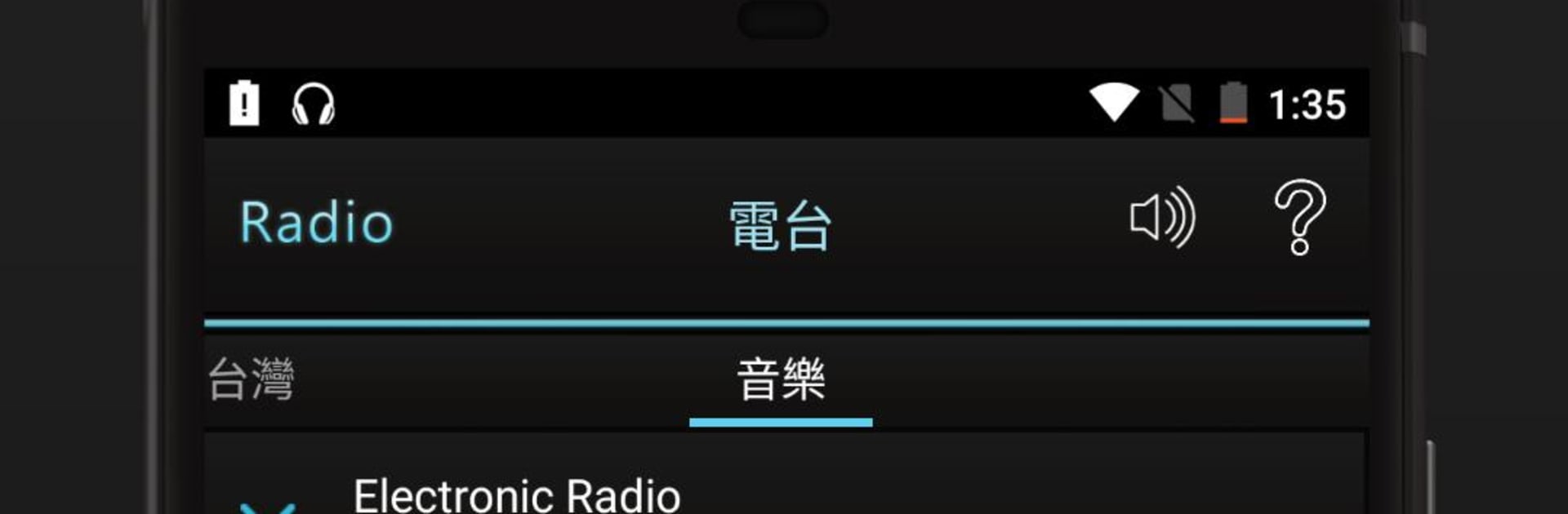
This is a straight-up Taiwan radio app that keeps things simple. It opens fast, the layout is clean, and the dark theme is easy on the eyes during late hours. Stations are laid out clearly so a user just taps and it starts playing, no clutter, no maze of menus. It feels more like a desk radio than an app, which is nice. On a PC with BlueStacks, it works like a background companion while someone works or studies, just sits there playing with no fuss.

What stands out is the little quality-of-life stuff. There is a record option, so a user can schedule a show and save it, then replay that good moment later. There is also a sleep timer for anyone who listens at night and wants it to switch off by itself. If a phone call comes in on mobile, it pauses by itself and resumes after, and it shows simple status notifications so nothing feels confusing. Favorites are easy to manage, and there is a bit of smart monitoring under the hood that tries to keep the stream from dropping, or get it back quickly when it does. It is great for flipping between news, talk, and music from Taiwan without fiddling. Nothing flashy, just reliable radio that does what people want, and stays out of the way.

Ready to experience 台灣收音機 台灣電台 台灣廣播 on a bigger screen, in all its glory? Download BlueStacks now.


How to Download and Run 台灣收音機 台灣電台 台灣廣播 on PC or Mac

  • Download and install BlueStacks on your PC or Mac

  • Complete Google sign-in to access the Play Store, or do it later

  • Look for 台灣收音機 台灣電台 台灣廣播 in the search bar at the top right corner

  • Click to install 台灣收音機 台灣電台 台灣廣播 from the search results

  • Complete Google sign-in (if you skipped step 2) to install 台灣收音機 台灣電台 台灣廣播

  • Click the 台灣收音機 台灣電台 台灣廣播 icon on the home screen to start playing

video
Watch Video

Minimum System Requirements

With BlueStacks 5, you can get started on a PC that fulfills the following requirements.

  • Operating System

    Microsoft Windows 7 or above, macOS 11 (Big Sur) or above

  • Processor

    Intel, AMD or Apple Silicon Processor

  • RAM

    at least 4GB

  • HDD

    10GB Free Disk Space

Note:

* You must be an Administrator on your PC. Up to date graphics drivers from Microsoft or the chipset vendor.

台灣收音機 台灣電台 台灣廣播 - FAQs

  • How to Run 台灣收音機 台灣電台 台灣廣播 on Windows PC & Mac?

    Run 台灣收音機 台灣電台 台灣廣播 on your PC or Mac by following these simple steps.

    • Click on ‘Download 台灣收音機 台灣電台 台灣廣播 on PC’ to download BlueStacks
    • Install it and log-in to Google Play Store
    • Launch and run the app.
  • Why is BlueStacks the fastest and safest platform to play games on PC?

    BlueStacks respects your privacy and is always safe and secure to use. It does not carry any malware, spyware, or any sort of additional software that could harm your PC.

    It is engineered to optimize speed and performance for a seamless gaming experience.

  • What are 台灣收音機 台灣電台 台灣廣播 PC requirements?

    Minimum requirement to run 台灣收音機 台灣電台 台灣廣播 on your PC

    • OS: Microsoft Windows 7 and above:
    • Processor: Intel or AMD Processor:
    • RAM: Your PC must have at least 2GB of RAM. (Note that having 2GB or more disk space is not a substitute for RAM):
    • HDD: 5GB Free Disk Space.
    • You must be an Administrator on your PC.



