
TimeSquare - the app store for festival apps.

TimeSquare - the app store for festival apps.

Music & Audio

| Zooma

Play on PC with BlueStacks or from our cloud

  • Overview
  • How to Download

Page Modified On: November 10, 2025

Run TimeSquare - the app store for festival apps. on PC or Mac

Multitask effortlessly on your PC or Mac as you try out TimeSquare – the app store for festival apps., a Music & Audio app by Zooma on BlueStacks.

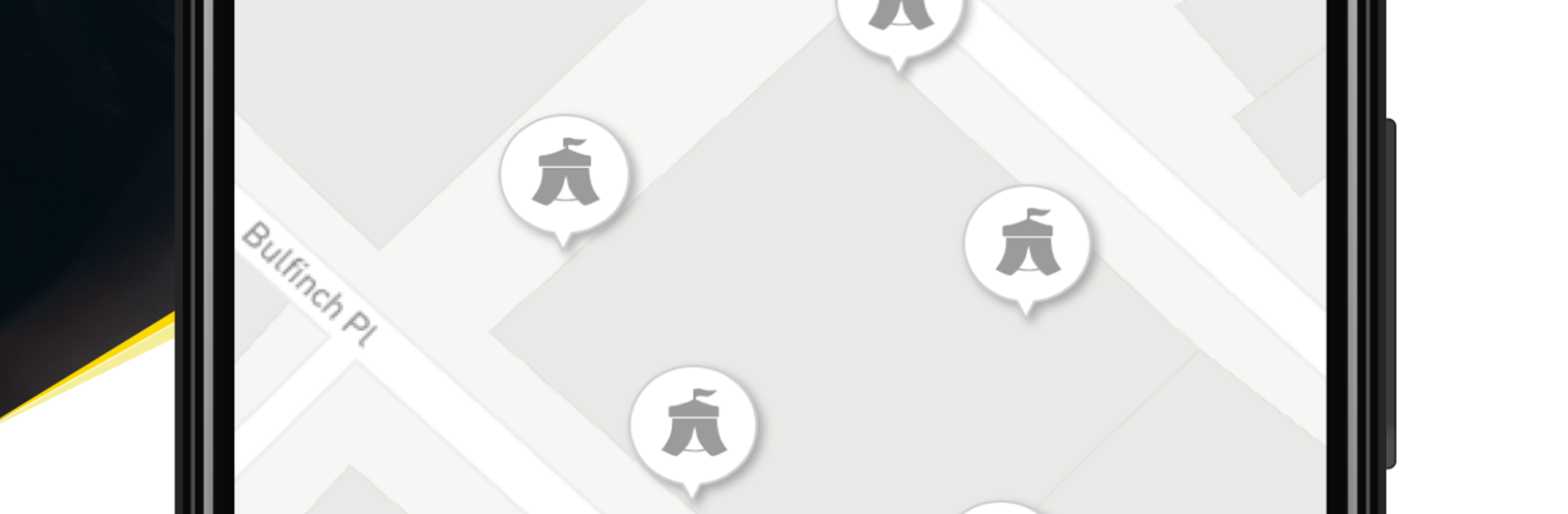
TimeSquare feels like a central hub for festivals and venue apps, so there is no need to install a separate app for every event. Open it, pick a festival, and it switches into that festival’s mini app with its own look. The essentials are all there without fuss: full lineups, day and stage timetables, news updates, artist previews through YouTube and Spotify, and an interactive map that actually helps when trying to figure out where the next stage is. The alert system is handy too, since it nudges about set times or last minute changes, and it does not spam if notifications are trimmed.

On a PC with BlueStacks it runs smooth and feels easier to plan with. The schedule is clearer on a big screen, clicking through artists is quick, and the maps are way easier to read. Favoriting acts to build a simple plan takes a few taps, then the app keeps that list front and center. It also keeps event data available after it loads, so spotty reception at a venue is less of a headache. The catalog ranges from well known names like Roadburn, Motel Mozaique, Into The Great Wide Open, Record Store Day, and Welcome To The Village, to other venues and events, all in one place. Simple idea, but very practical when festival season gets messy.

Ready to experience TimeSquare – the app store for festival apps. on a bigger screen, in all its glory? Download BlueStacks now.


How to Download and Run TimeSquare - the app store for festival apps. on PC or Mac

  • Download and install BlueStacks on your PC or Mac

  • Complete Google sign-in to access the Play Store, or do it later

  • Look for TimeSquare - the app store for festival apps. in the search bar at the top right corner

  • Click to install TimeSquare - the app store for festival apps. from the search results

  • Complete Google sign-in (if you skipped step 2) to install TimeSquare - the app store for festival apps.

  • Click the TimeSquare - the app store for festival apps. icon on the home screen to start playing

video
Watch Video

Minimum System Requirements

With BlueStacks 5, you can get started on a PC that fulfills the following requirements.

  • Operating System

    Microsoft Windows 7 or above, macOS 11 (Big Sur) or above

  • Processor

    Intel, AMD or Apple Silicon Processor

  • RAM

    at least 4GB

  • HDD

    10GB Free Disk Space

Note:

* You must be an Administrator on your PC. Up to date graphics drivers from Microsoft or the chipset vendor.

TimeSquare - the app store for festival apps. - FAQs

  • How to Run TimeSquare - the app store for festival apps. on Windows PC & Mac?

    Run TimeSquare - the app store for festival apps. on your PC or Mac by following these simple steps.

    • Click on ‘Download TimeSquare - the app store for festival apps. on PC’ to download BlueStacks
    • Install it and log-in to Google Play Store
    • Launch and run the app.
  • Why is BlueStacks the fastest and safest platform to play games on PC?

    BlueStacks respects your privacy and is always safe and secure to use. It does not carry any malware, spyware, or any sort of additional software that could harm your PC.

    It is engineered to optimize speed and performance for a seamless gaming experience.

  • What are TimeSquare - the app store for festival apps. PC requirements?

    Minimum requirement to run TimeSquare - the app store for festival apps. on your PC

    • OS: Microsoft Windows 7 and above:
    • Processor: Intel or AMD Processor:
    • RAM: Your PC must have at least 2GB of RAM. (Note that having 2GB or more disk space is not a substitute for RAM):
    • HDD: 5GB Free Disk Space.
    • You must be an Administrator on your PC.



