
Tully
Tully

Tully

Music & Audio

| Vertical Craft

Play on PC with BlueStacks or from our cloud

  • Overview
  • How to Download

Page Modified On: December 15, 2025

Run Tully on PC or Mac

Get freedom from your phone’s obvious limitations. Use Tully, made by Vertical Craft, a Music & Audio app on your PC or Mac with BlueStacks, and level up your experience.

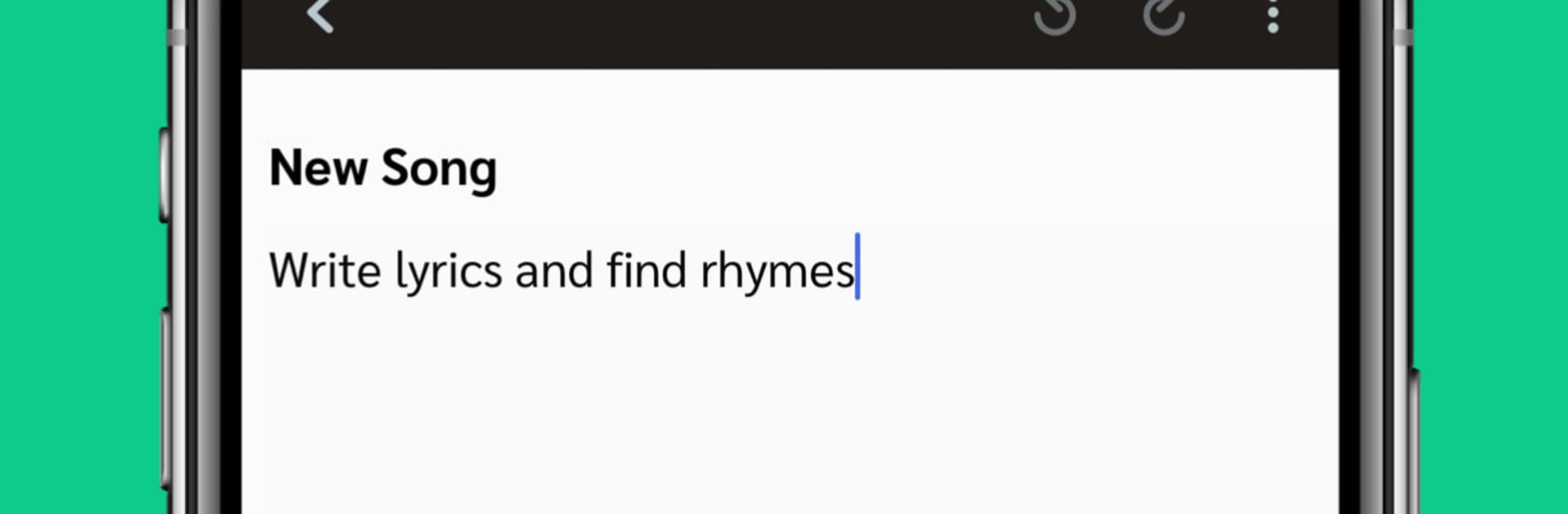
Tully feels like a small studio that fits inside one app. It gives artists a place to write lyrics while a track loops, with a rhyme helper that pops up when the right word is just not landing. There are some free beats to sketch with, plus the option to bring in personal audio. Hitting record for a quick idea is easy, and users can layer takes and try rough mixes without leaving the project. Everything saves to a secure cloud locker, so masters and drafts are not floating around in random folders. On a PC with BlueStacks, the bigger screen and a real keyboard make lyric writing and file naming a lot less fussy, and switching between sections feels smoother.

What stands out is that it handles the boring but important parts too. There are simple split sheets and contract templates, metadata tools for files, and a way to track where audio lives. When a track is ready, distribution to the major streaming platforms is built in, so the jump from demo to release does not feel like a whole new job. Collaboration is straightforward, share a project and someone else can add notes or their own take. There are occasional opportunities tied to known artists, which some will love, though nothing is guaranteed. The app is subscription based, roughly ten bucks a month, and the tradeoff is fewer separate apps to juggle. It is focused, tidy, and helps keep writing, recording, and release tasks in one place, even if the layout takes a day to get used to.

BlueStacks gives you the much-needed freedom to experience your favorite apps on a bigger screen. Get it now.


How to Download and Run Tully on PC or Mac

  • Download and install BlueStacks on your PC or Mac

  • Complete Google sign-in to access the Play Store, or do it later

  • Look for Tully in the search bar at the top right corner

  • Click to install Tully from the search results

  • Complete Google sign-in (if you skipped step 2) to install Tully

  • Click the Tully icon on the home screen to start playing

video
Watch Video

Minimum System Requirements

With BlueStacks 5, you can get started on a PC that fulfills the following requirements.

  • Operating System

    Microsoft Windows 7 or above, macOS 11 (Big Sur) or above

  • Processor

    Intel, AMD or Apple Silicon Processor

  • RAM

    at least 4GB

  • HDD

    10GB Free Disk Space

Note:

* You must be an Administrator on your PC. Up to date graphics drivers from Microsoft or the chipset vendor.

Tully - FAQs

  • How to Run Tully on Windows PC & Mac?

    Run Tully on your PC or Mac by following these simple steps.

    • Click on ‘Download Tully on PC’ to download BlueStacks
    • Install it and log-in to Google Play Store
    • Launch and run the app.
  • Why is BlueStacks the fastest and safest platform to play games on PC?

    BlueStacks respects your privacy and is always safe and secure to use. It does not carry any malware, spyware, or any sort of additional software that could harm your PC.

    It is engineered to optimize speed and performance for a seamless gaming experience.

  • What are Tully PC requirements?

    Minimum requirement to run Tully on your PC

    • OS: Microsoft Windows 7 and above:
    • Processor: Intel or AMD Processor:
    • RAM: Your PC must have at least 2GB of RAM. (Note that having 2GB or more disk space is not a substitute for RAM):
    • HDD: 5GB Free Disk Space.
    • You must be an Administrator on your PC.



