
UltraVox Pro
UltraVox Pro

UltraVox Pro

Music & Audio

| BIG BEARD Studios

Play on PC with BlueStacks or from our cloud

  • Overview
  • How to Download

Page Modified On: November 28, 2025

Run UltraVox Pro on PC or Mac

Let BlueStacks turn your PC, Mac, or laptop into the perfect home for UltraVox Pro, a fun Music & Audio app from BIG BEARD Studios.

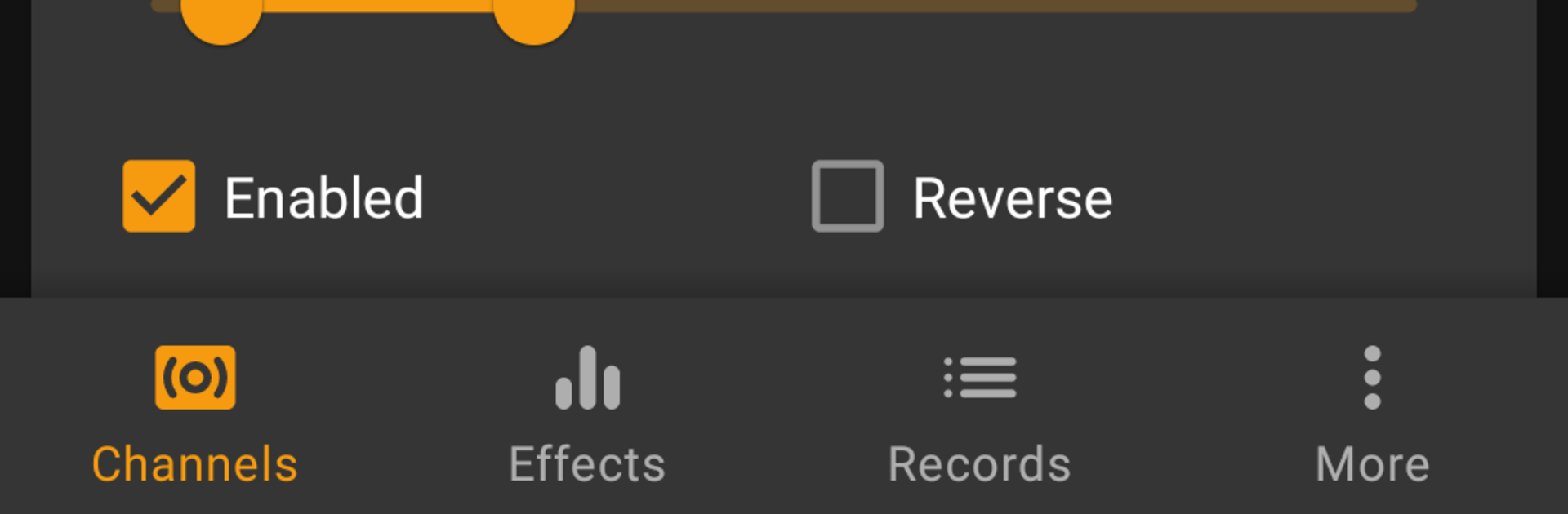
UltraVox Pro feels more like a serious audio lab than a typical phone app, and on a PC with BlueStacks it is easier to poke around all the knobs and sliders without fat thumbs getting in the way. It is built for ITC and EVP work, so everything is about live recording and shaping the noise you feed into a session. The cool hook is the custom sound banks. Someone can load their own audio files and turn them into banks, as many as they want, then let the app scan across four channels with their own timing. Each channel can be flipped forward or backward, muted, or pushed harder, so it becomes this layered collage that can get very specific if they like to tweak.

There is a built in noise generator for white, pink, and similar textures, plus echo controls for volume and delay, a proper reverb with presets, and a graphic EQ that saves time when dialing in a tone. Recording options are not a joke either. WAV, FLAC, or AAC, with sample rates that range from very low to 96 kHz, built in playback, and a mic gain slider so levels are not peaking. It is not a fire it up and go toy. It rewards slower, methodical sessions, and people who enjoy experimenting will get the most out of it. On BlueStacks it runs steady, and the bigger screen makes scanning settings and bank management way less fiddly. If someone used EchoVox before, this feels like the more grown up, more controllable follow up.

BlueStacks gives you the much-needed freedom to experience your favorite apps on a bigger screen. Get it now.


How to Download and Run UltraVox Pro on PC or Mac

  • Download and install BlueStacks on your PC or Mac

  • Complete Google sign-in to access the Play Store, or do it later

  • Look for UltraVox Pro in the search bar at the top right corner

  • Click to install UltraVox Pro from the search results

  • Complete Google sign-in (if you skipped step 2) to install UltraVox Pro

  • Click the UltraVox Pro icon on the home screen to start playing

video
Watch Video

Minimum System Requirements

With BlueStacks 5, you can get started on a PC that fulfills the following requirements.

  • Operating System

    Microsoft Windows 7 or above, macOS 11 (Big Sur) or above

  • Processor

    Intel, AMD or Apple Silicon Processor

  • RAM

    at least 4GB

  • HDD

    10GB Free Disk Space

Note:

* You must be an Administrator on your PC. Up to date graphics drivers from Microsoft or the chipset vendor.

UltraVox Pro - FAQs

  • How to Run UltraVox Pro on Windows PC & Mac?

    Run UltraVox Pro on your PC or Mac by following these simple steps.

    • Click on ‘Download UltraVox Pro on PC’ to download BlueStacks
    • Install it and log-in to Google Play Store
    • Launch and run the app.
  • Why is BlueStacks the fastest and safest platform to play games on PC?

    BlueStacks respects your privacy and is always safe and secure to use. It does not carry any malware, spyware, or any sort of additional software that could harm your PC.

    It is engineered to optimize speed and performance for a seamless gaming experience.

  • What are UltraVox Pro PC requirements?

    Minimum requirement to run UltraVox Pro on your PC

    • OS: Microsoft Windows 7 and above:
    • Processor: Intel or AMD Processor:
    • RAM: Your PC must have at least 2GB of RAM. (Note that having 2GB or more disk space is not a substitute for RAM):
    • HDD: 5GB Free Disk Space.
    • You must be an Administrator on your PC.



