
Volume Booster - Sound Speaker

Volume Booster - Sound Speaker

Music & Audio

| iMediaStar

Play on PC with BlueStacks or from our cloud

  • Overview
  • How to Download

Page Modified On: November 10, 2025

Run Volume Booster - Sound Speaker on PC or Mac

Let BlueStacks turn your PC, Mac, or laptop into the perfect home for Volume Booster – Sound Speaker, a fun Music & Audio app from iMediaStar.

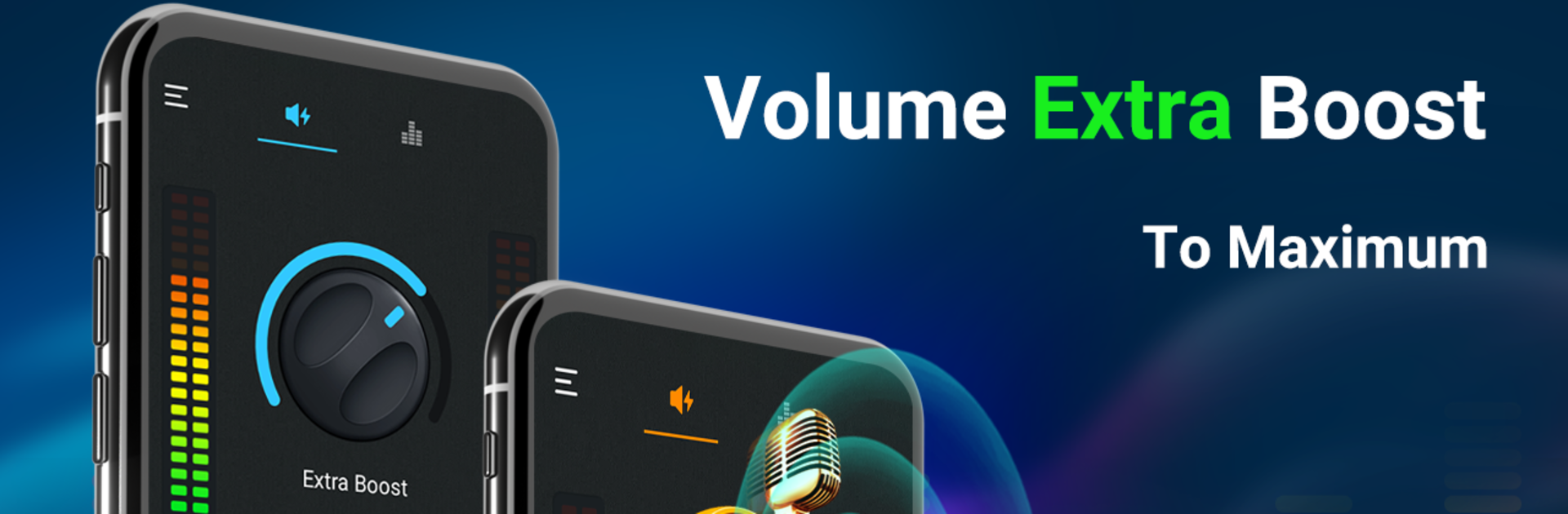
Volume Booster – Sound Speaker feels like a straight shot for anyone who thinks their device is just too quiet. On a PC through BlueStacks, the interface is roomy and easy to tweak with a mouse, so sliding the volume, bass, and equalizer settings feels more precise. It pushes volume past the usual system limit and works across music, videos, games, audiobooks, even with headphones, Bluetooth speakers, or whatever speakers are plugged in. There is a bass boost that adds some real thump, a 3D virtualizer and stereo widening that make older tracks feel a bit fresher, and an equalizer that can be simple or detailed. Five bands for quick fixes, or ten bands on newer Android builds with the usual frequency points like 31 Hz up to 16 kHz. Presets cover the common stuff like Rock, Jazz, Pop, Hip Hop, or just leave it Flat.

What stands out is that it keeps the sound tweaks active in the background. There is a small notification and widgets so the user can nudge volume or skip tracks without opening the app again. It shows a colorful spectrum so the changes feel visible, not just audible. It does not need root, and it will run quietly while movies play. It can get dangerously loud if pushed too far, and distortion is possible on tiny speakers, so stepping up in small bumps is smarter. Results still depend on the headphones or desktop speakers being used, but for quick loudness and clearer tone, it gets the job done.

Eager to take your app experience to the next level? Start right away by downloading BlueStacks on your PC or Mac.


How to Download and Run Volume Booster - Sound Speaker on PC or Mac

  • Download and install BlueStacks on your PC or Mac

  • Complete Google sign-in to access the Play Store, or do it later

  • Look for Volume Booster - Sound Speaker in the search bar at the top right corner

  • Click to install Volume Booster - Sound Speaker from the search results

  • Complete Google sign-in (if you skipped step 2) to install Volume Booster - Sound Speaker

  • Click the Volume Booster - Sound Speaker icon on the home screen to start playing

video
Watch Video

Minimum System Requirements

With BlueStacks 5, you can get started on a PC that fulfills the following requirements.

  • Operating System

    Microsoft Windows 7 or above, macOS 11 (Big Sur) or above

  • Processor

    Intel, AMD or Apple Silicon Processor

  • RAM

    at least 4GB

  • HDD

    10GB Free Disk Space

Note:

* You must be an Administrator on your PC. Up to date graphics drivers from Microsoft or the chipset vendor.

Volume Booster - Sound Speaker - FAQs

  • How to Run Volume Booster - Sound Speaker on Windows PC & Mac?

    Run Volume Booster - Sound Speaker on your PC or Mac by following these simple steps.

    • Click on ‘Download Volume Booster - Sound Speaker on PC’ to download BlueStacks
    • Install it and log-in to Google Play Store
    • Launch and run the app.
  • Why is BlueStacks the fastest and safest platform to play games on PC?

    BlueStacks respects your privacy and is always safe and secure to use. It does not carry any malware, spyware, or any sort of additional software that could harm your PC.

    It is engineered to optimize speed and performance for a seamless gaming experience.

  • What are Volume Booster - Sound Speaker PC requirements?

    Minimum requirement to run Volume Booster - Sound Speaker on your PC

    • OS: Microsoft Windows 7 and above:
    • Processor: Intel or AMD Processor:
    • RAM: Your PC must have at least 2GB of RAM. (Note that having 2GB or more disk space is not a substitute for RAM):
    • HDD: 5GB Free Disk Space.
    • You must be an Administrator on your PC.



